Garmin GPSMAP 695/696 Owner’s Manual
190-00919-00 Rev. G
144
Hazard Avoidance
OverviewGPS NavigationFlight PlanningHazard AvoidanceAdditional FeaturesAppendicesIndex
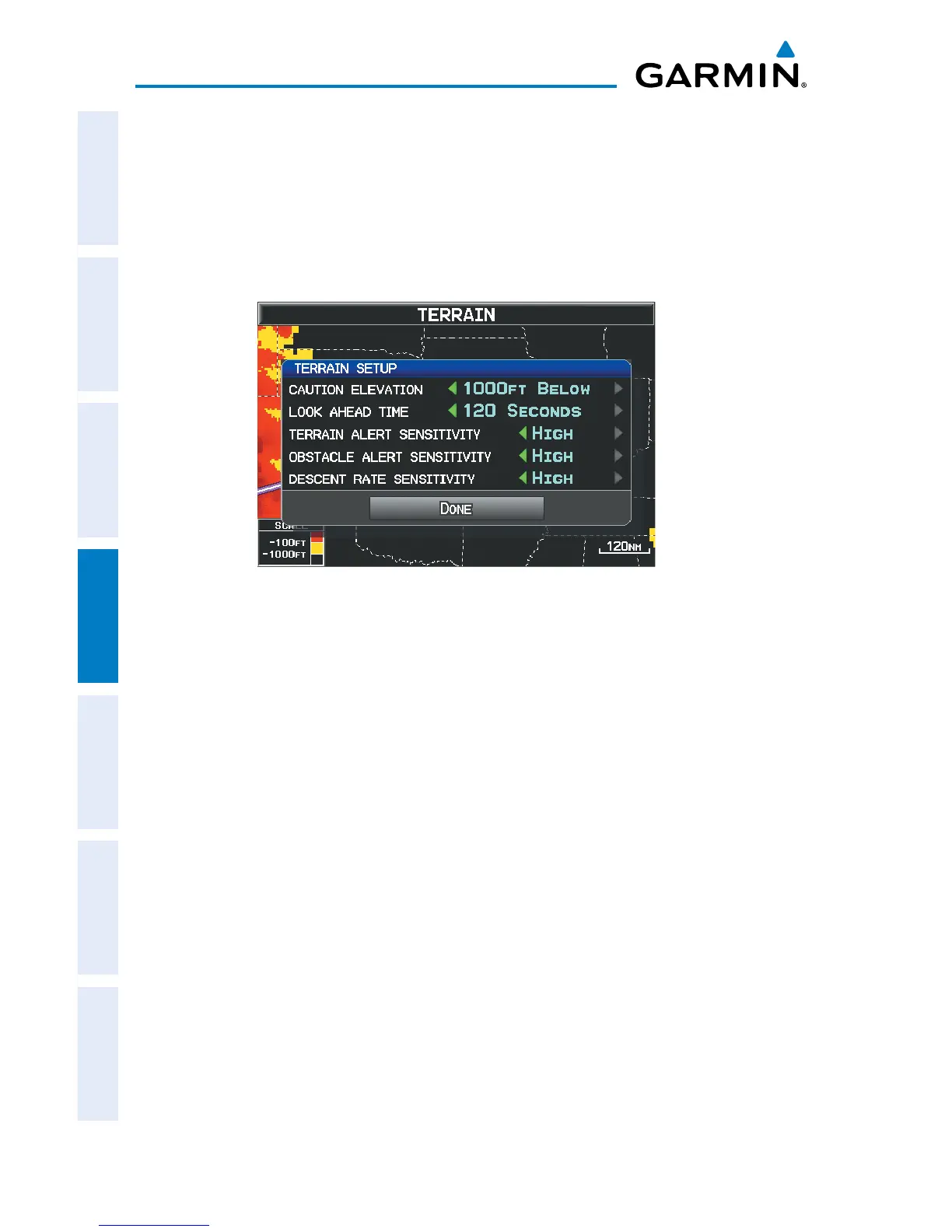
Accessing the terrain settings:
1)
On the Terrain Page, press the SETTINGS Softkey.
2)
Move the FMS Joystick to highlight the desired field.
3)
Turn the FMS Joystick to make changes to the highlighted field.
4)
With ‘Done’ highlighted press the ENT Key, or press the CLR Key to accept
the changes and exit the Terrain Setup window.
Terrain Setup














 To Next Page