Garmin GPSMAP 695/696 Owner’s Manual
190-00919-00 Rev. G
Appendix D
218
OverviewGPS NavigationFlight PlanningHazard AvoidanceAdditional FeaturesAppendicesIndex
NOTE:
If the GDL 39 RxB (white/orange wire) is not needed in a serial-pass
through installation, it should be grounded.
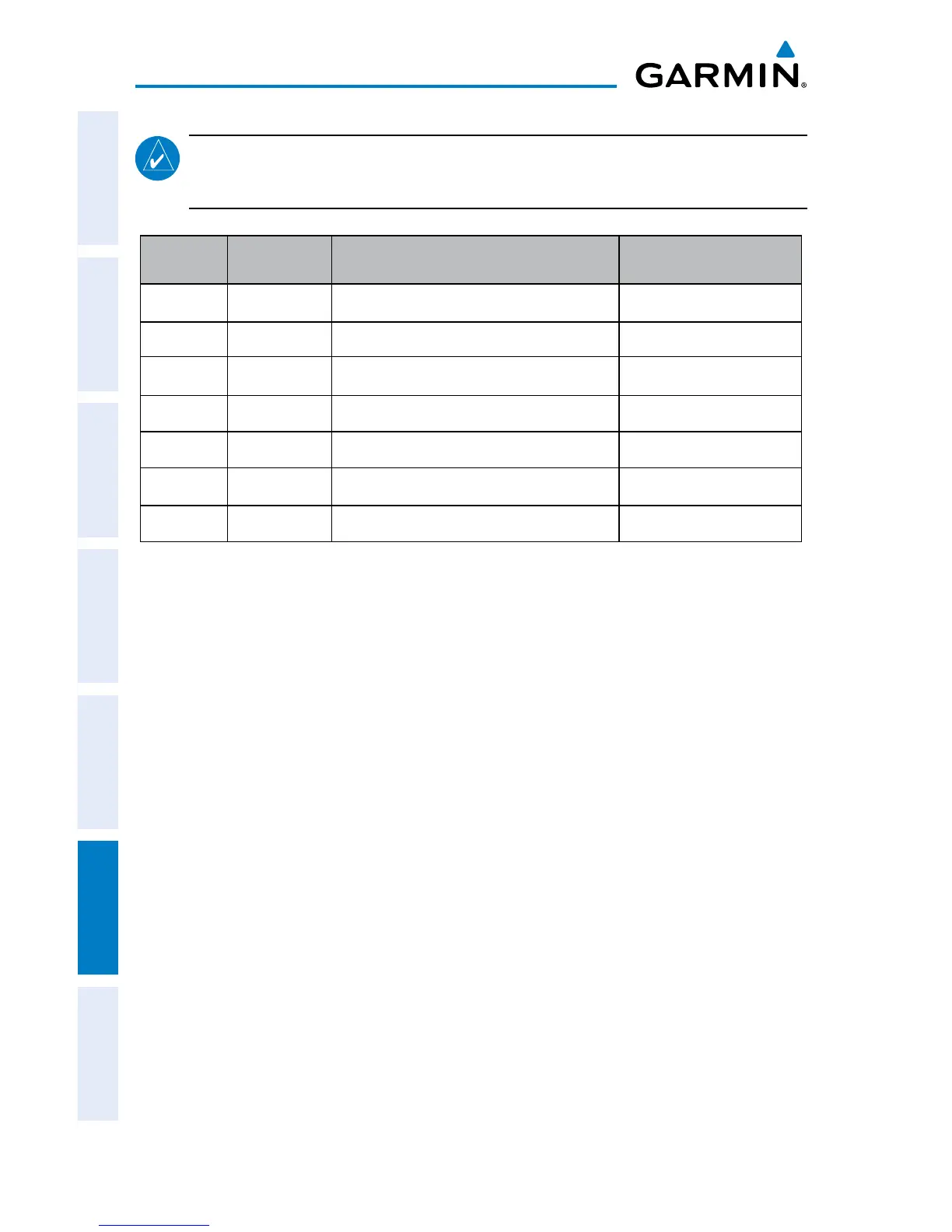
PIN # Direction Description Wire Color
1 IN Voltage Supply Input Red
6 GND Black
10 IN Serial RxA (GDL39 IN) White/Green
11 OUT Serial TxA (GDL39 OUT) Green
12 IN Discrete Input Gray
13 IN Serial RxB (GDL39 IN) White/Orange
14 OUT Serial TxB (GDL39 OUT) Orange
GDL 39 Bare Wire Cable Pinout (18Pin)
tis-A interfAce setUp
Configuring TIS-A input:
1)
Press the MENU Key twice to select the Main Menu.
2)
Turn or move the FMS Joystick to select ‘System Setup’, and press the ENT
Key.
3)
Turn or move the FMS Joystick to select ‘Interface’, and press the ENT Key.
4)
With the ‘Serial Data Format’ field highlighted, turn the FMS Joystick to
select ‘TIS-A In’
or GTX TIS-A In/NMEA & VHF Out
.
The TIS-A Status field indicates one of the following messages:
• WaitingForData—searchingforavalidTIS-Adatastream.
• DataAvailable—receivingTIS-Adatafromthetransponder.
• DataUnavailable—connectiontotransponderestablished,butTIS-Aserviceis
unavailable.
• LostConnection—anerroroccurredortheconnectiontothetransponderwas
lost.














 To Next Page