100 232003110G (03)
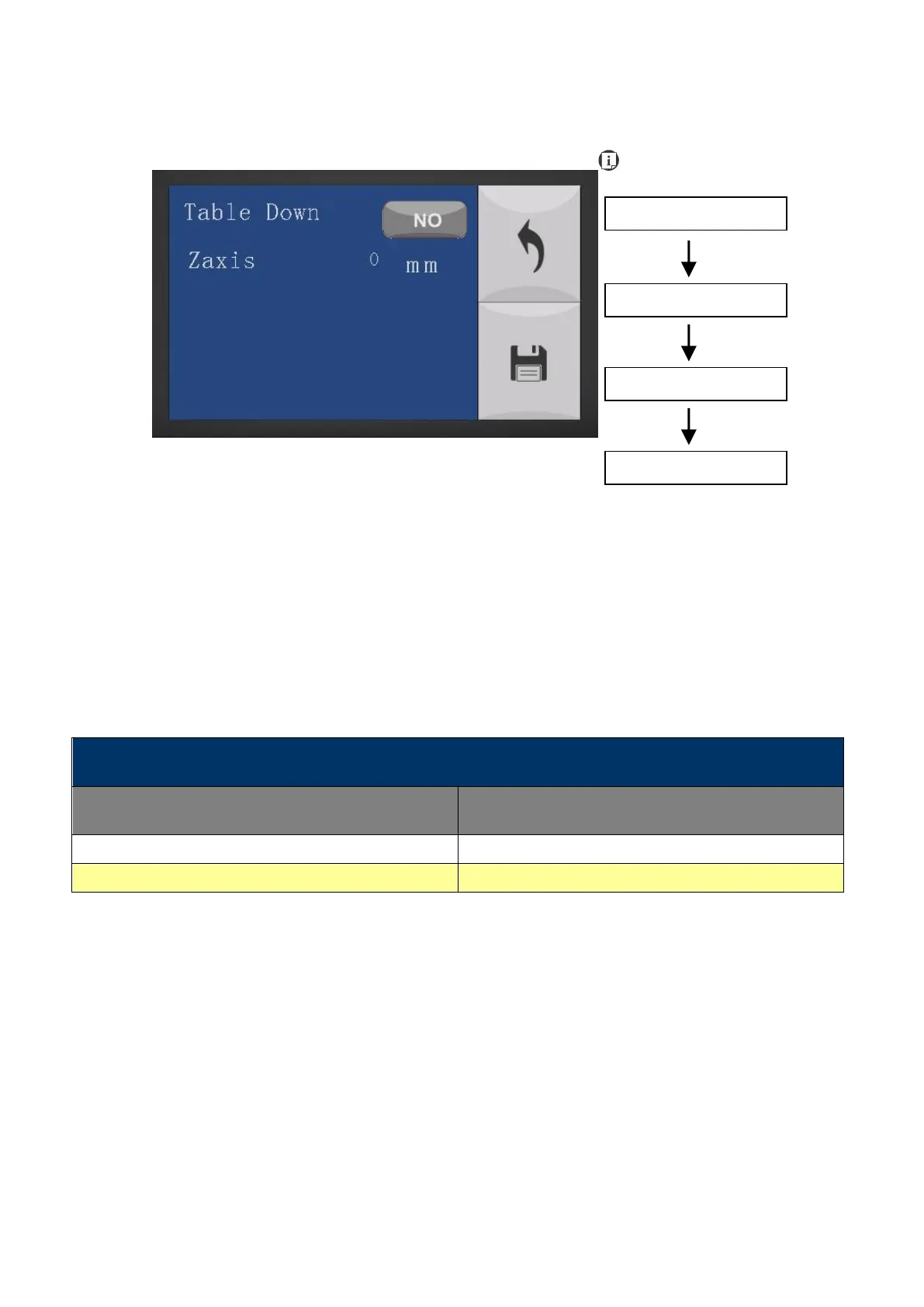
Machine Setting- Table Down Page
The Set Table Down Page allows you to select whether or not the LaserPro S400 displays a table
moving down warning message at startup. If the Table Down selection is set to <YES>, the
LaserPro S400 will display a warning message at startup stating: “Table will move down and
remove objects on table”. Pressing the Enter key at this point will confirm the prompt to move the
work table to its lowest position. If the Table Down is set to <NO>, the LaserPro S400 will not
display the warning message at system startup.
• Table Down: YES/ NO
• Distance: 0 - 165 mm (165mm for S400, S400 mode, and 177mm for S400 Hybrid mode)
Save your current settings



 To Next Page