99 232003110G (03)
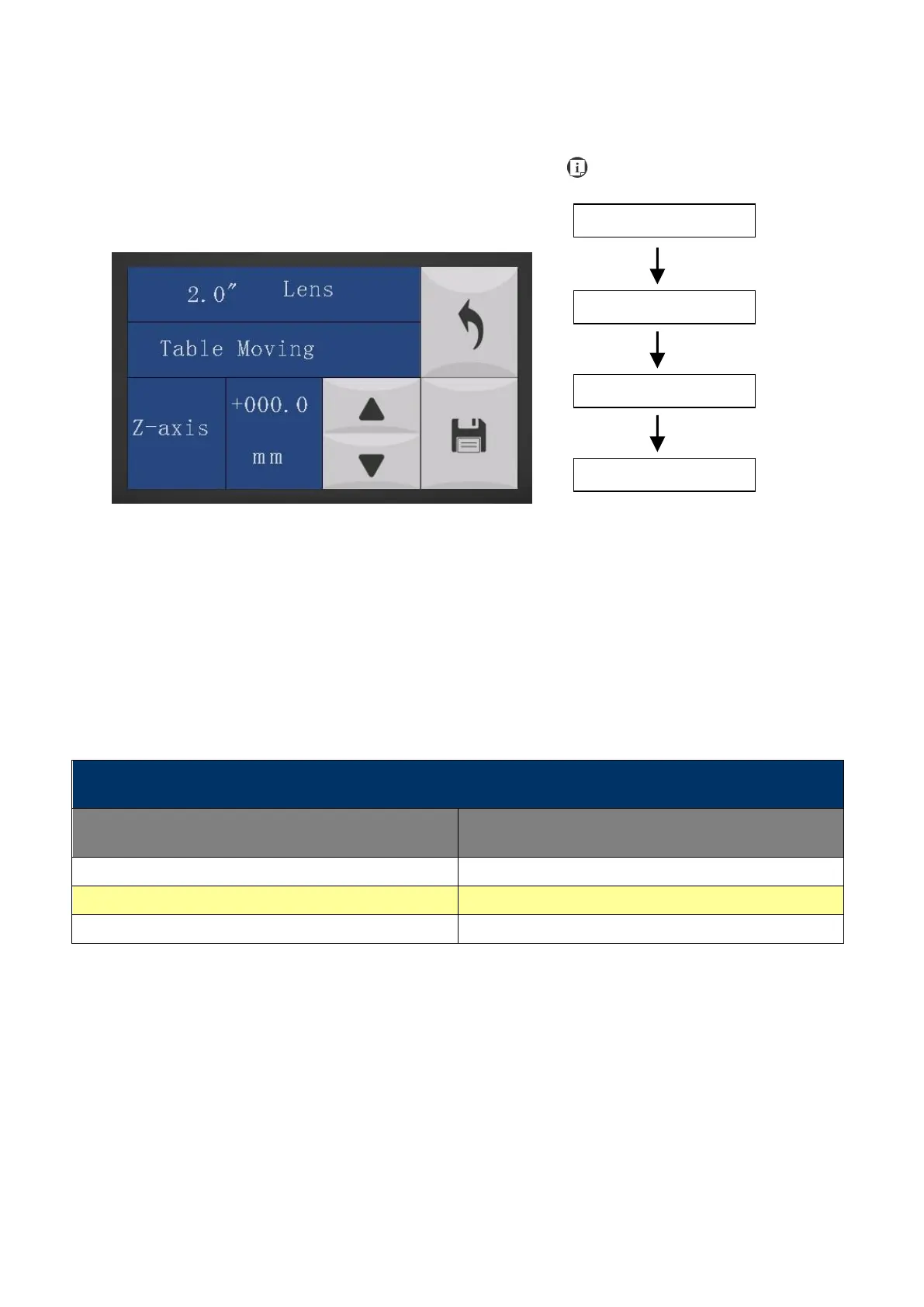
Machine Setting- Tune Auto Focus Page
The Tune Auto Focus Page allows you to manually adjust the auto focus default value, or distance
from lens carriage to the worktable (Z-axis) when the Auto Focus button is pressed.
GCC LaserPro S400 machine include different mode which equipped different laser tubes, make
sure the laser tubes installed with your machine before making adjustment.
Save your current settings
Manually adjust the height of the work table (Z-axis)



 To Next Page