98 232003110G (03)
Machine Setting- Select
Lens
Page
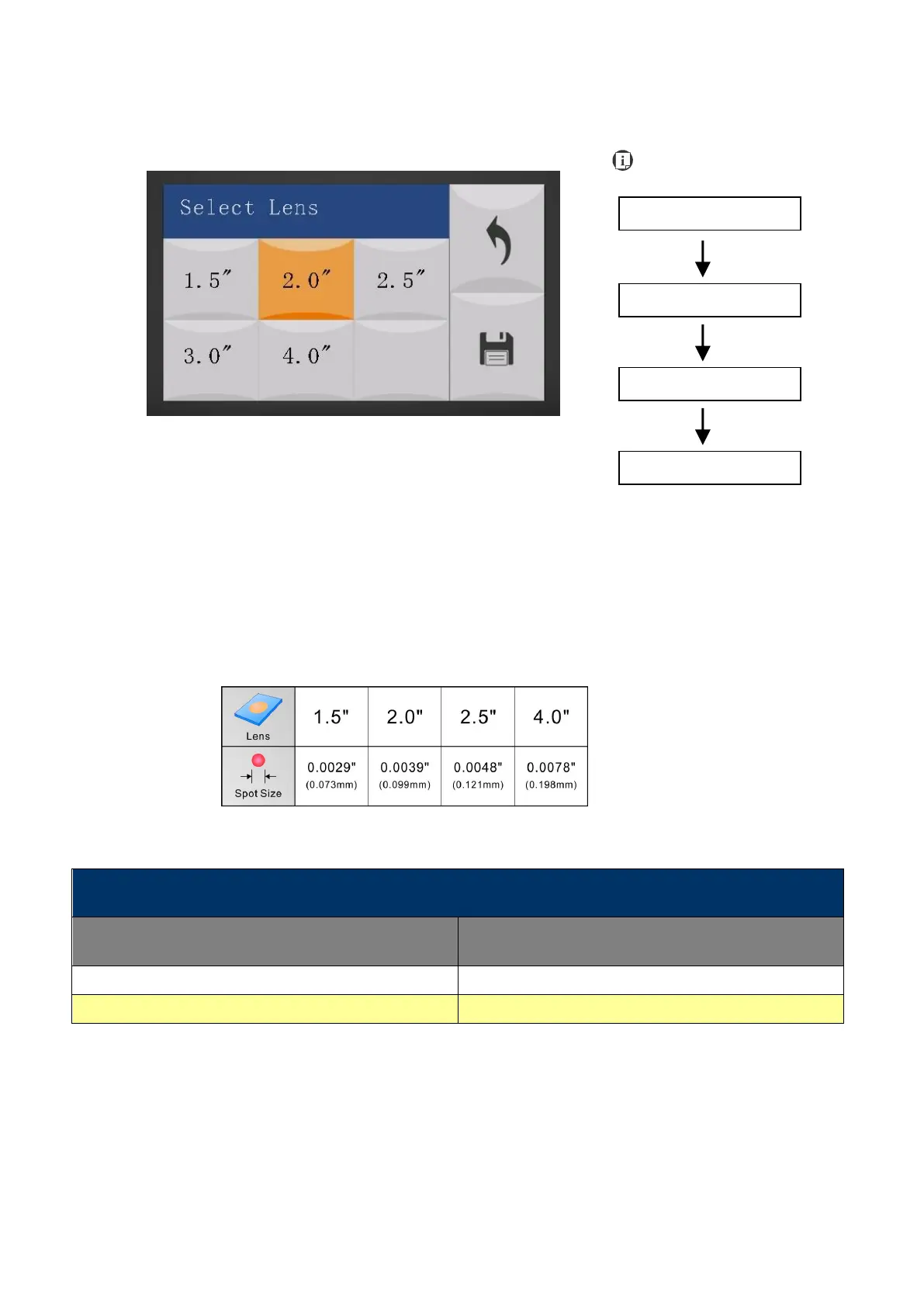
The Select Lens Page allows you to modify the lens settings after you have changed to a different
focal lens. Remember to save your settings after you have made the proper changes. After that,
pressing the Auto Focus button on control panel, the laser machine will conduct auto focus
accordingly using the new lens setting.
GCC LaserPro S400 machine include different mode which equipped different laser tubes, make
sure the laser tubes installed with your machine before making adjustment.
• CO2 Laser Focal Lens: 1.5"/ 2.0"/ 2.5"/ 4.0" (Default 2.0”)
Go to Chapter 7.3 for different lens detailed information.
Save your current settings



 To Next Page