104 232003110G (03)
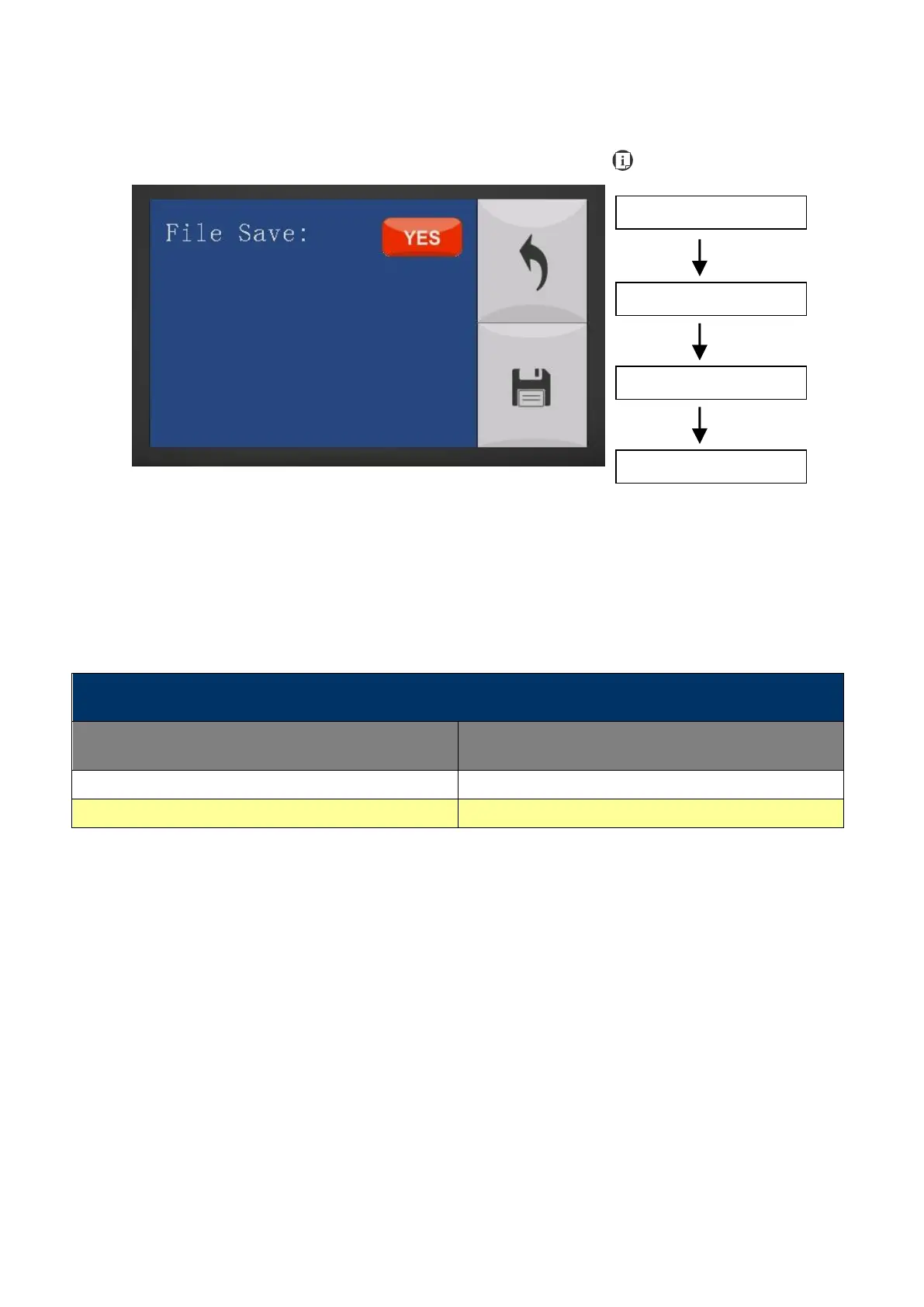
Machine Setting- File Save Mode Page
The File Save Mode Page allows you to set whether or not the LaserPro S400 automatically
deletes each job file after processing. Setting File Save to <NO> will automatically and
immediately delete each job file from the LaserPro S400 after the engraving or cutting process.
Setting File Save to <YES> will retain the job files on the LaserPro S400.
• File Save: YES / NO
Save your current settings



 To Next Page