105 232003110G (03)
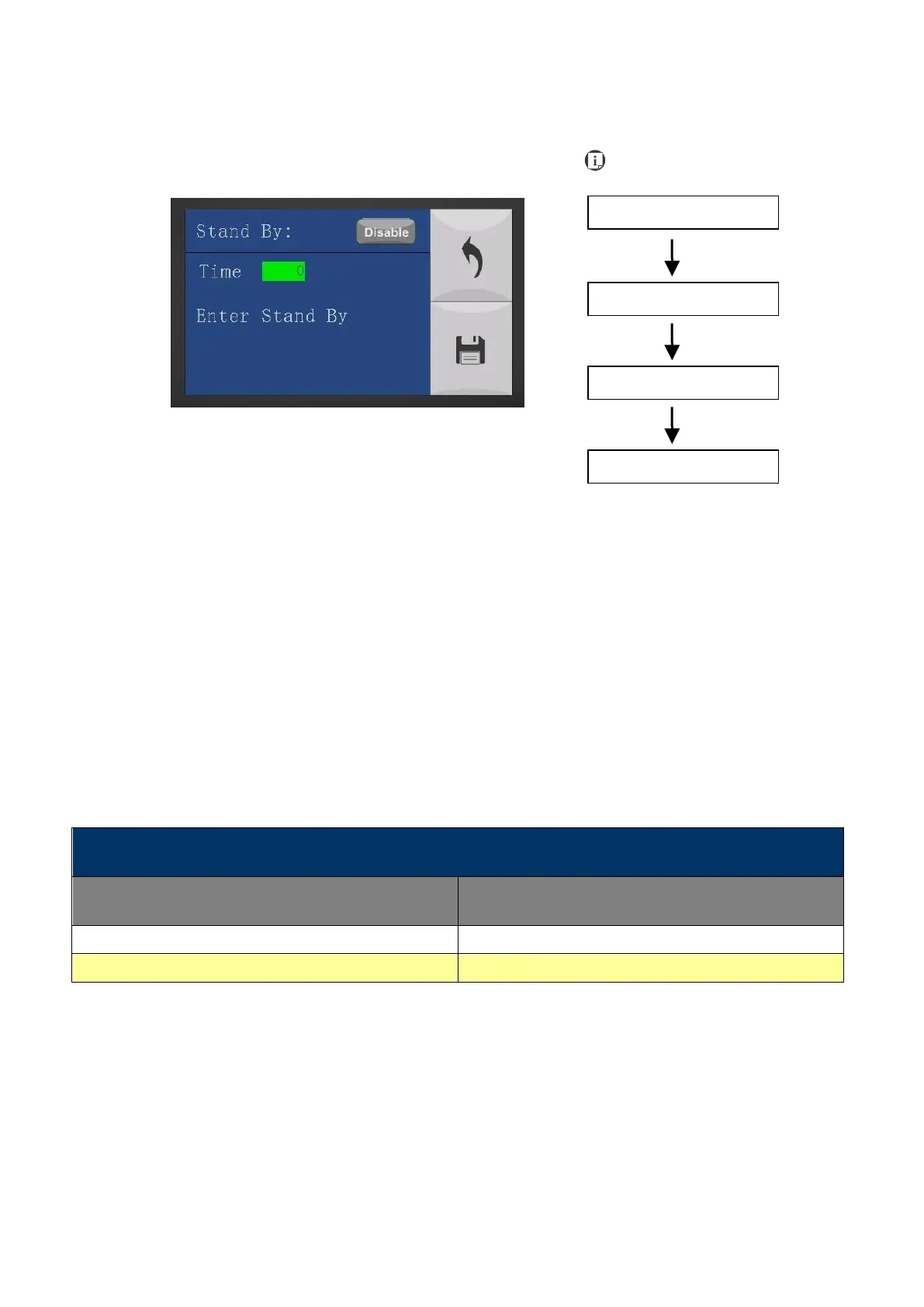
Machine Setting- Set Standby Mode Page
The Set Standby Mode page allows you to configure the laser machine automatically enter into
power saving if machine is idle for a specified time.
When entering into the Set Standby Mode function, you can use Left or Right arrow keys to scroll
between <Enable> or <Disable> the function. The Time function is to determine after how long
the laser machine is idle, it will enter in power saving automatically. The default time is 4 minutes.
The Enter Standby function will turn the machine into power saving immediately after selected.
• Standby: Enable/ Disable
• Time: 4-30 mins. (Default 4 mins.)
• Enter Standby: YES/ NO
Save your current settings



 To Next Page