106 232003110G (03)
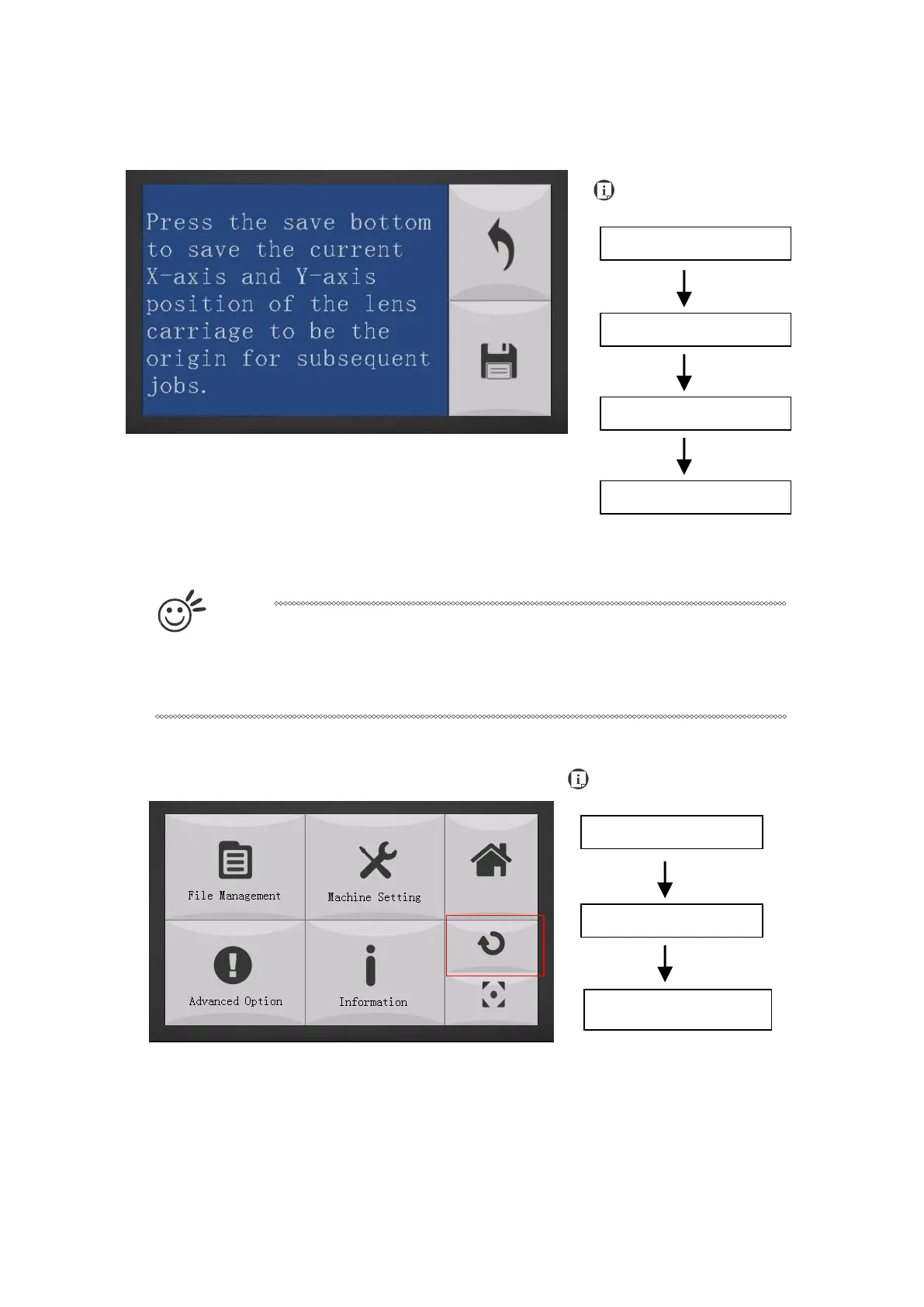
Machine Setting- Save Position Page
The Save Position Function allows you to save the current X-axis and Y-axis positions of the lens
carriage to be the origin for subsequent jobs.
T
i
p
This is an excellent function to use when you are processing identical items or
engraving relatively smaller objects positioned away from the default start
position (top left) of the work table.
Recall Position
To recall the saved position, simply go to Functions page and press F4 again to recall the saved
position. The lens carriage will be moved to the saved position and start subsequent jobs from this
origin.



 To Next Page