107 232003110G (03)
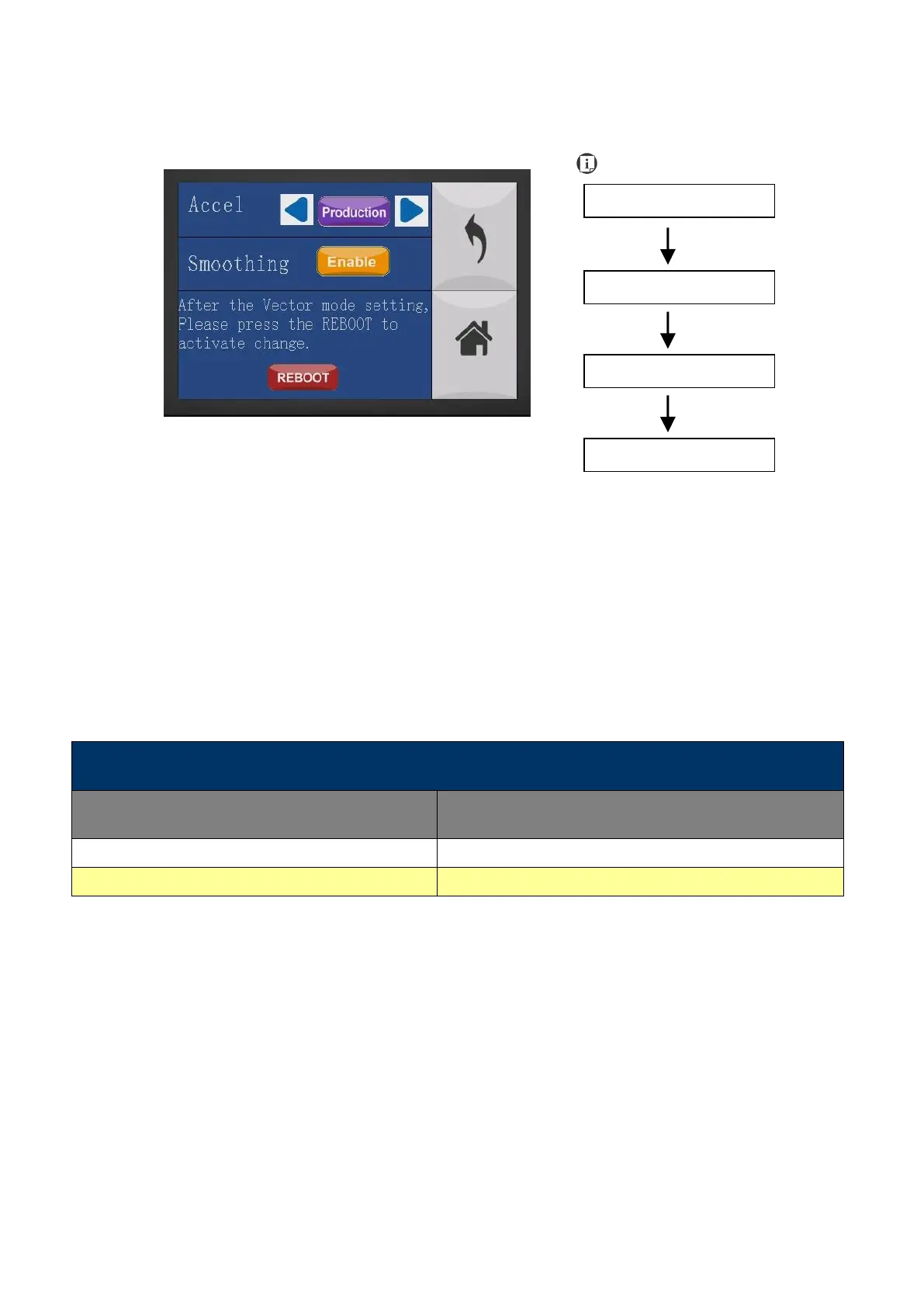
Machine Setting- Vector Mode Page
The Vector Mode Page allows you to adjust and balance vector mode’s quality and speed settings
based on your specific job. Speedy Vector Mode offers the highest output speed, sacrificing
quality. Whereas Quality Vector Mode offers the highest quality, sacrificing output speed. Keep in
mind that speed and quality are usually at a tradeoff. The system’s default is Production Vector
mode.
• Modes: Quality, Production, Speedy
[Slower speeds / higher quality -------------------- Faster speeds / lower quality]
The machine will reboot automatically after clicking <Save> button for the change.
Save your current settings



 To Next Page