108 232003110G (03)
Machine Setting-
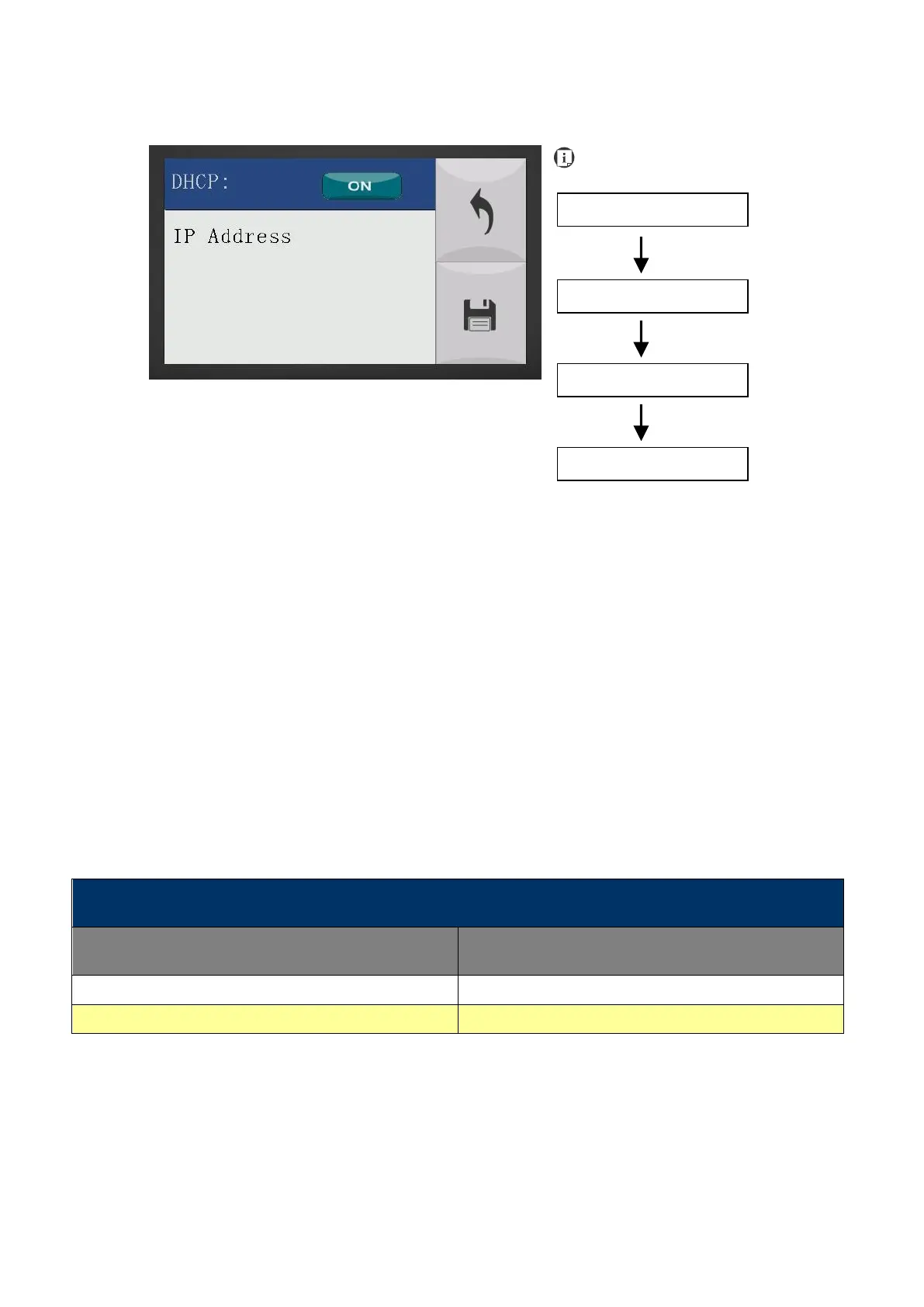
LAN Setup Wizard Page
The LAN Setup Wizard Page allows you to connect the laser machine with ethernet to transmit files
from computer to laser machine for processing jobs. When selecting the DHCP to <ON>, the
network is set tup to dynamic IP address, the IP address will automatically retrieve from network;
while DHCP <OFF> is to apply static IP address, and you need to further enter the IP address,
MASK, and GATE information. Using Left or Right directional keys under dynamic IP setting page to
scroll between different columns to enter the address, and use Up or Down keys to change the
numbers.
• DHCP: NO/ OFF
Please refer to Chapter 4.1.2 for ethernet connectivity setup in Windows driver.
Save your current settings



 To Next Page