119 232003110G (03)
Selecting the Black & White mode will enable the Raster page on the GCC LaserPro
Print Driver, allowing you to adjust advanced stamp-related settings.
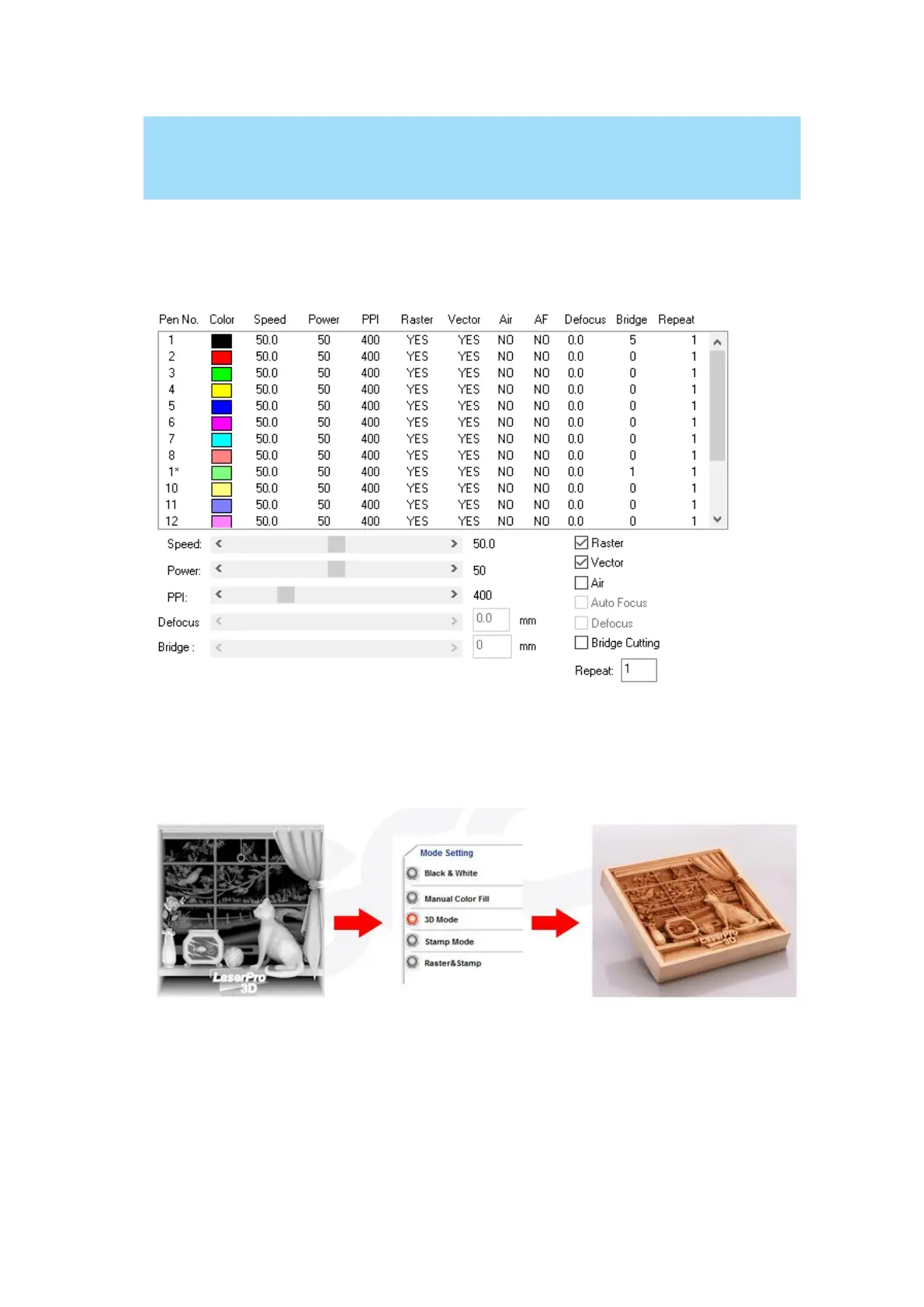
Manual Color Fill:
Specify laser type to different color pens. The GCC LaserPro print driver allows a maximum of 16
pen parameters to be set. It will help user to set different parameters easily in one file.
3D Mode:
3D Mode allows the naked eyes to visualize the curvatures of the 3D effect by applying 200
grayscale power level technology to create different depth of engraving.



 To Next Page