120 232003110G (03)
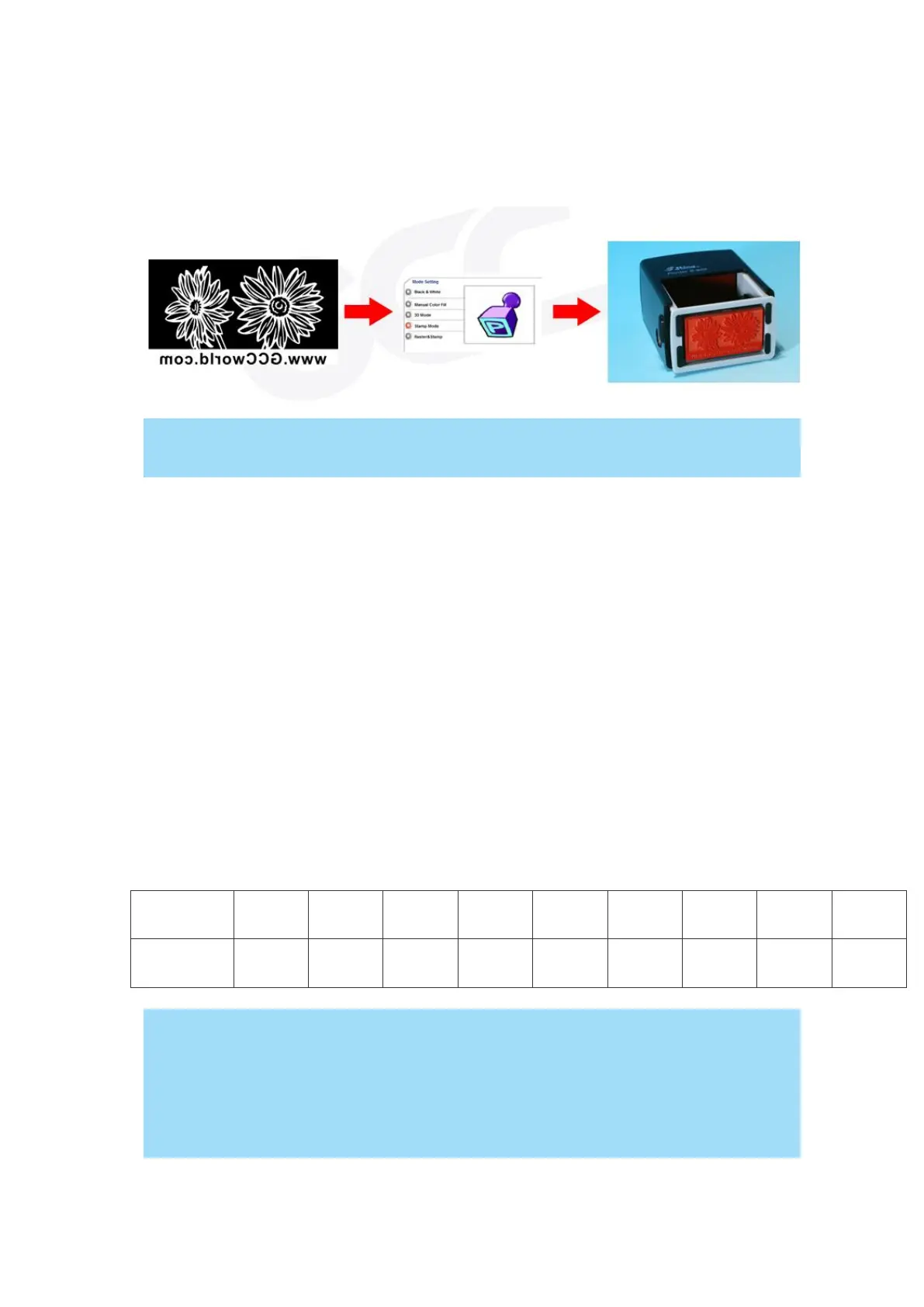
Stamp Mode:
The stamp mode is one of the more dynamic functions of the LaserPro laser engravers by
applying 200 power level to create different steps.
Selecting the Stamp mode will enable the Stamp page on the S400 Print Driver,
allowing you to adjust advanced stamp-related settings.
Raster & Stamp Mode:
Select this mode when you would like to engrave image on stamps. The Raster & Stamp mode
combines the 256 level gray scale image processing technology and 200 power level stamp
steps production requirement to create slopes.
DPI (Options Page) [DEFAULT SETTING: 500]
DPI (dots-per-inch) represents the number of times the laser will fire over a one-inch path. This
setting determines the image resolution and quality when performing raster engraving functions.
Higher DPI settings result in cleaner and deeper engravings, but require more time to complete.
Lower DPI settings result in coarser and shallower engravings, but require less time to complete.
The LaserPro S400 offers 8 DPI options: 125, 250, 300, 380, 500, 600, 760, 1000, and 1500
experiment with different settings to get your desired effect.
Below is a chart for your convenience detailing the Set DPI (your input setting) vs. Actual DPI
(your output results).
Outputting a full-table (25.1" x 18.1") job using 300 or 600 DPI will result in a truncation
error; this is due to the large differences in set DPI vs. actual DPI output for those two
particular DPI settings. Therefore, when processing a 25.1" x 18.1" job using 300 DPI,
we recommend you move to the next higher DPI setting of 380. Similarly, for a 25.1" x
18.1" job using 600 DPI, we recommend you use 760 DPI.



 To Next Page