123 232003110G (03)
• LOAD: This function allows you to load those previously saved print driver parameters.
• SAVE TO DEFAULT: This function allows you to save your current print driver parameters as the
default startup settings.
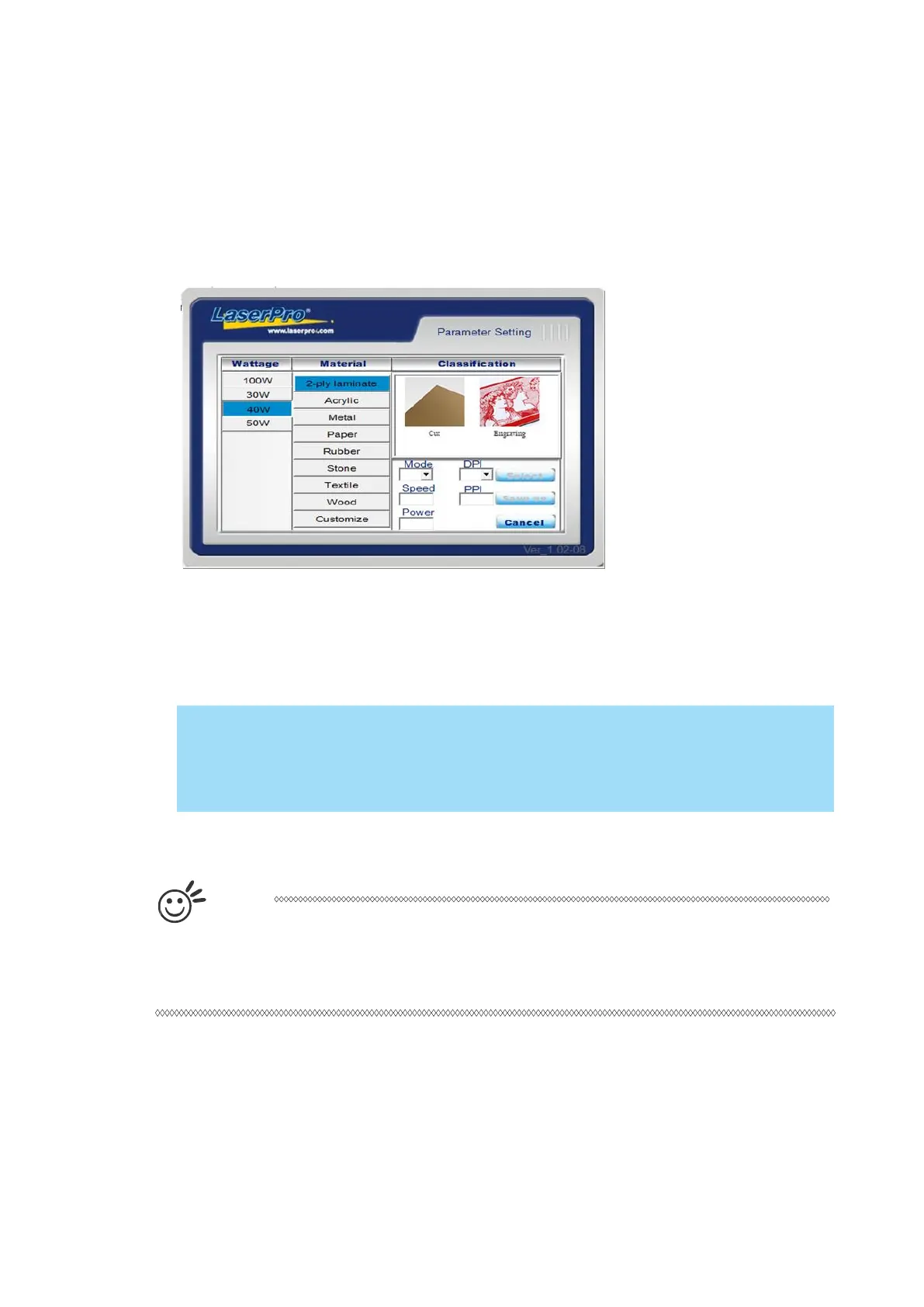
• PARAMETER: The material database consists of pre-built-in parameter settings to work with a
wide variety of material including wood, acrylic, glass, 2py-laminated plastic, marble, tiles, rubber,
coated metal, and more. With this convenient function, users can easily set up their tool by
selecting the appropriate job type (engraving or cutting) and material categories for the
corresponding parameters to be applied.
• History File: This section contains a list of the recent files you have recently created and worked
with.
If you are using Windows 2000 or above as your operating system, make sure you log
in with an administrator or administrator-rights account in order to properly save laser
parameter settings.
T
i
p
LaserPro material database settings allow you easy to load the several parameters.
If you are loading LaserPro parameter database as your operating parameter, please
click <Parameter> under OPTIONS page, and direct load from several build-in
parameter folders.



 To Next Page