122 232003110G (03)
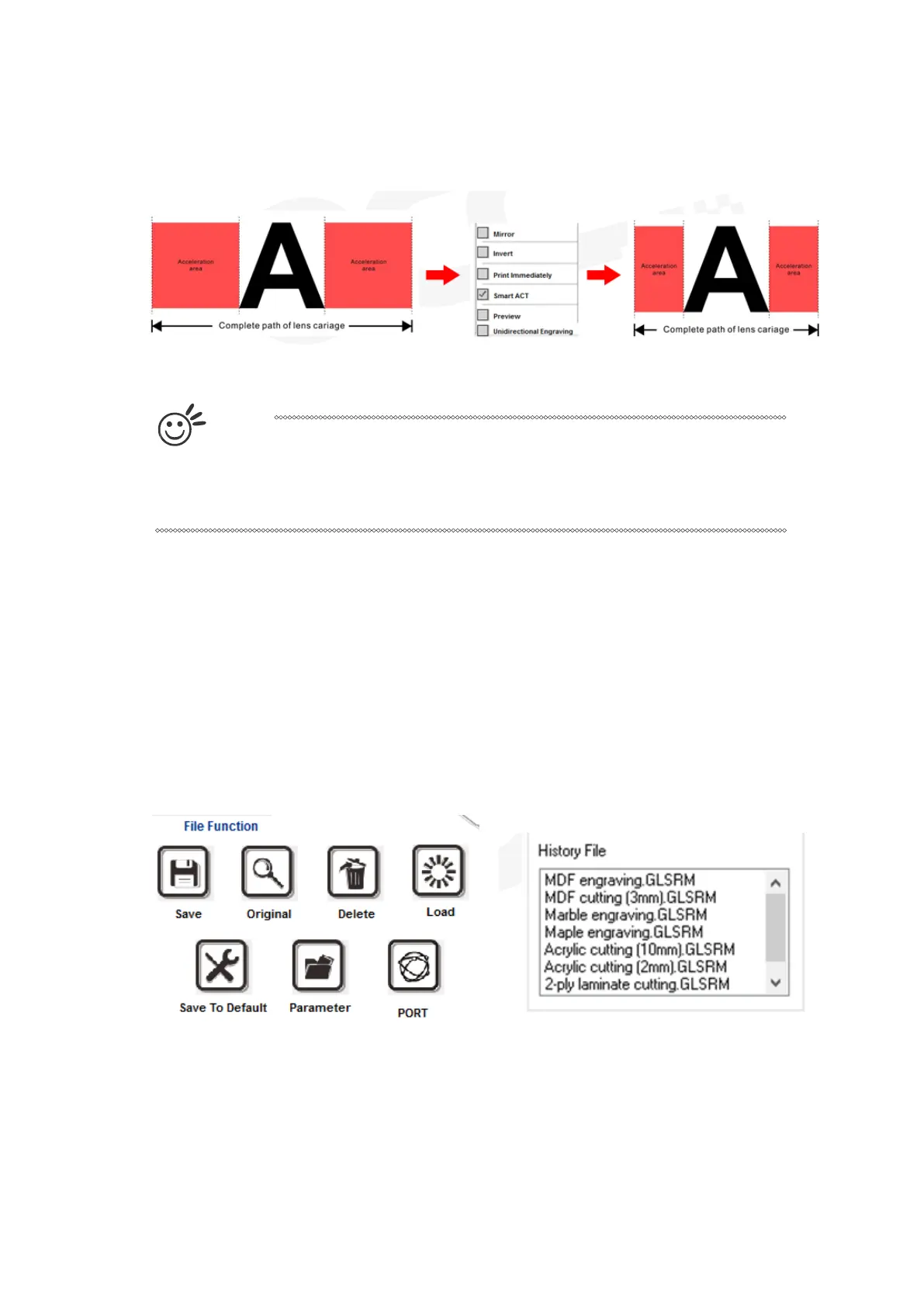
SmartACT (Options Page) [DEFAULT SETTING: Unselected]
By eliminating unnecessary travel of the lens carriage at the expense of some quality,
SmartACT reduces the acceleration area to save of time to process a job~!
T
i
p
There is a greater performance gain when enabling SmartACT for designs that
are vertically longer than they are horizontally wide, as the SmartACT
optimization modifies the movement of the X-axis of the lens carriage.
Preview (Options Page) [DEFAULT SETTING: Unselected]
Users can use the Preview function to check a simulated output of the job. An estimated
working time will a o be shown. Please make sure to set the file printing option to “print to file” in
order to activate the Preview function.
File Function (Options Page):
The file function section allows you to manage various laser parameters. It can save all your perfect
parameters to be used for next time.
• SAVE: This function will save the current print driver parameter settings to a file and location on
your computer of your selection. (Saved parameter setting files will be tagged with the .Spi
extension)
• ORIGINAL: This function will load the print driver’s original factory parameter settings.
• DELETE: This function will delete the file you select from the History File section. Please note the
Delete function only removes the file from the history file section, it does not remove the .Spi file
from your hard drive, if you wish to completely remove the file from your hard disk, then you will
have to manually delete the file from your operating system.)



 To Next Page