129 232003110G (03)
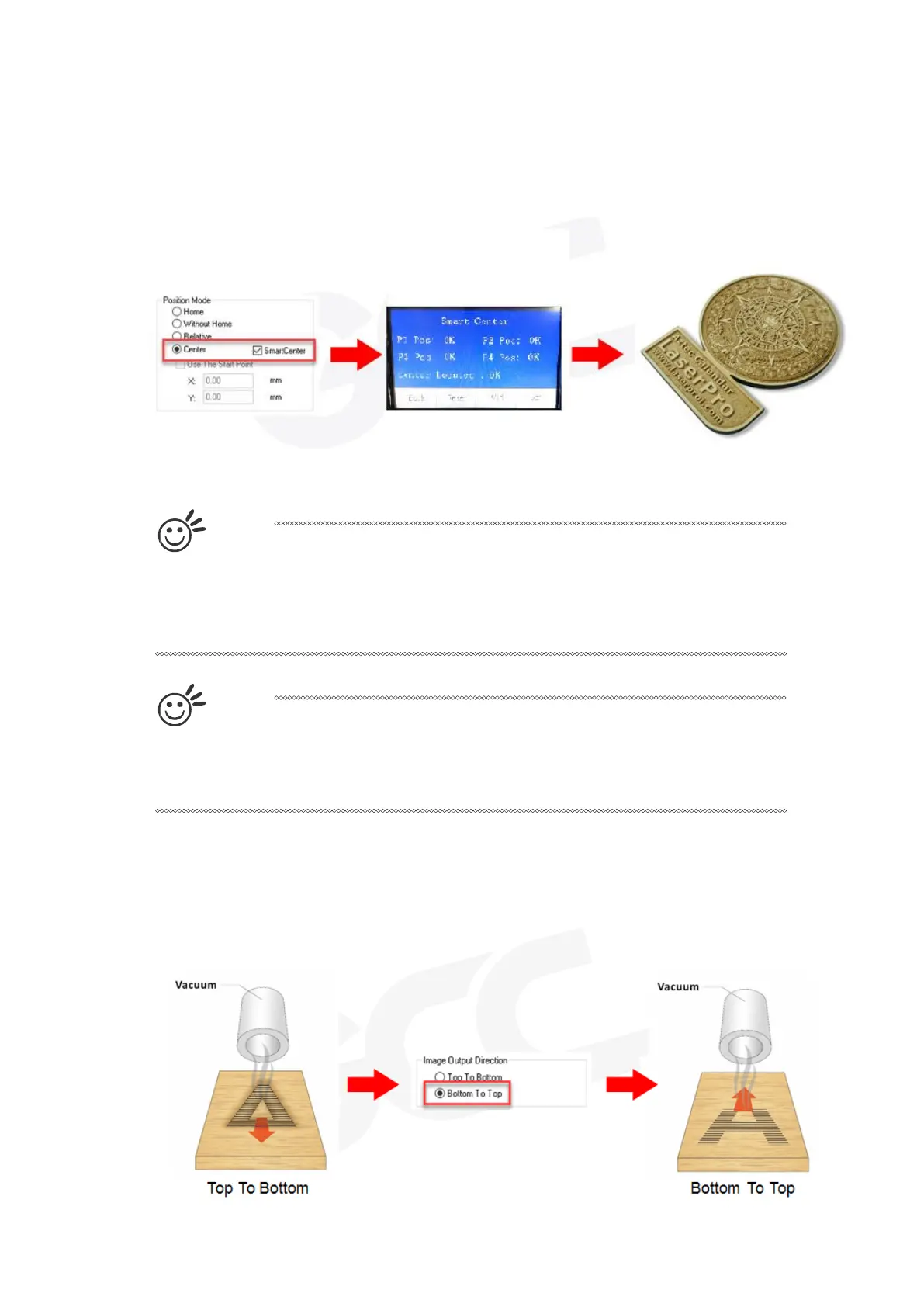
• Center: Sets the current position of the laser head as the center point for your subsequent job. As
an example, if the subsequent job is to vector cut a circle and you have the Position Mode set to
Center, then the S400 will vector cut a circle around the initial position of the laser head.
• SmartCENTER: The SmartCENTER function is a quick and easy way to precisely locate the
center point between two points or four points.
T
i
p
The SmartCENTER function is a quick and easy way to precisely locate the
center point between two points or four points. It is a great tool for users
whose jobs often require engraving on specific locations such as on award
signs and plaques.
T
i
p
It is highly recommended you enable the red dot laser pointer when setting /
adjusting the Position Modes, as this will ease your job positioning with
enhanced accuracy.
Image Output Direction (Advanced Page) [DEFAULT SETTING: Top to Bottom]
These selections allow you to control the direction in which the system processes an engraved
image.



 To Next Page