153 232003110G (03)
Step 4. Combine the 3D images
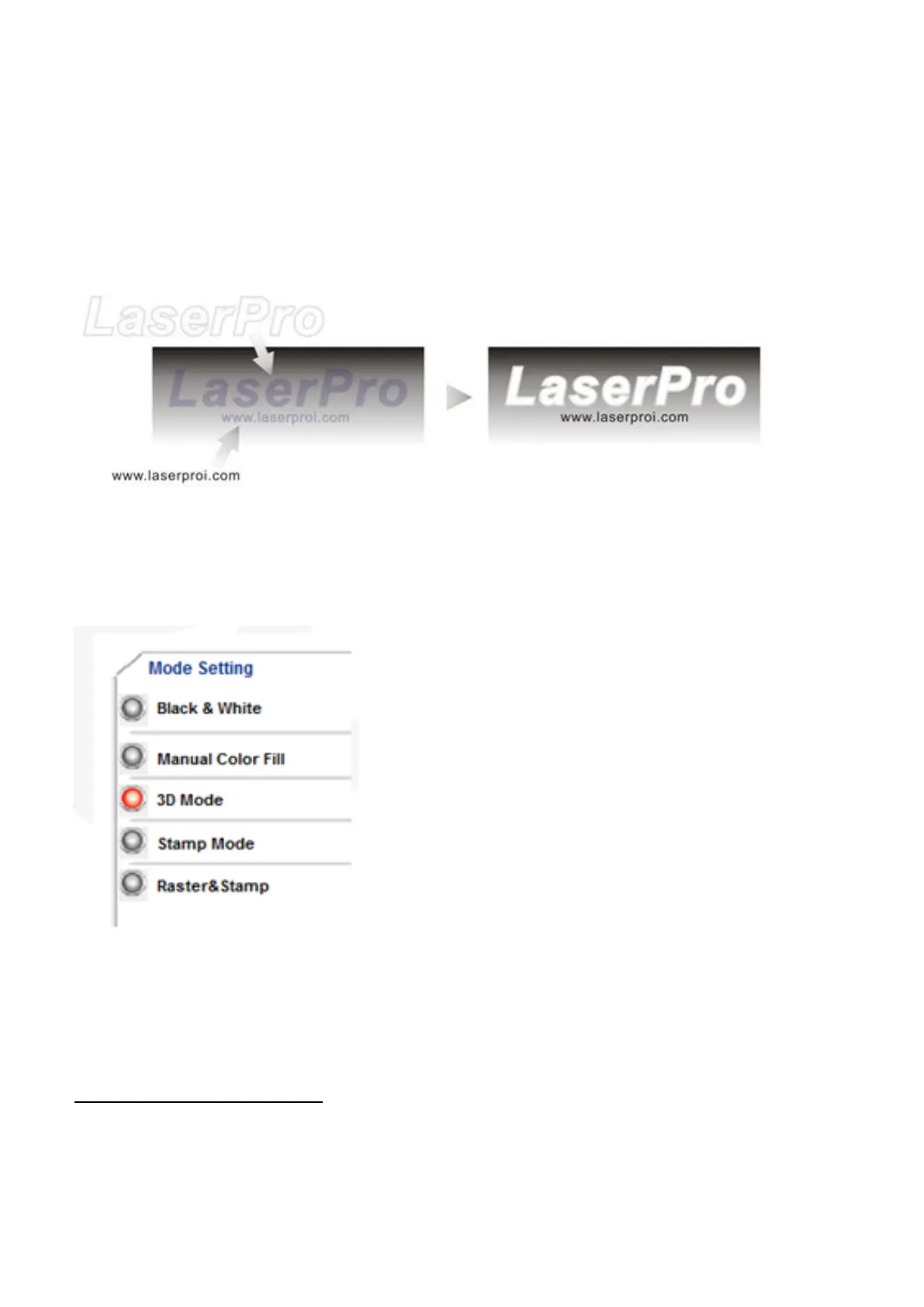
After finishing the production for each of the objects, you may proceed with the combination of the objects. The
combined graphic may be output with the laser engraver.
After selecting the graphic to be output, set the Mode as 3D Mode in the driver. After setting the engraving
parameters, output the 3D graphic.
Tips for engraving 3D graphics
LaserPro Application Lab provides a few reminders that may require your attention during the 3D engraving in
order to improve the result of the engraving.
Turn on the Air Assist function
When the engraving is done along with Air Assist, the depth of the engraving would be deeper. Set Air assist inside
the driver by checking the box.



 To Next Page