175 232003110G (03)
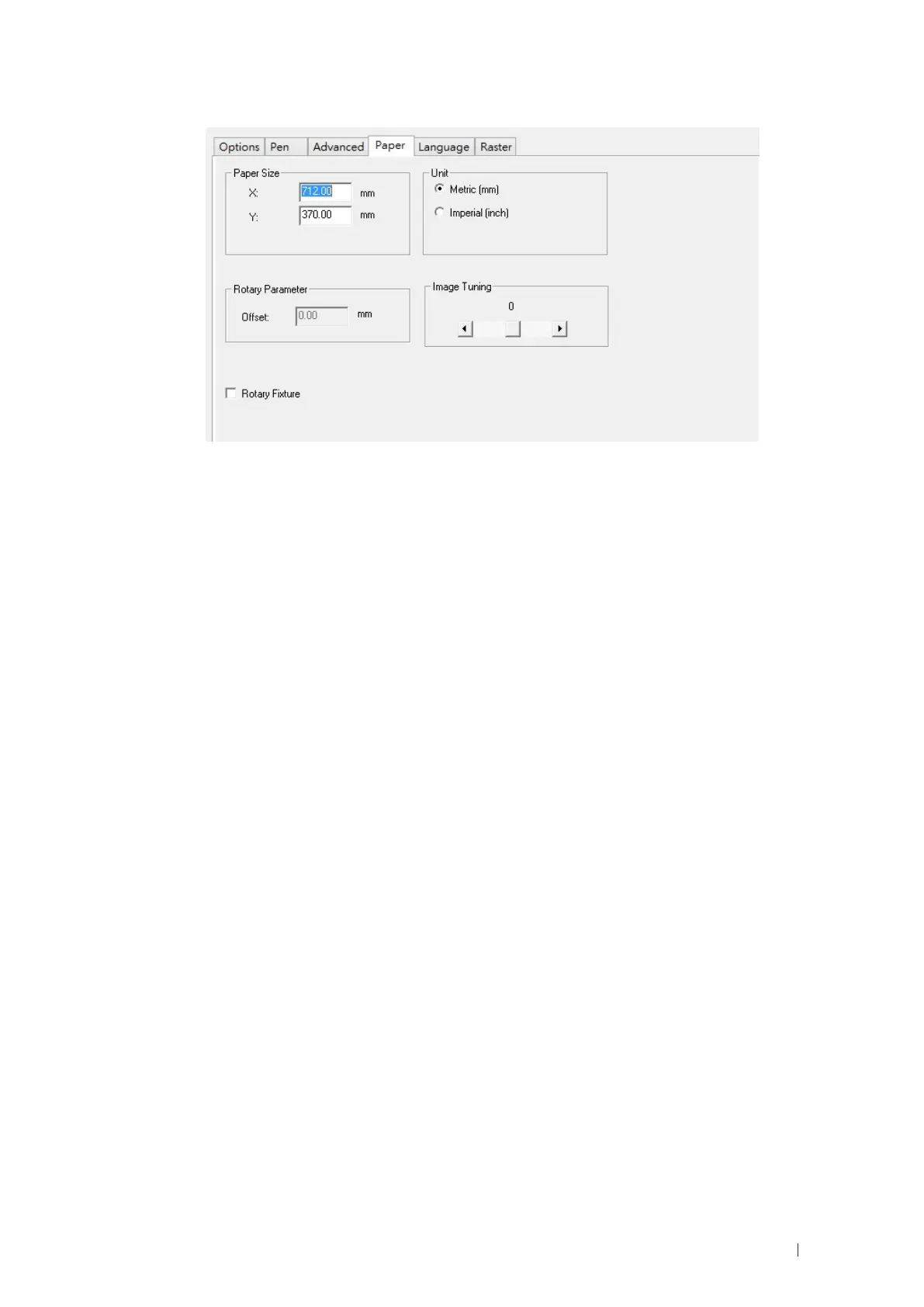
6) From the Paper Page, the first thing you must do is to check the Rotary Fixture.
7) Size options and Rotary Parameter will change to allow for proper input based on your rotary attachment.
a) Under Paper Size, the X value represents the length of your working piece. Enter the
length
of your work piece in this field.
b) Under Paper Size,
the Diameter value represents the diameter of your working piece (at the
position you wish to engrave). Enter the diameter of your work piece in this field. Again remember
the proper diameter value would be the diameter location on your work piece you will be
engraving.
c) Under Rotary Parameter, the Offset value represents distance from machine default origin to
where you would like to start laser job. The default value is zero.
8) Go back to other pages of GCC Laser Print Driver to set up laser parameters like speed, power, dpi etc.
(refer to Chapter V of user manual of laser machine for detail ) and click “OK” to print your design to laser
machine for starting job
9) Despite the dummy-proof installation design, please ensure that the rotary device is installed correctly
before turning on the machine



 To Next Page