63 232003110G (03)
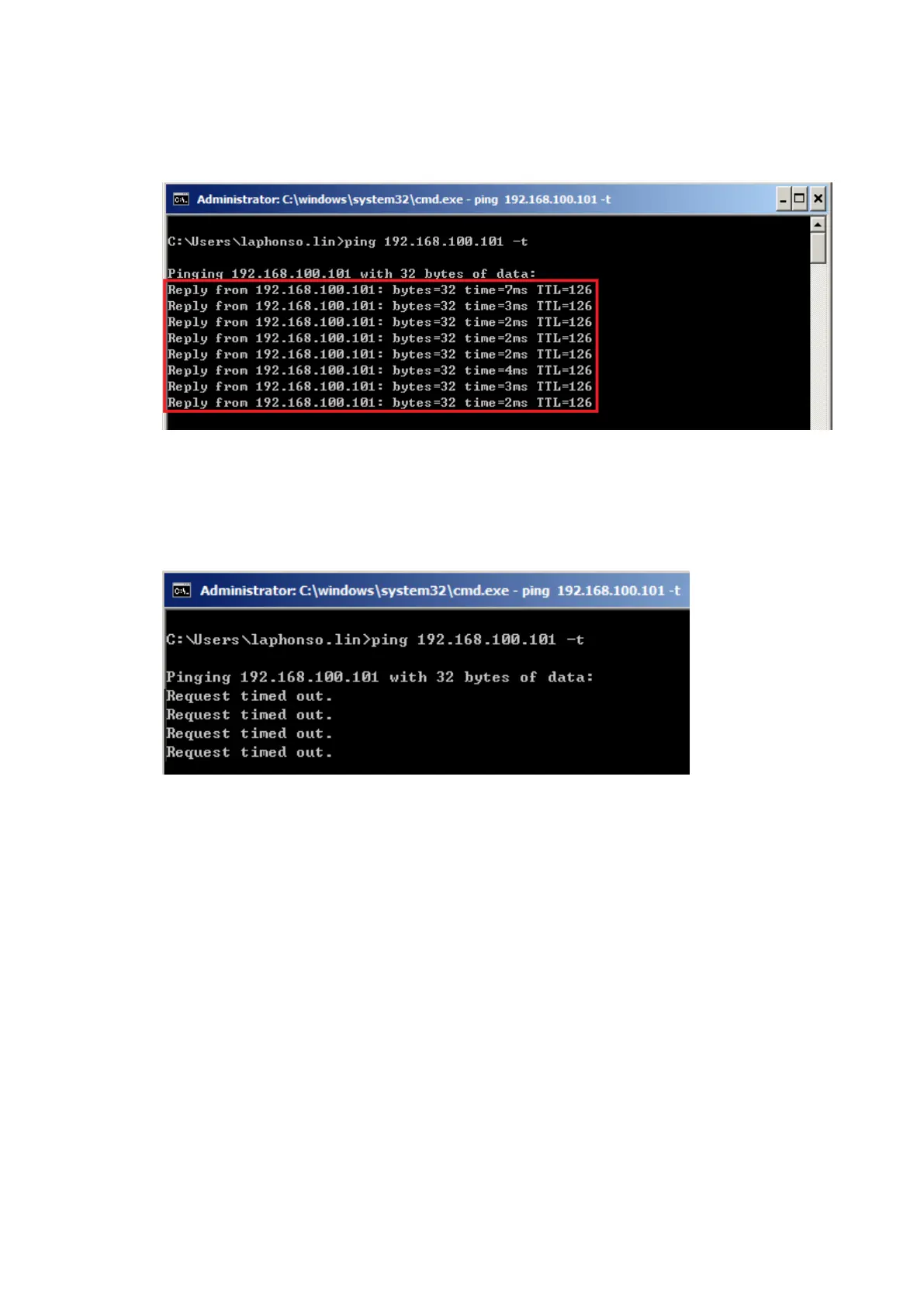
ii. Type “ping x.x.x.x –t” after the prompt symbol, (x.x.x.x is the IP address you set on the laser
machine, ie: 192.168.100.101)., press “Enter” to run the “Ping” tool.
If the communication is OK between your PC and Laser machine, you will see reply from the
destination IP.
If the communication is not ok, you will see “Request timed out” message from destination IP.
2. Diagnostics
a. For cases the communication is not ok (can’t get response, just have “Request timed out” from
destination IP), you can look for two PC/Laptops which are original set in the LAN environment and
work ok (they can get normal response from each other by the command “PING”), note down the
TCP/IP configurations by running “ipconfig” on both PC/Laptops (press “Windows key + R” to call
the “Run” windows, type “CMD” in the blank bar, press enter to start command line mode,



 To Next Page