10-2 ALPS Advanced Line Protection System
GE Power Management
10.2 TEST CALCULATIONS 10 ALPS TEST PROGRAM
10
10.2 TEST CALCULATIONS 10.2.1 DESCRIPTION
The following is the user input quantities and their ranges. Each test does not use all the quantities. The default values are
used for only the first test dialog box displayed for each new test.
10.2.2 ENTERING INPUT QUANTITIES
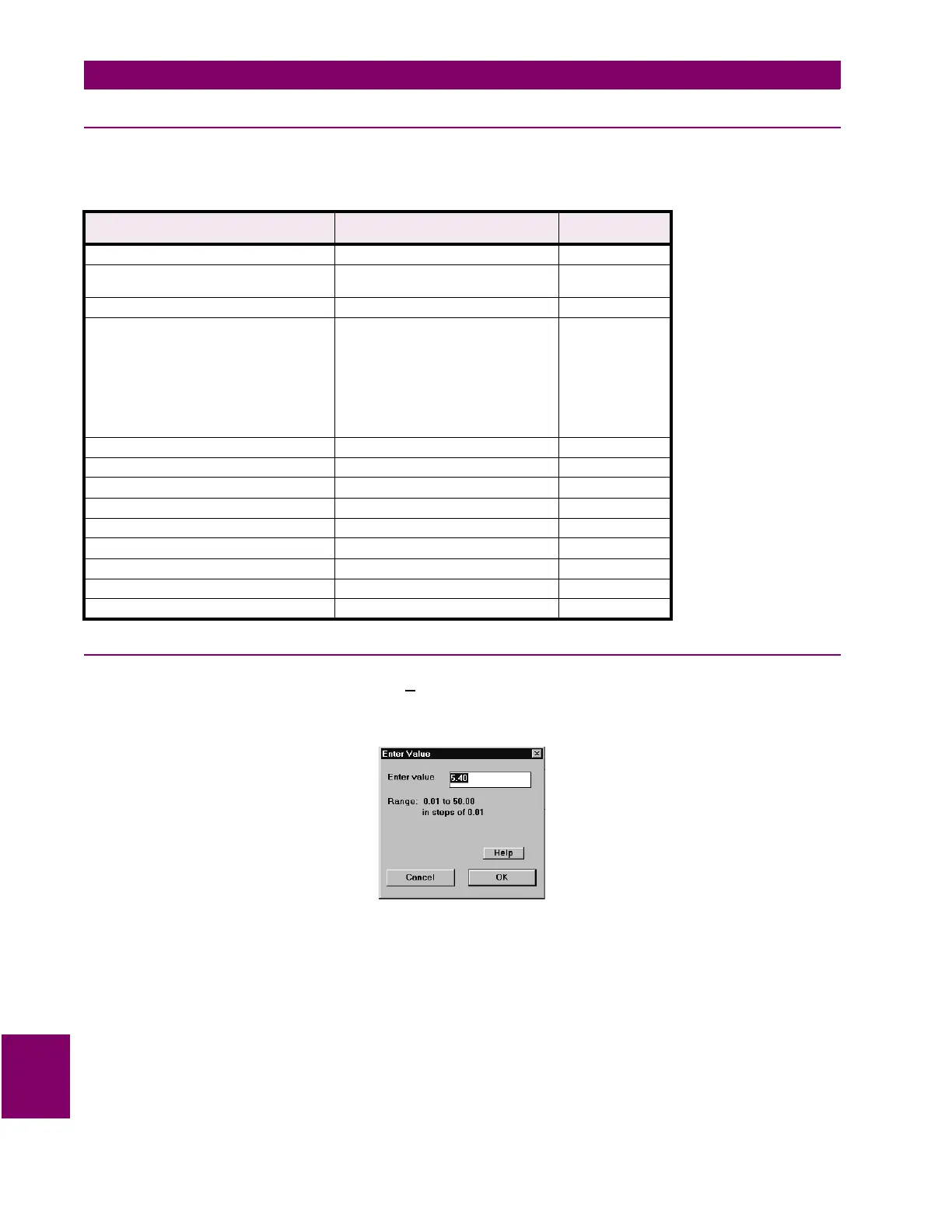
When the user clicks on a Select button from a TestC
alculations dialog box, the Enter Value dialog box is displayed. This
dialog box has two modes, one is to enter a value for a continuous range of values and the other is to select a value from a
list of values. Select the Help button from the Enter Value dialog box. A help screen is displayed describing how to use this
dialog box.
Figure 10–3: ENTER VALUE DIALOG BOX
Table 10–1: INPUT QUANTITIES
INPUT QUANTITY RANGE DEFAULT
VALUES
Rated current 1 or 5 A 1 A
Reach (reach in forward/reverse direction) 1 A: 0.01 to 250.00
5 A: 0.01 to 50.00
0.01
Positive Sequence Reach Angle 45° to 90° 45°
Characteristic Timer M1: 90°
MT: 90° to 120° in steps of 5°
M3: 90° to 120° in steps of 5°
M4: 90° to 120° in steps of 5°
MOB: 30° to 130°
M1G: 90°
MTG: 80° to 155° in steps of 5°
M3G: 80° to 155° in steps of 5°
M4G: 80° to 155° in steps of 5°
90° for all
Test Current calculated high limit of range
Degrees to increment angle 5, 10, 15 5
Phase angle reference V[øG], V[øø] V[øø]
Zero Sequence Reach Angle 45° to 90° 45°
I0 Compensation Factor, K0 1.0 to 7.0 1.0
Direction forward, reverse reverse
Offset Reach (times main reach) 0 to 0.4 0
Replica Impedance Angle Calculated for output only N/A
Effective Test Reach Calculated for output only N/A



 To Next Page