10-16 ALPS Advanced Line Protection System
GE Power Management
10.8 HELP MENU 10 ALPS TEST PROGRAM
10
10.8 HELP MENU 10.8.1 CONTENTS
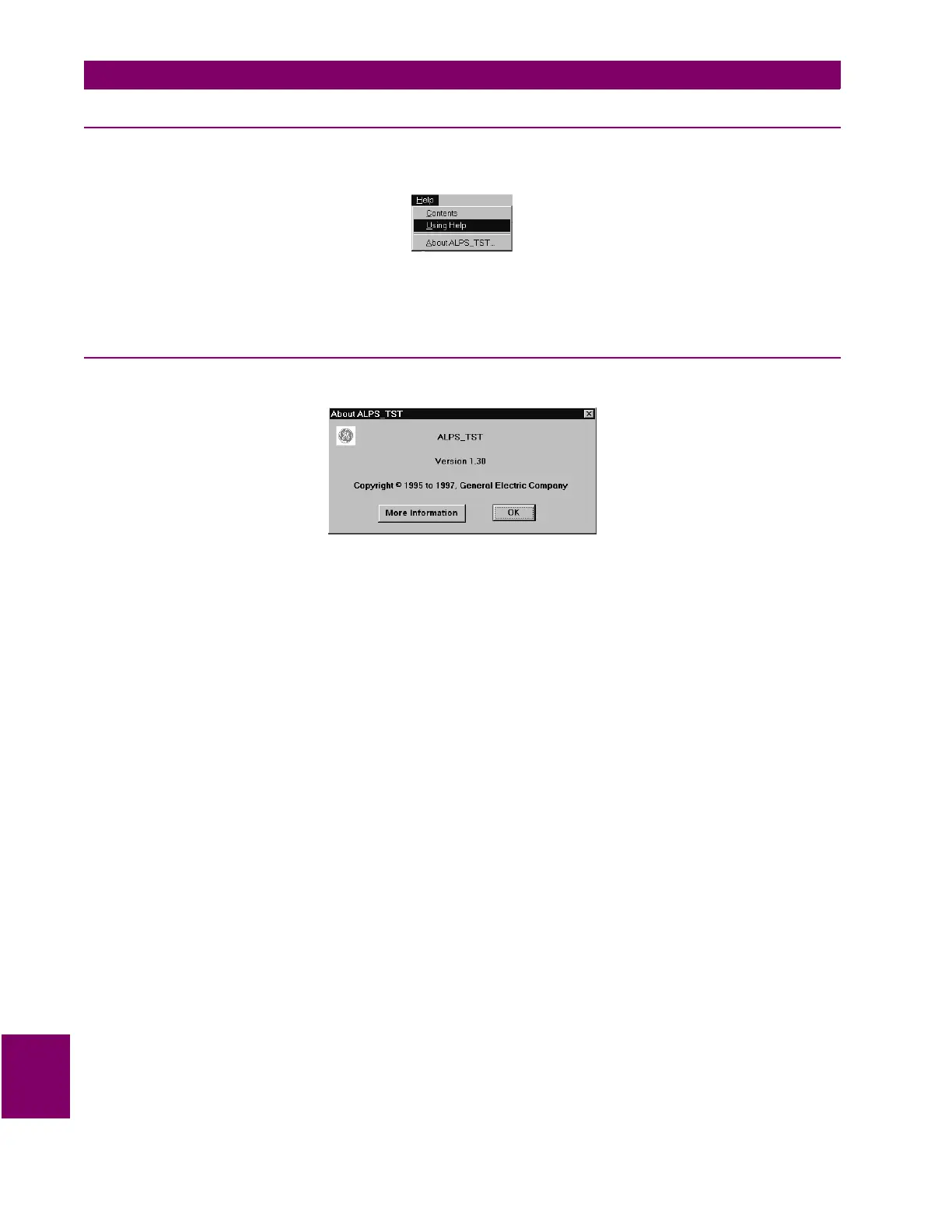
The Help menu is shown below.
Figure 10–20: HELP MENU
Select Contents from the Help menu. A help screen is displayed that lists the contents of the help system. Any item that is
green can be clicked on to view that topic.
10.8.2 ABOUT ALPS_TST
Select About ALPS_TST from the Help menu. The following dialog box is displayed:
Figure 10–21: ABOUT ALPS_TST DIALOG BOX
Click on the More Information button. Information about who to contact is displayed.
Click on OK. The dialog box is cleared from the screen.



 To Next Page