Functional checks
LOGIQ e – Basic Service Manual 4-39
5461614-100 English Rev. 6
CWD Functional Check
Introduction
CW Doppler are used to measure velocity (most often in blood).
Doppler mode can be done with a special pencil probe or with
an ordinary probe. By using an ordinary probe, you can first
bring up a B Mode picture for navigation purpose and then add
CW Doppler.
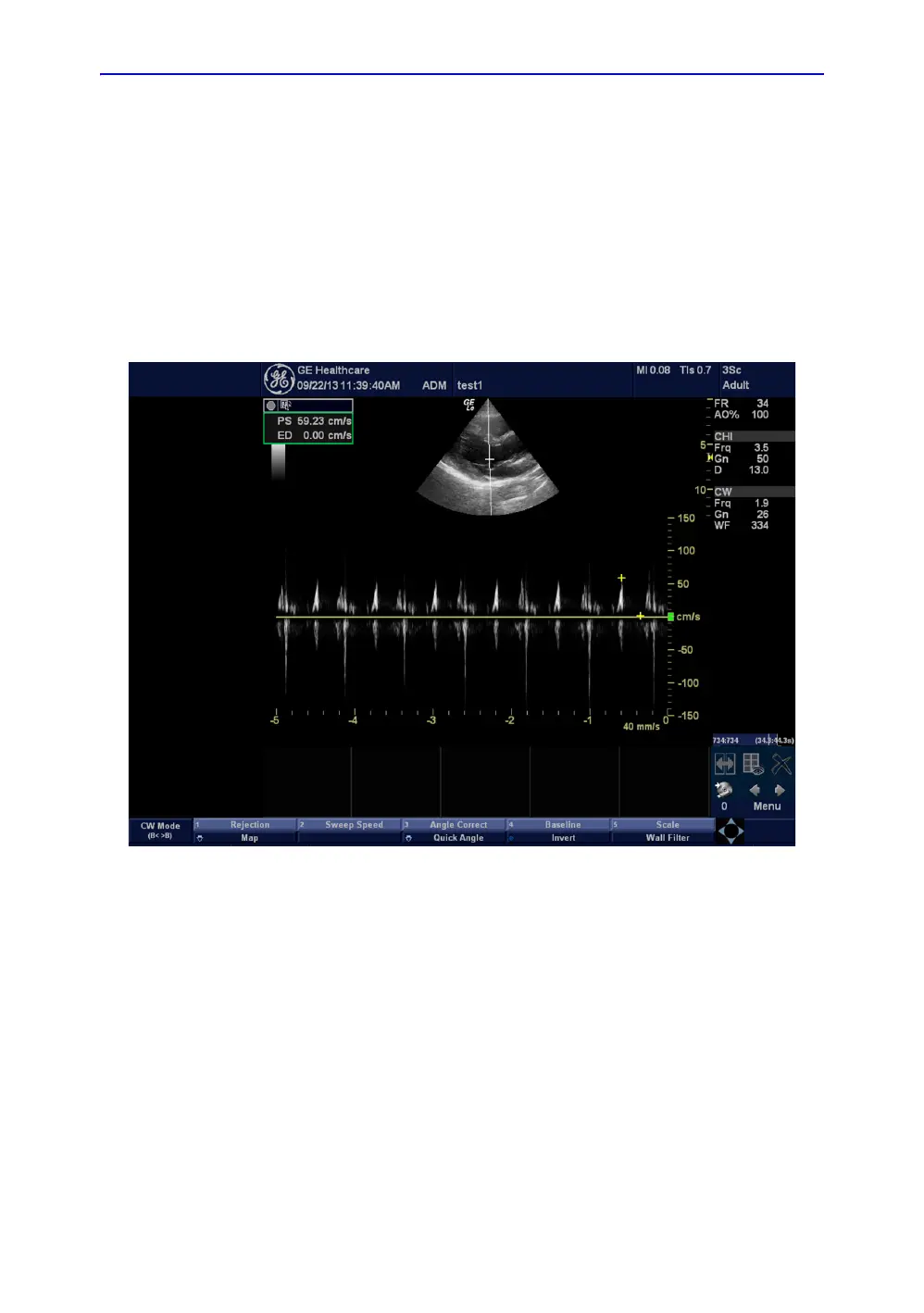
CWD Mode Screen Example
Figure 4-19. CWD Mode Image Example
Preparation
1. Connect 3Sc-RS/6S-RS Probe to the system.
See ‘Connect a probe’ on page 3-17 for more information.
for info about connecting the probes.
2. Turn ON the scanner (if it isn’t turned on already).



 To Next Page