GEK-106426B MIB High Impedance Bus Differntial Relay 1-5
1 GETTING STARTED 1.2 ENERVISTA MII SETUP SOFTWARE
1
1.2.3 INSTALLATION
After ensuring the minimum requirements for using EnerVista MII Setup are met (see previous section), use the following
procedure to install the EnerVista MII Setup from the enclosed GE EnerVista CD.
1. Insert the GE EnerVista CD into your CD-ROM drive.
2. Click the Install Now button and follow the installation instructions to install the no-charge EnerVista software.
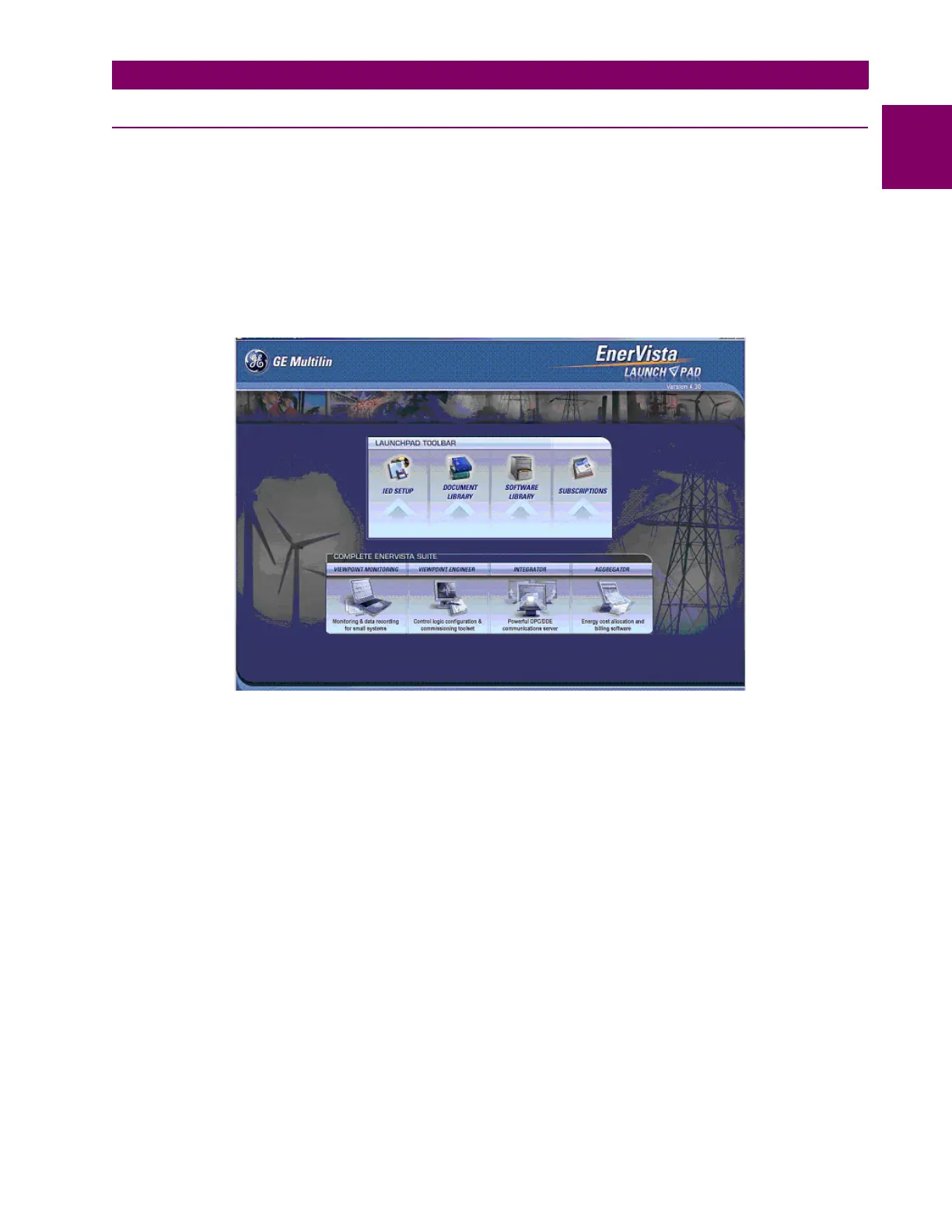
3. When installation is complete, start the EnerVista Launchpad application.
4. Click the IED Setup section of the Launch Pad window.
Figure 1–3:
5. In the EnerVista Launch Pad window, click the Add Product button and select the relay from the Install Software
window as shown below. Select the “Web” option to ensure the most recent software release, or select “CD” if you do
not have a web connection, then click the Add Now button to list software items for the corresponding relay model.








 To Next Page