Rev. 00 02/21
OptiCenter OC09 Touch panel / operating panel
47
Fig.
:
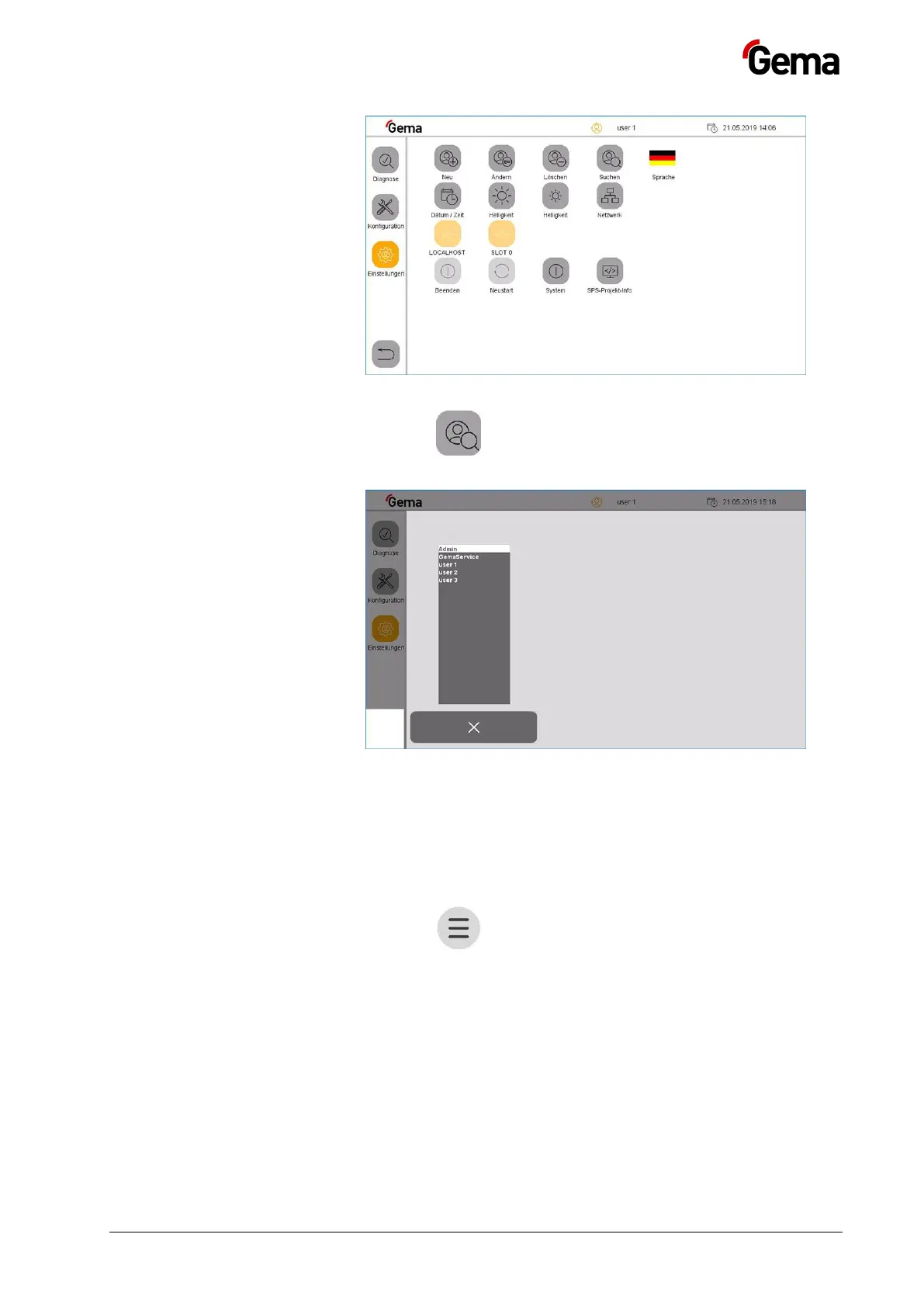
3. Press the key
– The following page is displayed:
Fig.
:
User language
The user language is part of the user profile and can be changed to one
of the pre-installed languages if required.
The selected language is loaded each time you log in.
1. Press the key
The following page is displayed:



 To Next Page