V 09/18
32 • Start-up and operation OptiStar CG06 Automatic gun control unit
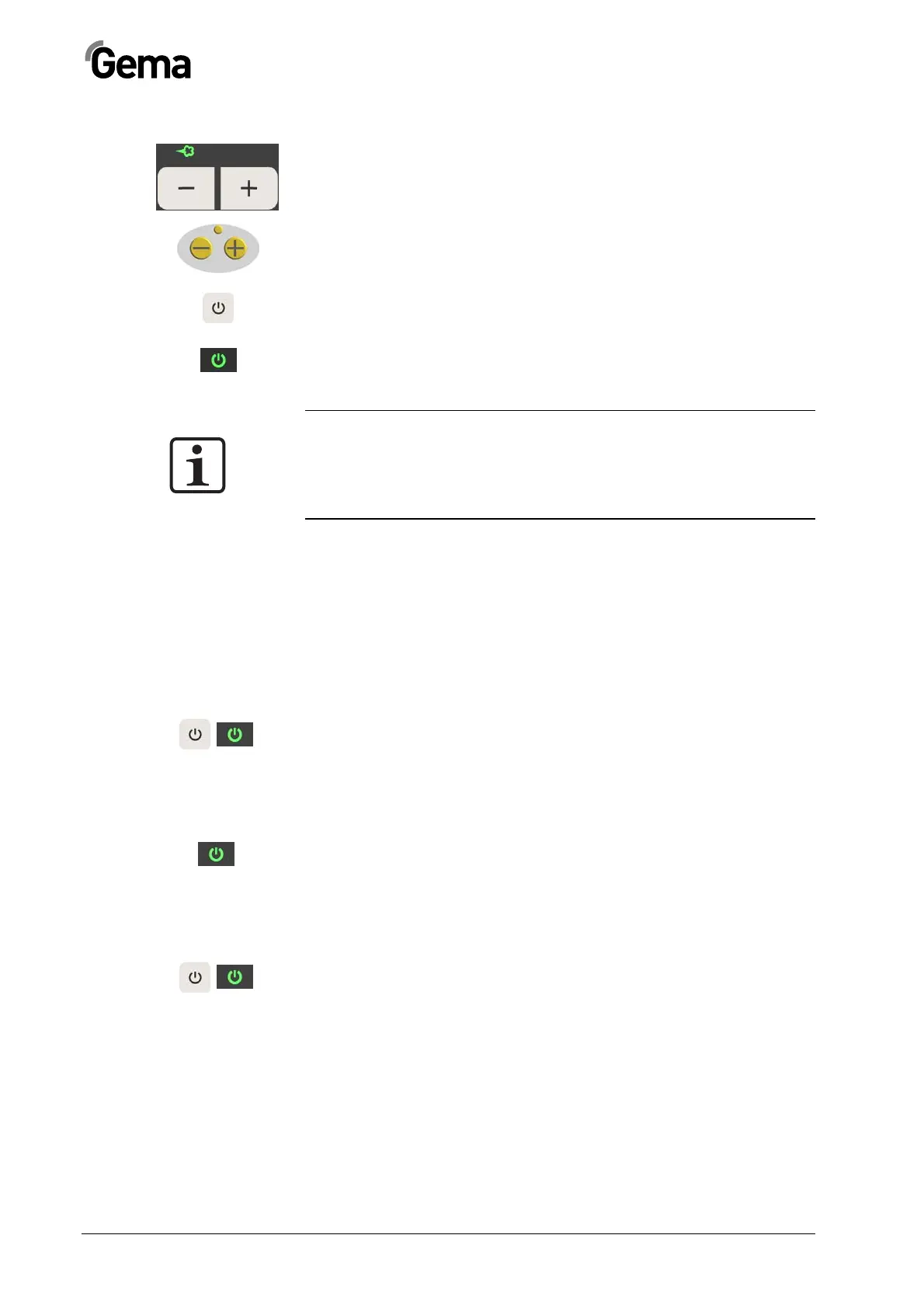
Setting the powder output
2. Adjust the powder output volume (e.g. according to the de-
sired coating thickness)
- The selection takes place with the keys T1/T2 on the
control unit or with the +/- keys on the rear side of the
powder gun (OptiSelect gun type). Factory default setting
of 60% is recommended for initial spraying. The total air
volume is maintained constant automatically
3. Release the OptiStar CG06 control unit by superordinated
control unit (external release signal)
4. Activate the gun with the key T16, the LED L7 illuminates
5. If a manual gun is connected, point it into the booth and
press the gun trigger
NOTE:
As a factory default value, a powder rate of 60% and a total air vol-
ume of 4 Nm³/h are recommended.
By inserting values, which the equipment cannot convert, the opera-
tor is made aware by flashing of the appropriate display and a tem-
porary out of range message!
OptiStar CG06 gun release
In order that the gun can spray powder, no error may be present, which
causes the control unit to deactivate the gun. Furthermore, depending on
the device, the following conditions must be complied:
OptiStar CG06 with DigitalBus:
- SYSTEM activated, DigitalBus or SYSTEM (Power In)
- Gun release activated
- Trigger pressed (manual gun only)
OptiStar CG06 with CAN bus:
- SYSTEM (Power In)
- Gun release by CAN bus
- Trigger pressed (manual gun only)
OptiStar CG06 without bus connection:
- SYSTEM (Power In)
- Gun release
- Trigger pressed (manual gun only)



 To Next Page