V 09/18
OptiStar CG06 Automatic gun control unit Troubleshooting • 57
Troubleshooting
Repairing the electrical part of the control unit
DANGER!
Before starting work on the control unit, disconnect the mains plug!
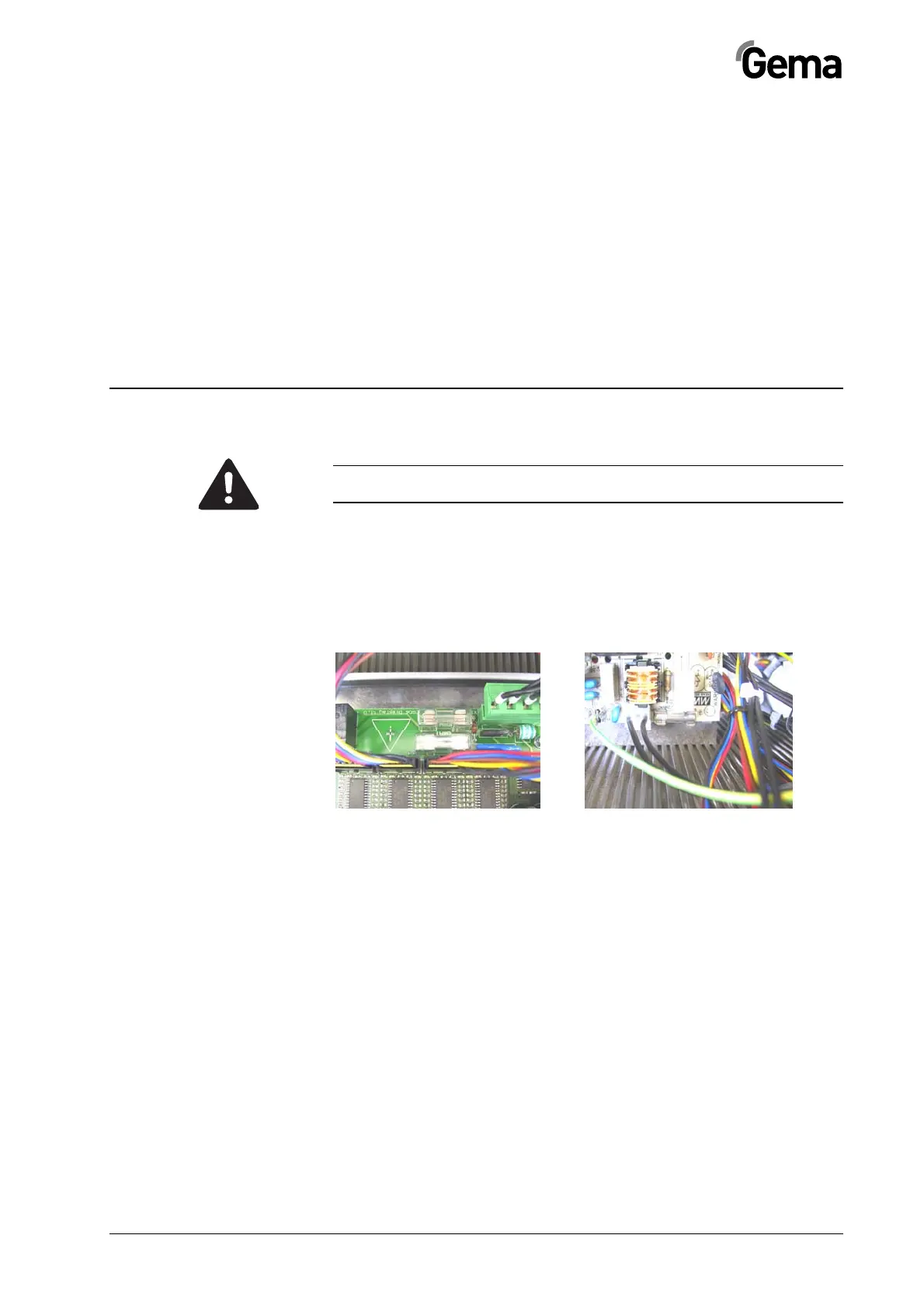
Replacing the fuse(s)
1. Loosen the screws on the front side of the enclosure
2. Hold the front plate with one hand, remove the fuse(s) (quick-
acting) from the fuse holder and replace with a new one
Fuse(s)
3. Reattach the front plate
4. Reconnect the mains cable
Replacing the power supply board
1. Loosen the screws on the front side of the enclosure
2. Disconnect the plugs on the defective board
3. Squeeze the standoffs with a pointed plier and remove the
power supply board. Replace the defective standoffs
4. Place the new board on the standoffs, press them into the
board and snap into mounting bracket within enclosure. Re-
connect the plugs
5. Reassemble the control unit in reverse order as described
and install it
6. Reconnect the mains cable



 To Next Page