V 09/18
34 • Start-up and operation OptiStar CG06 Automatic gun control unit
Powder coating
ATTENTION:
Make sure first, that all electrically conductive parts within 5 m of
the coating booth are grounded!
1. Point the gun into the coating booth, but do not yet direct it to
the object to be coated
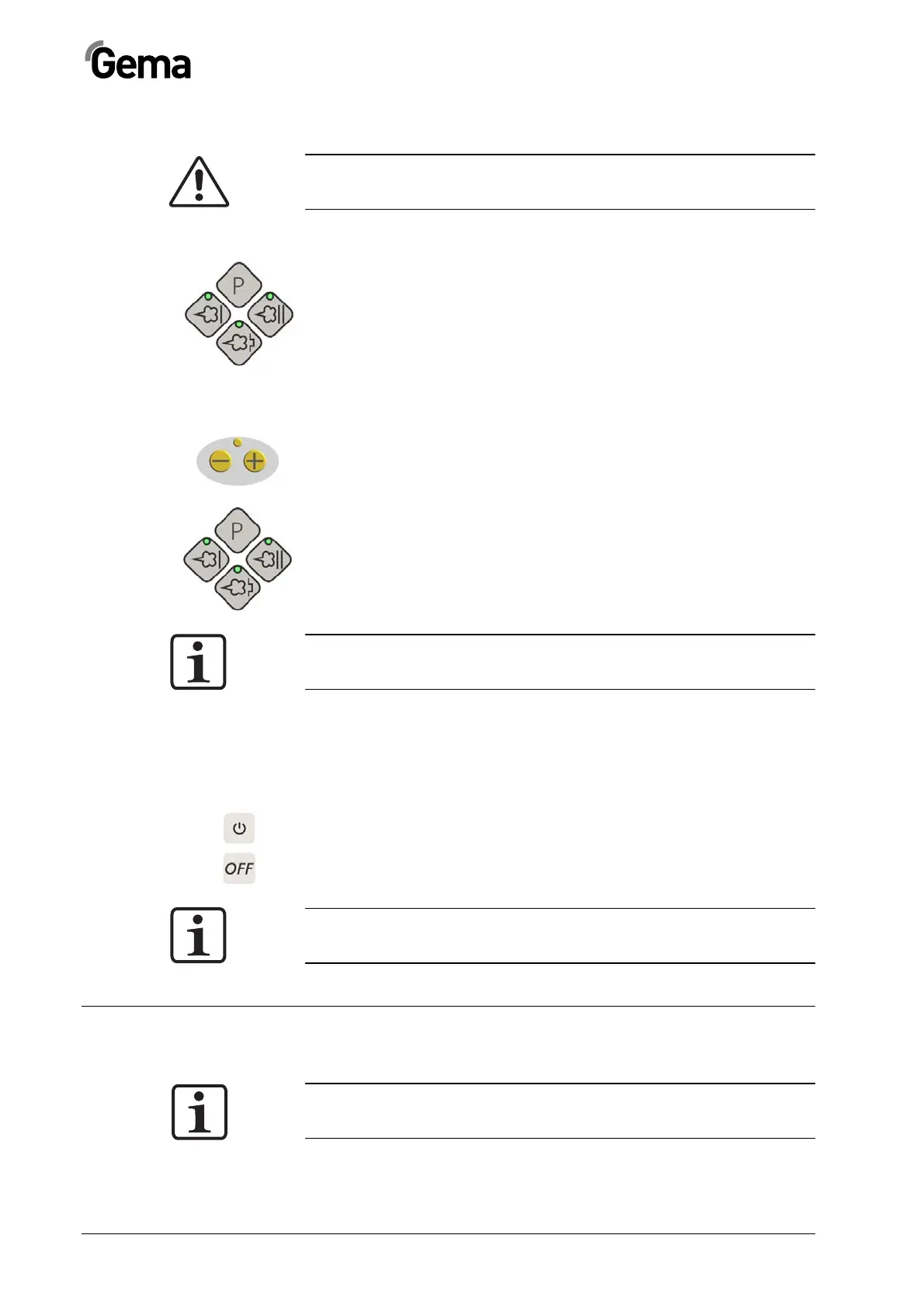
2. Select the operating mode:
Select the operating mode with program key T12 or applica-
tion keys T13/T14/T15. The LED of the corresponding appli-
cation key illuminates
3. Coat the objects
Remote control by OptiSelect GM02 manual gun
Various functions can be remotely controlled with the + and - keys on the
rear side of the powder gun (OptiSelect gun type):
- Modify the powder output (press the + or - key on the gun).
The powder output will be increased or decreased according-
ly
- Change application modes (Preset mode/Program mode) by
pressing the + and - keys on the gun at the same time. The
change takes place counterclockwise. Check by observing
the key LEDs on the control unit
NOTE:
By pressing one of the keys, the preset values will be displayed
versus the actual values!
Shut-down
The shut-down of the OptiStar CG06 Automatic gun control unit takes
place in following steps:
1. Switch off externally by superordinated control unit, or on the
control unit with key T16 (local operation)
2. In the case of PLC controlled systems, shut-down can take
place directly with the key S2
NOTE:
The adjustments for high voltage, powder output, electrode rinsing
air and fluidizing remain stored!
Saving programs
NOTE:
The values in programs 1-250 and the 3 preset application modes
are saved automatically, without confirmation!



 To Next Page