120
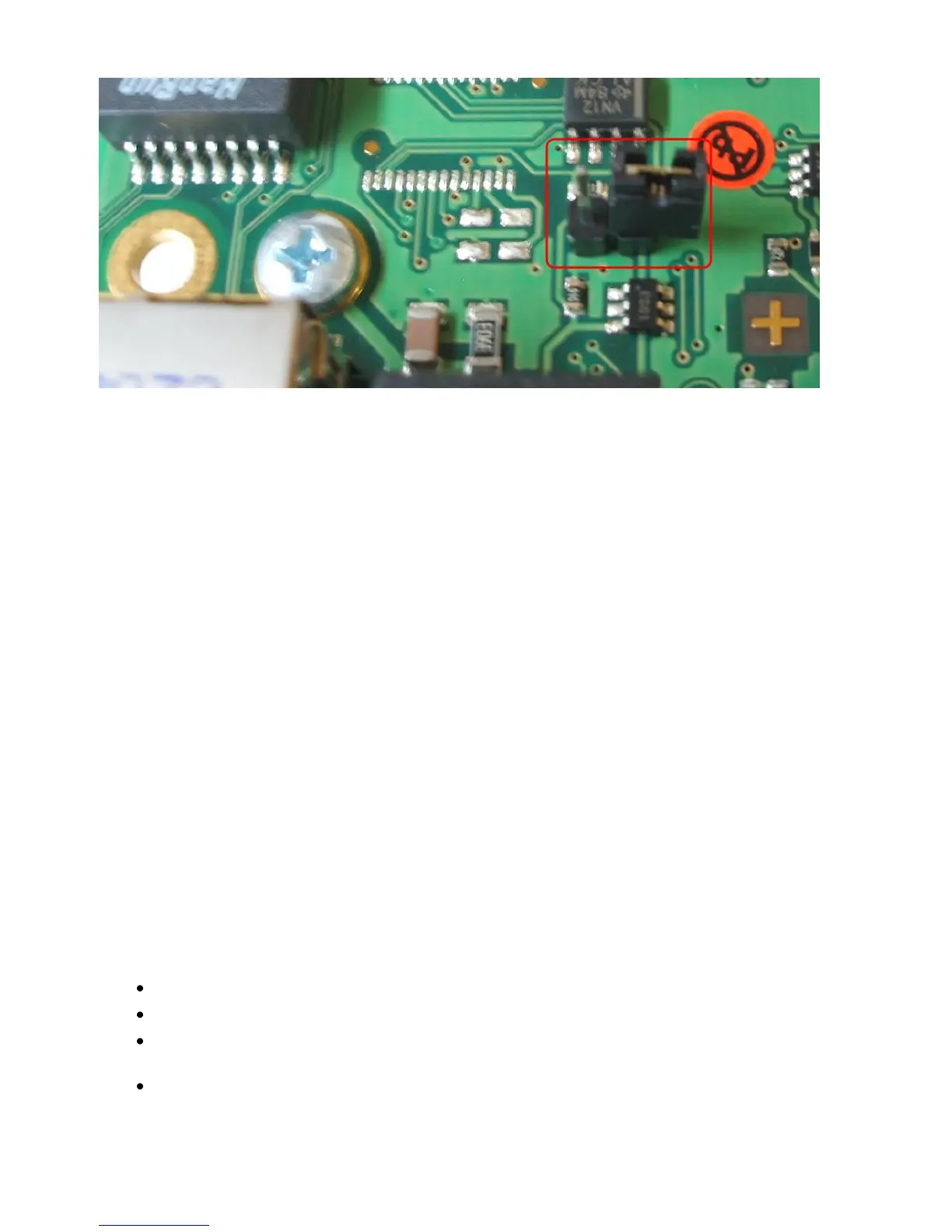
Figure 137: MODBUS - Jumper
D.8. Configuration
Please use Telnet (network connection) for the configuration with the default IP address
10.10.10.10. Put DIP switch 1 into the “OFF” position. If you have a RS-232/ RS-485 converter
available you can also use a HyperTerminal via COM2 with both DIP switches in the “OFF”
position.
D.9. TCP/IP - UDP Ports
The following are ports of the CS121 SNMP Adapter. These are the ports that have to be
made available in the Firewall in order to use all of the CS121 functions:
Echo 7/tcp
echo 7/udp
WOL 9/udp
ftp-data 20/tcp
ftp 21/tcp
telnet 23/tcp
smtp 25/tcp
http 80/tcp
snmp 161/udp
snmptrap 162/udp
time (rfc868) 37/tcp
time (sntp) 123/tcp
rccmd 6003
Upsmon 5769
Modbus over IP 502/tcp
Update flash 4000/udp
The UPSMON port 5769 is required for the following:
UPSMON Windows
RCCMD and UNMS II alive check
Port forwarding (unblocking of several CS121 into the network via own ports into
other networks)
Support of all other commands and functions via UPSTCP
D.10. MODBUS Cables
The following cable (Cable 112) is used for connecting the Schneider Electrics TSX SCY
CM6030 MODBUS device and the CS121 MODBUS adapter.



 To Next Page