21
too early it may corrupt the upsman.cfg configuration file. (see also section 4 Adapter
Software-Updates (Firmware))
Note: Various options and settings for UPS-configuration can be done under
Telnet or HyperTerminal, e.g. setting access controls of the SNMP-
communities, set traps, set display settings, etc. However, the
configuration via Webbrowser offers a much more convenient way to
configure the CS121. If you have any possibility we recommend you to
use this way.
2.2 Adapter-restart and boot procedure
After you have finished the basic IP- and network-settings you should set DIP-switch 1 in
position ON and restart the adapter with your configurations.
You can perform an adapter restart by unplugging the power supply of the CS121 and wait
until the adapter has restarted with your configurations.
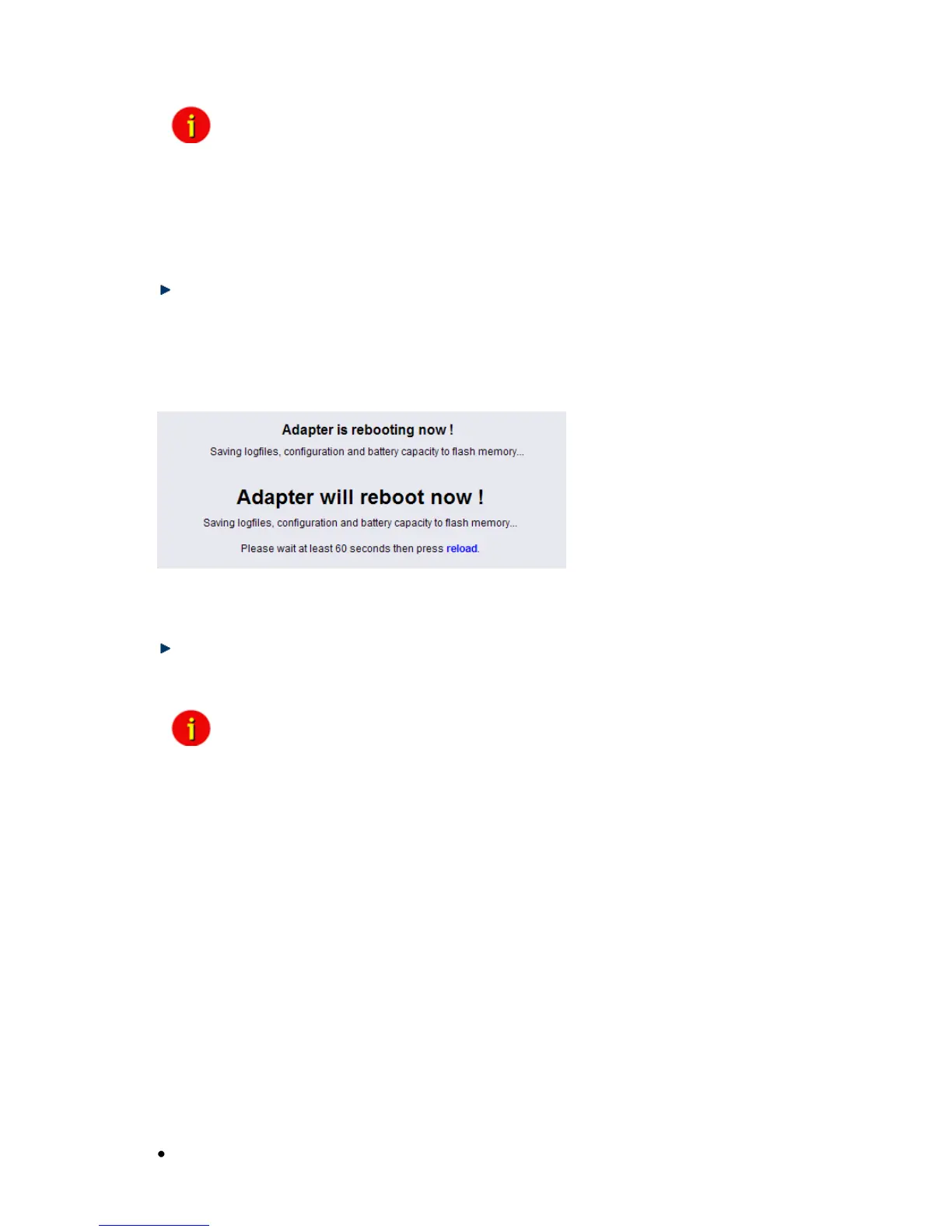
Alternatively you can restart the Adapter with the “Reboot”-Option in the “Save Configuration”-
menu of the Webbrowser. The following message will displayed:
Figure 11: HTTP – Adapter reboot dialog
A successful restart of the adapter is indicated with the CS121 UPS- and network-LEDs as
described in section 1.7 Connect your CS121 ....
Reconnect your Webbrowser with the adapter using the configured IP-address. (e.g.
http://192.168.10.123)
Your CS121-adapter is now ready for further configurations!
Note: If the adapter’s HTTP-service is not available, check to see whether or
not a red Status-LED is lit.
Further, test if you reach the adapter with a ping-command. Enter
command „ping <IP-address>“. If the adapter doesn’t answer to the ping,
check also whether your network routes the IP-address.
2.3 Introduction in the event configuration
The configuration of the CS121 is based on events, whereupon an event can be an UPS-
triggered event such as powerfail, battery low etc., and also events, which are released by the
CS121-adapter, like events from the AUX-port or a connected SENSORMANAGER for
example.
The CS121-configuration allows you to assign one or more actions to each event. An action
can be to send an Email-notification to specific users as well as to perform a shutdown-signal
to several client stations. In addition, it is possible to specify when and how often an action is
to be released.
2.3.1 About same basic events
Please call the menu “Events / Alarms” in the Web-browser to open the main configuration-
site, whereon all configurable events are listed. In the following, we introduce same basic and
important events which should be in general handled from every CS121-Adapter. For a
complete description in-deep please see section 3 Configuration of the CS121.
Powerfail



 To Next Page