16
2.1.2 Establishment of a static CS121 IP address manually (default delivery state)
The minimum requirement to operate the SNMP-adapter is to set the IP address, subnet mask
and the UPS model:
The DIP-switches of the SNMP-adapter firstly need to be set for the configuration. DIP-
switch 1 is switched OFF in the top position as well as DIP switch 2 is switched OFF. Please
note that the DIP switches of the SNMP-slot card adapter are situated on top of the circuit
board and DIP switch 2 remains in the OFF position in configuration as well as in the normal
mode.
Note: For slot versions you have to insert and remove the device for any
reboot-process. This will not have any effect on your UPS but we
recommend doing such operations only when the UPS is not supplying
any load!
As soon as the network-LED is flashing, add a TCP/IP route on your computer for IP-
address 10.10.10.10. This is done via a call from your command line e.g. "route add
10.10.10.10 <your computers IP address>“. See also route -? for more help of route syntax.
Test if you can ping the device now: Enter command „ping 10.10.10.10“ and check if there is
any response. Now you can connect with any Telnet or HTTP-software and continue with the
configuration.
2.1.3 Using HTTP/Webbrowser
The entire configuration can be done via Webbrowser. Please use the default IP-address
10.10.10.10 and the TELNET password (default: “cs121-snmp”). The username is always
“admin”.
For the configuration using the webbrowser please observe the following:
We recommend the use of Microsoft Internet Explorer 6.x (or higher) or Mozilla 1.3x. Please
note, that Java scripting has to be activated. Using Internet Explorer, the corresponding
settings have to be made under “Internet options” - “security”.
We also recommend never to use the history function of the browser, as this may lead to
multiple transfer of commands (e.g. delete event jobs) to the adapter.
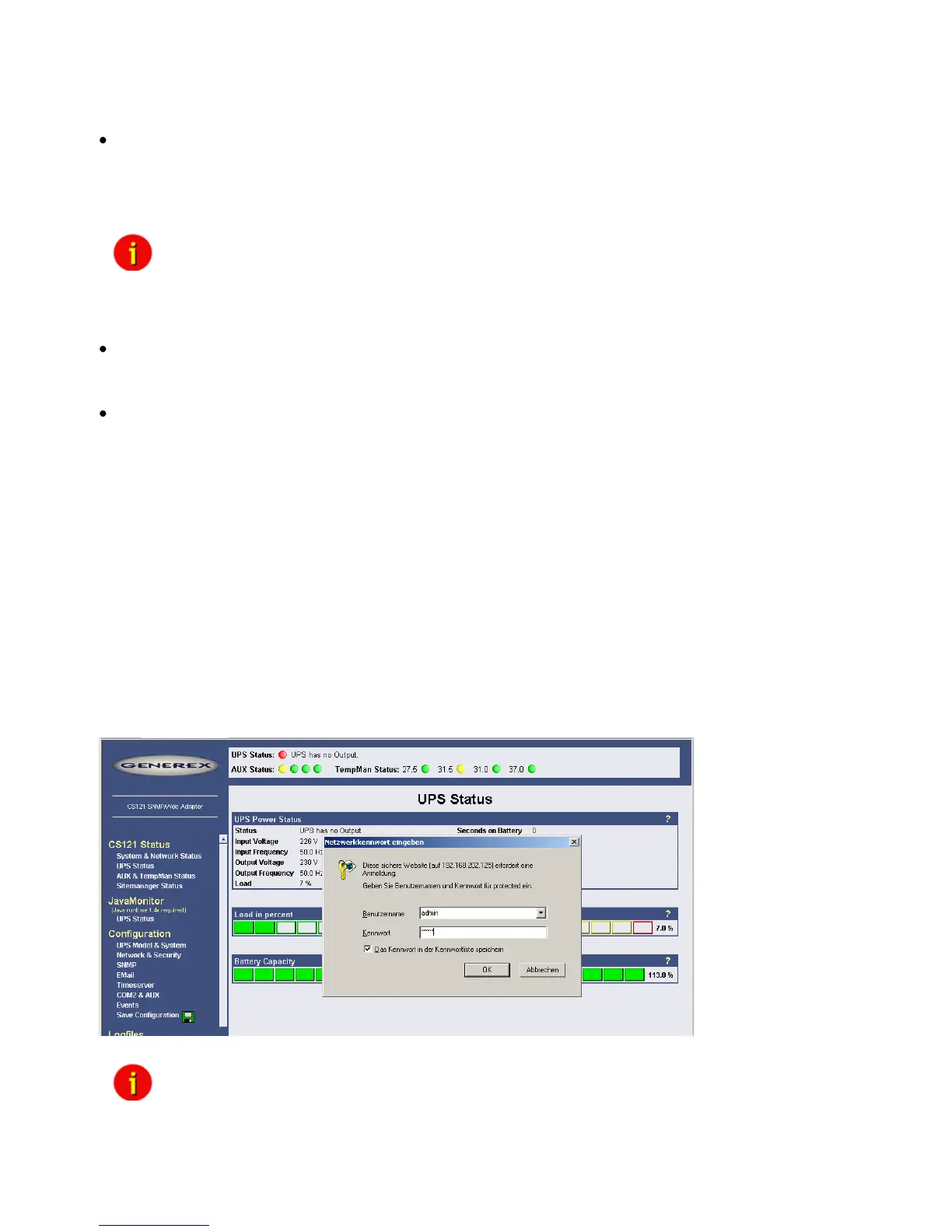
Upon entering a HTTP-configuration session, the user is required to enter a username,
”admin”, in addition to the password ”cs121-snmp”.
Figure 4: HTTP - Administrator login
Note: If the HTTP-method does not seem to be available, check to see
whether or not the red LED UPS Status (see section 1.7 Connect your
CS121 ...) is lit.



 To Next Page