132
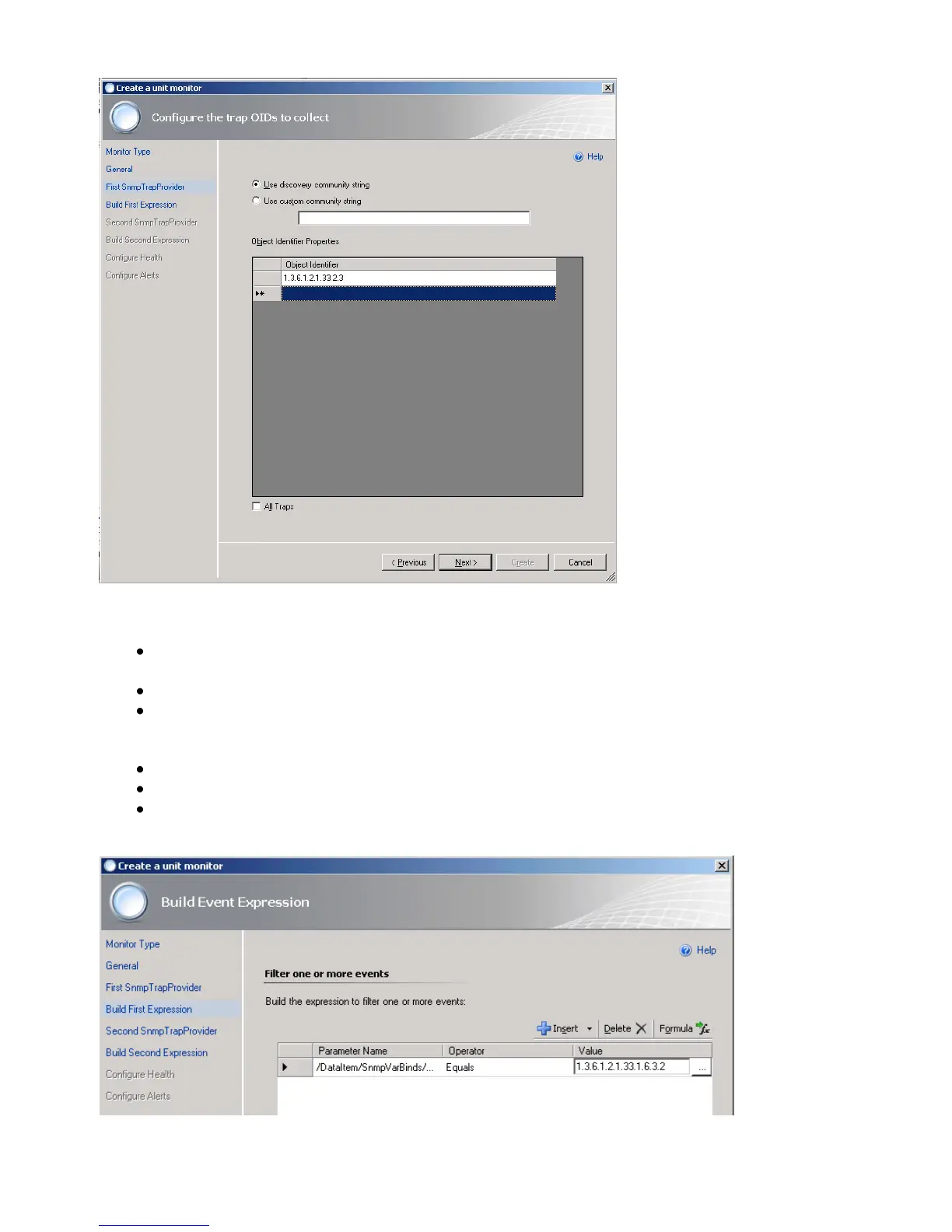
Figure 144: Configure the trap OIDs to collect
On the Build Event Expression page, click to place the cursor in the Parameter
Name section and type the trap parameter variable that you want to use here:
/DataItem/SnmpVarBinds/SnmpVarBind[2]/Value
Why did we use SnmpVarBind[2] in our expression? Because the traps second
contains the OID of the traps UPS alarm (Object upsAlarmDescr of the trap).
Click to place the cursor in the Operator section and select Equals.
Click to place the cursor in the Value section and type the value to match here:
1.3.6.1.2.1.33.1.6.3.2 (The 1.3.6.1.2.1.33.1.6.3.2 is the well known alarm OID for
upsAlarmOnBattery).
Figure 145: Build Event Expression



 To Next Page