68
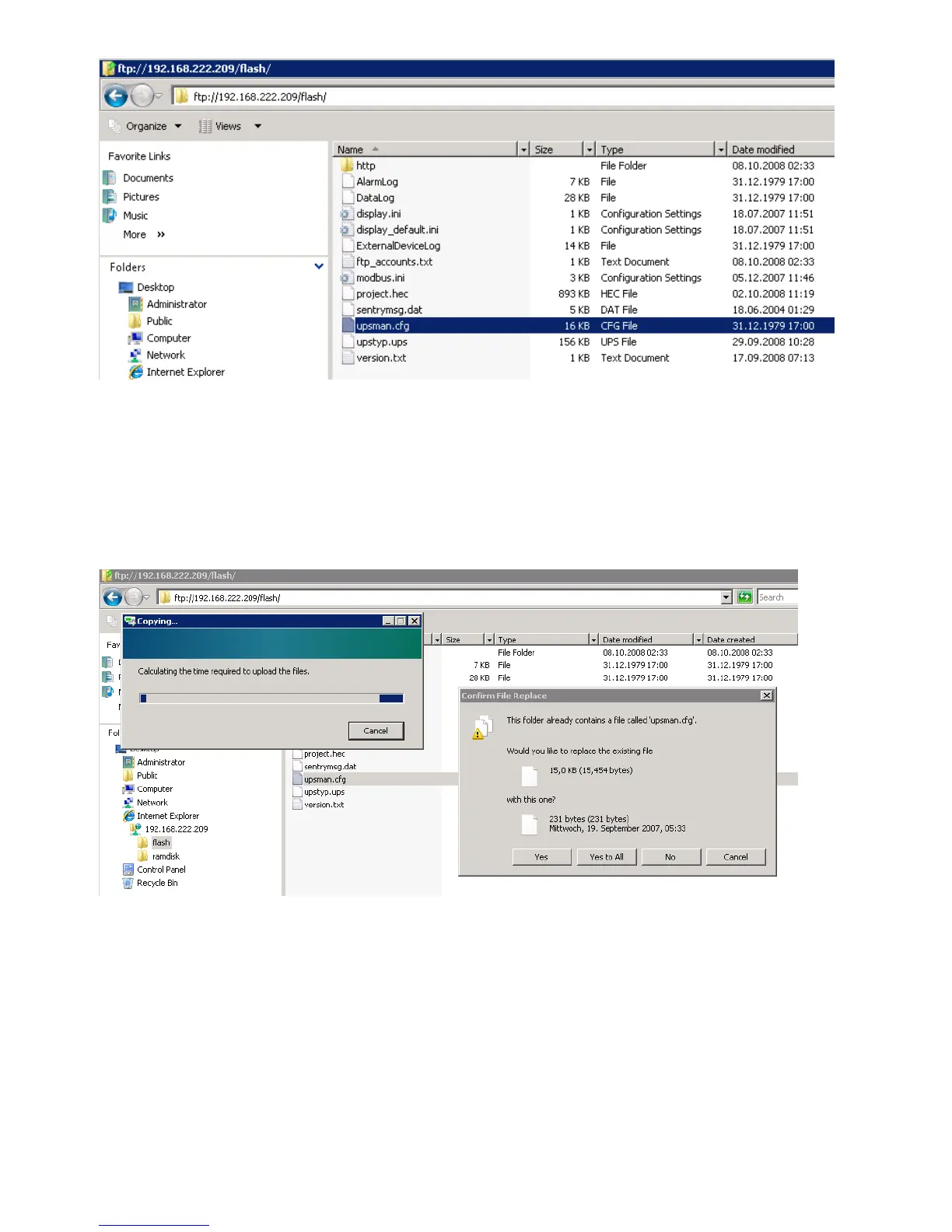
Figure 77: CS121-FTP Upsman.cfg
After you have updated your CS121, please open the „new“ and the stored „upsman.cfg“ in an
editor. Now check, if the parameter of the new data are present into the stored data. If not, you
need to copy the missing parameter of the new data into the stored „upsman.cfg“.
Now you can overwrite the „upsman.cfg“ into the „flash“ folder via ftp.
Figure 78: CS121-FTP File Replacement
Just reboot (do not select „Save, Exit & Reboot“) the CS121 via web-browser.



 To Next Page