72
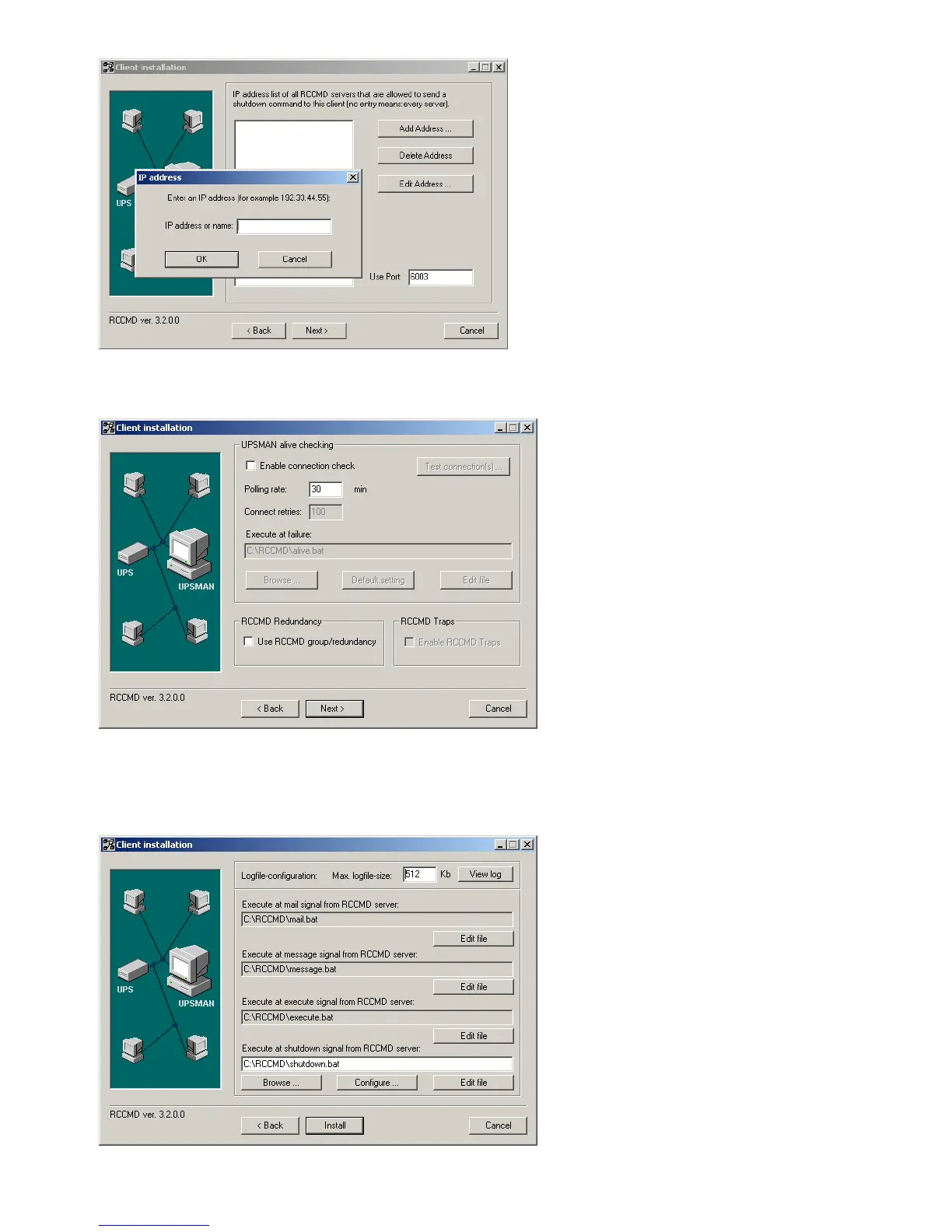
Figure 81: RCCMD Client Installation – IP-Address
The following window gives you the possibility to enable a periodical connection check and to
attach a batch-file to be executed in the case of a failure.
Figure 82: RCCMD Client Installation – Connection check
With the following window you complete the installation by attaching batch-files to each action
the RCCMD-client can receive from the CS121-adapter. Usually, you do not need to edit the
default-values, because the installation already includes the batch-files as default. Just edit the
batch-file, if you want to add or change an action to be executed.
Figure 83: RCCMD Client Installation – Batch-files



 To Next Page