77
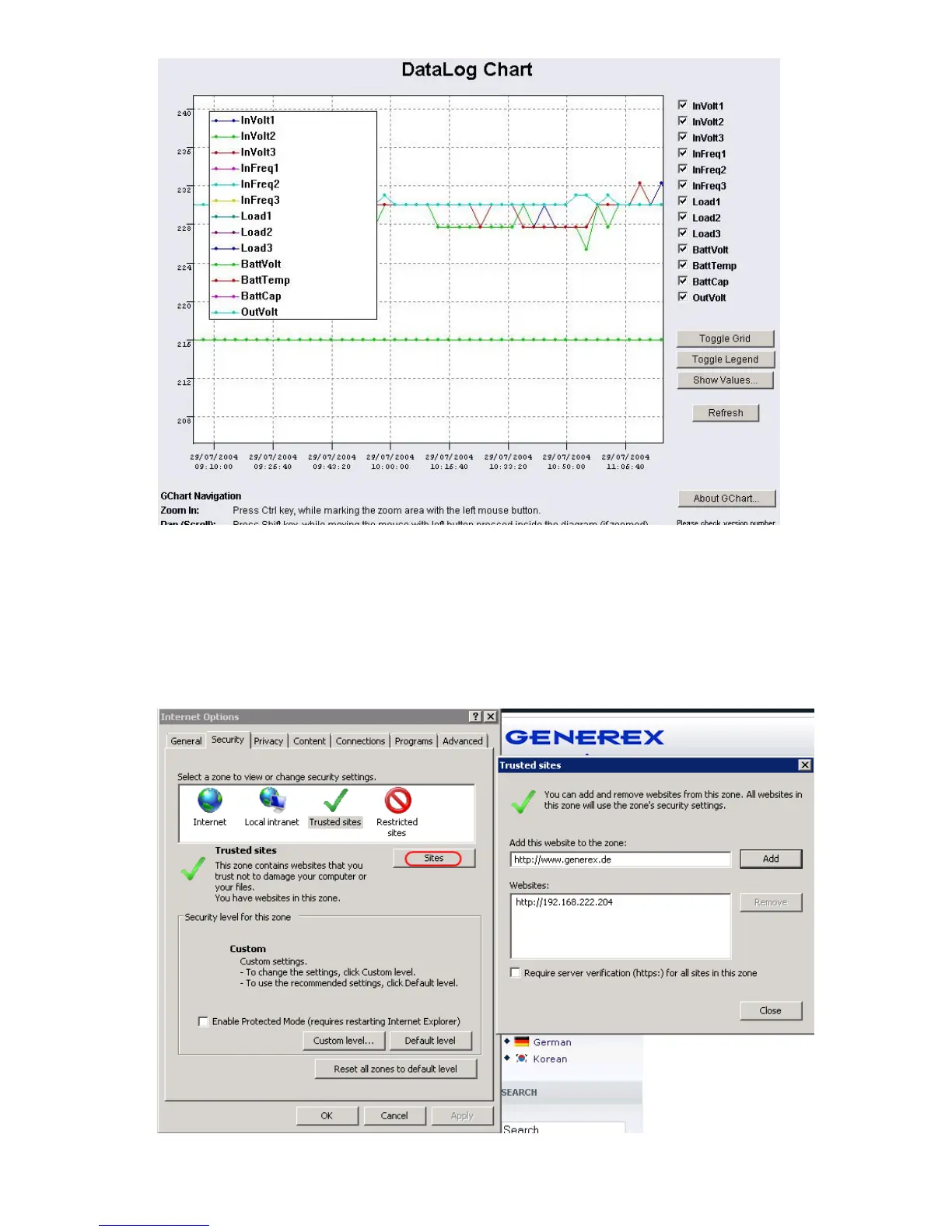
Figure 90: gchart plug-in for the internet explorer
Get the gChart experience now by visiting our online CS121 at: http://q01.generex.de/ and be
sure to follow the GChart logfile links.
In order to activate this function, the following adjustments in the Internet Explorer Options are
required:
Click via the menu „Tools“ into the Internet Options.
Select the tab „Security“.
Click the „Trusted Sites“ icon, than the „Sites“ button and add the desired IP address.
Figure 91: Internet Options of the internet explorer



 To Next Page