EasyManua.ls Logo

Gerber EDGE FX - Menu Tree - Main Menu;System Menu

Gerber EDGE FX
103 pages
Print Icon
To Next Page IconTo Next Page
To Previous Page IconTo Previous Page
Loading...
95
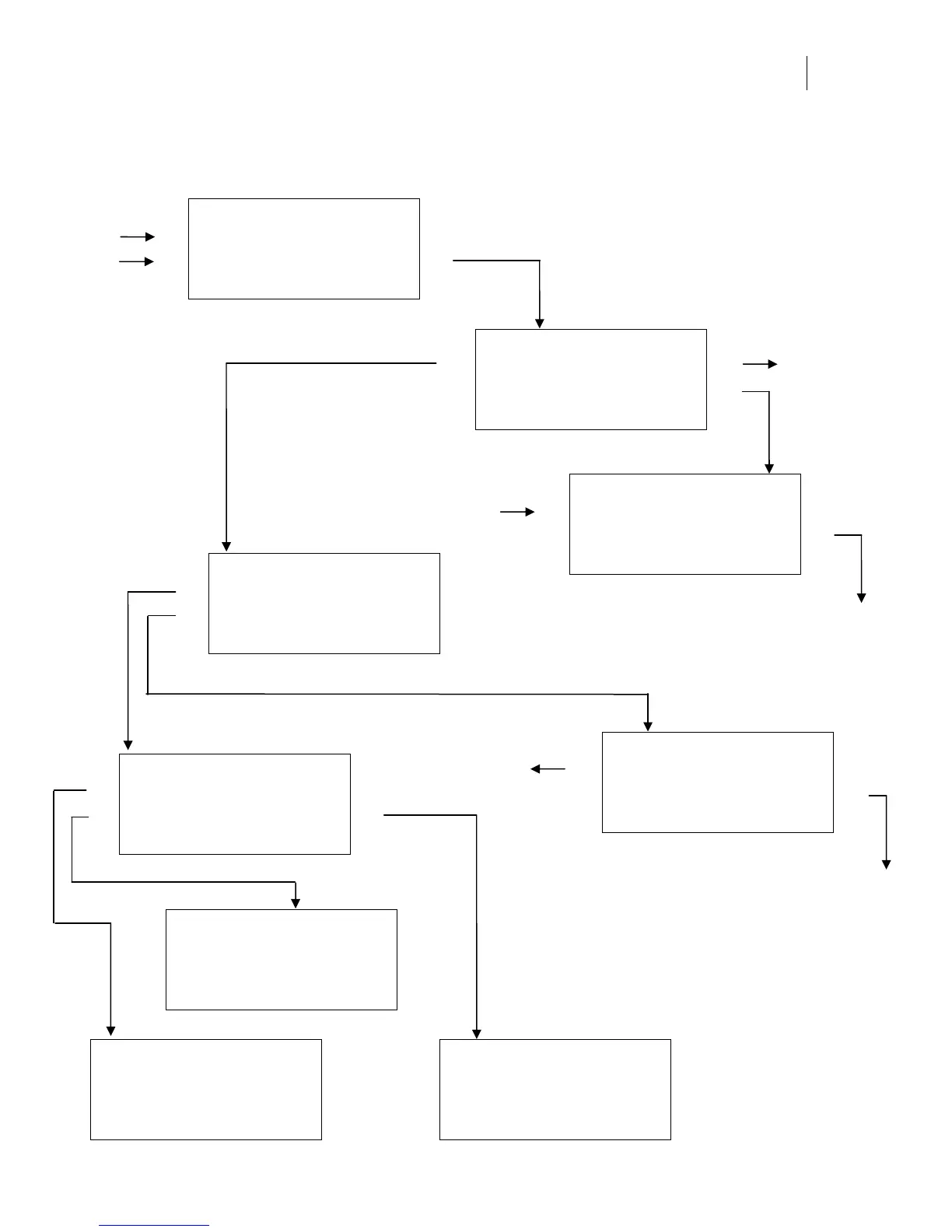
Menu Tree – Main Menu/System Menu
MAIN MENU
F1 OFFLINE CANCEL F3
F2 Mode: Single SYSTEM F4
Job Status: No Job
SYSTEM MENU
F1 NETWORK CANCEL F3
F2 DIAG MOTION F4
MOTION MENU
F1 FOIL CANCEL F3
F2 HOME F4
See DIAGNOSTIC MENU…
Slews the foil
Sets the sprockets to
the Home position
and returns to
MAIN MENU
NETWORK MENU
F1 TC/IP CANCEL F3
F2 ETHERNET F4
TCP/IP MENU
F1 IP ADDR. CANCEL F3
F2 NET MASK DHCP F4
ETHERNET MENU
F1 SET CANCEL F3
F2 NEXT F4
Auto Negotiate
IP ADDRESS MENU
F1 CANCEL F3
F2 ––– NEXT F4
169.254.128.129
NETWORK MASK MENU
F1 CANCEL F3
F2 ––– NEXT F4
255.255.000.000
DHCP
F1 ENABLE CANCEL F3
F2 DISABLE F4
Currently Disabled
NEXT scrolls through:
Auto Negotiate
10 Mb/S Half Duplex
10 Mb/S Full Duplex
100 Mb/S Half Duplex
100 Mb/S Full Duplex
Sets Ethernet mode
Used after reboot
Returns to the
MAIN MENU
SYSTEM MENU only
available when OFFLINE
ONLINE
Cont.

Table of Contents

Other manuals for Gerber EDGE FX

Related product manuals