62
CHAPTER 6
Configuring the GERBER EDGE FX via the Web Interface
Viewing Gerber contact information
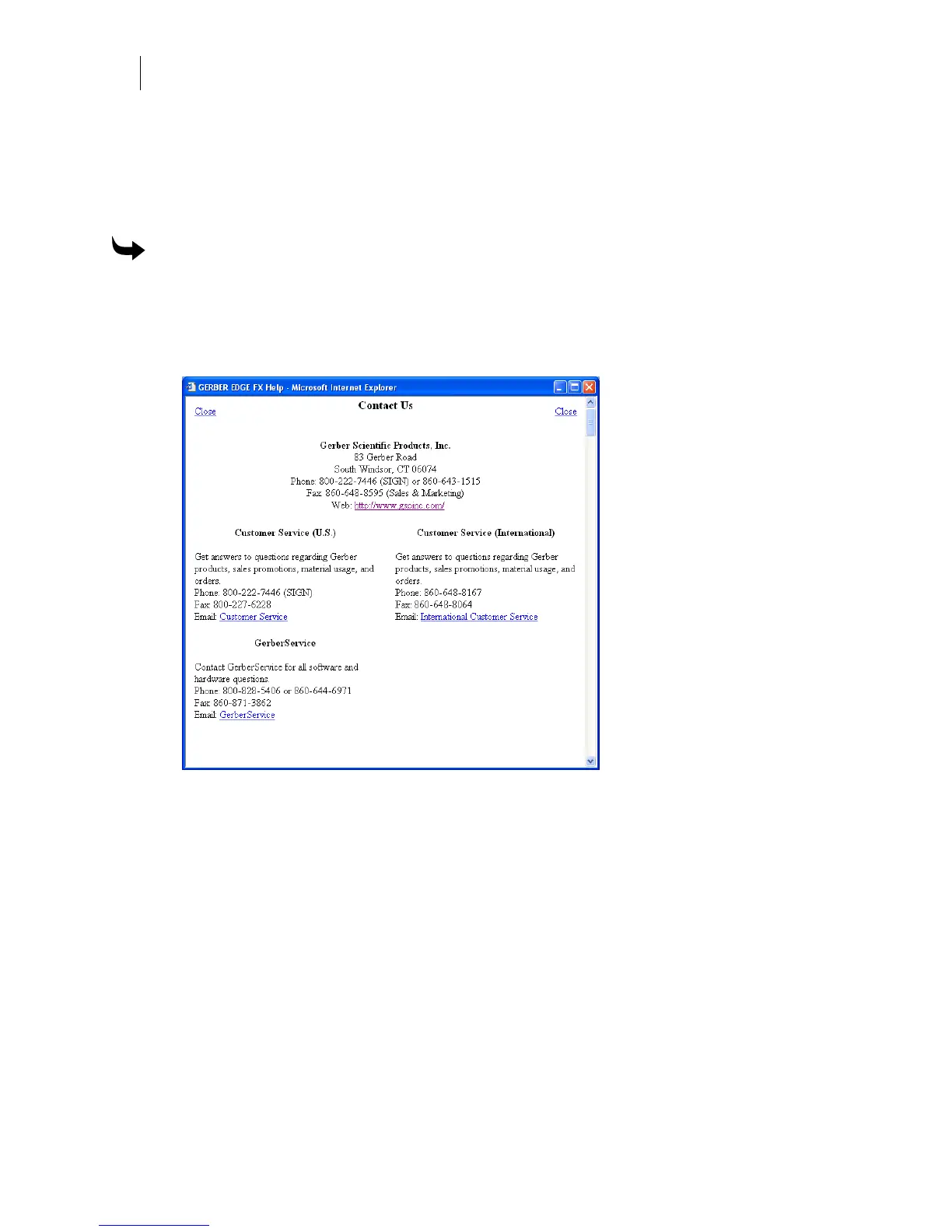
The GERBER EDGE FX web interface contains important Gerber contact information including
Customer Service and Technical Support. If you are connected to the Internet you can click the
hyperlinks to contact Gerber or visit the Gerber web site (www.gspinc.com).
To view Gerber contact information
1 Open the GERBER EDGE FX web interface by entering the printer's IP address in the
Location or Address line of your web browser (for example: http://169.254.128.129).
The Welcome to GERBER EDGE FX screen displays.
2 Click the Contacts link to open the GSP
®
Contact Us page.
3 Click the website link to open the GSP website, or click any of the e-mail links to send
an e-mail. You must be connected to the Internet to visit the web site or send e-mail.
4 Click Close to return to the Welcome to GERBER EDGE FX page.



 To Next Page