69
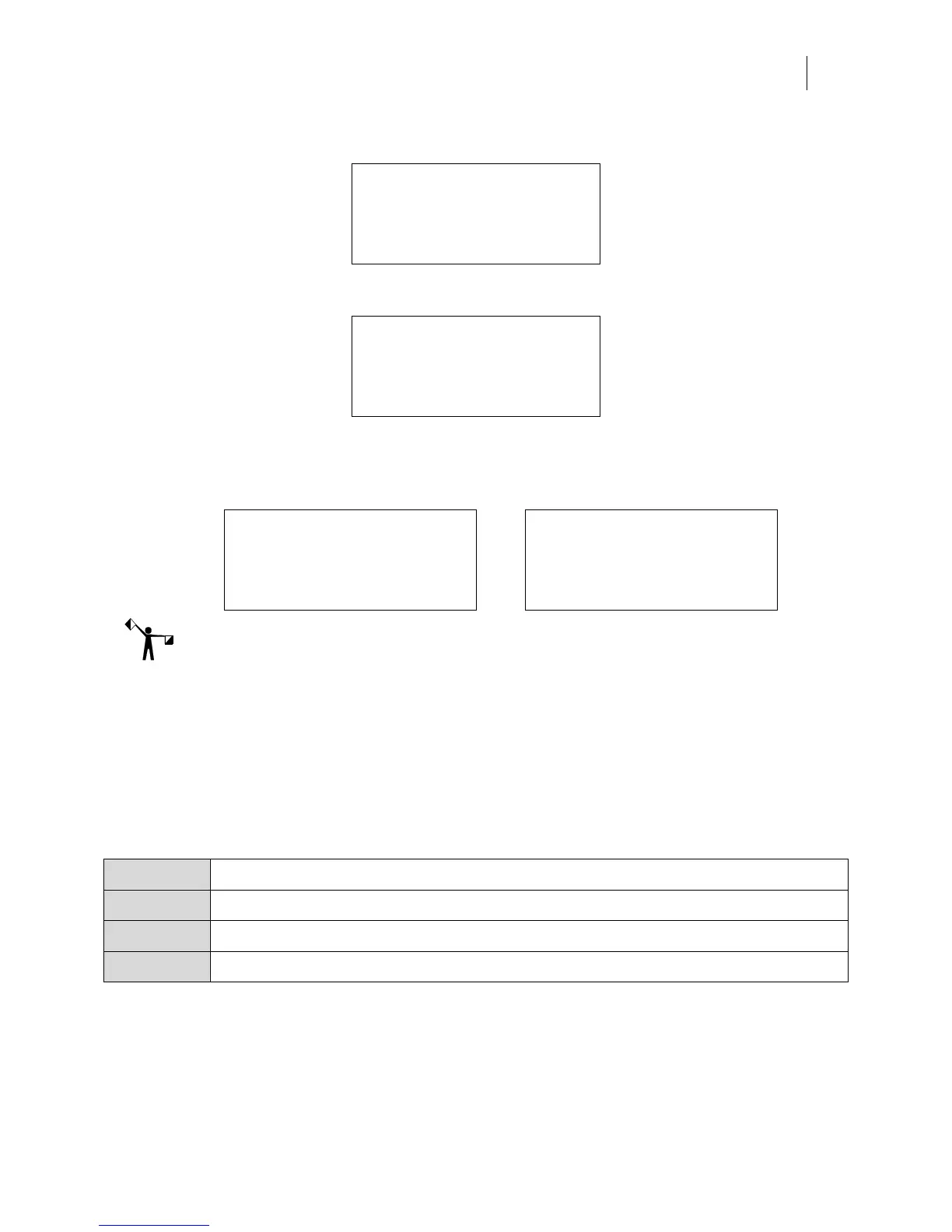
3 Press F1, TEST PRINT to open the MAIN MENU with the TEST PRINT job paused.
MAIN MENU
F1 PAUSED CANCEL F3
F2 Mode: Single SYSTEM F4
Job: TEST PRINT
4 Press F1 to print the job. The display changes to:
MATERIAL MENU
F1 OK CANCEL F3
F2 SUBSTITUTE HOME F4
Need 3m Scotchcal Series 220
5 Load the requested material (3M Scotchcal Series 220 Premium Film) and press F1,
OK. The display changes to the following screen with the foil and length required
alternating on the bottom line:
FOIL MENU FOIL MENU
F1 OK CANCEL F3 OK CANCEL F3
F2 MOTION F4 MOTION F4
Need Black Need 0.984 inches
Note: If you have the Foil Display/Speed setting set to Name only, the length required will not
display. For details see “Changing the Foil Display/Speed” on page 53.
6 Load the Black (GSC-012) foil and press F1,
OK. The job prints.
Testing network throughput
The Network test can be used in conjunction with a job sent for OMEGA to determine the
network performance. The job data is discarded while the Network test is performed. Network
throughput is displayed in terms of quality which correlates to kbytes per second as shown in
the following table:
Excellent Network throughput is > = 600 kbytes/sec
Good Network throughput is > = 300 kbytes/sec and < 600 kbytes/sec
Poor Network throughput is > = 0 kbytes/sec and < 300 kbytes/sec
None Network throughput is > = 0 kbytes/sec



 To Next Page