59
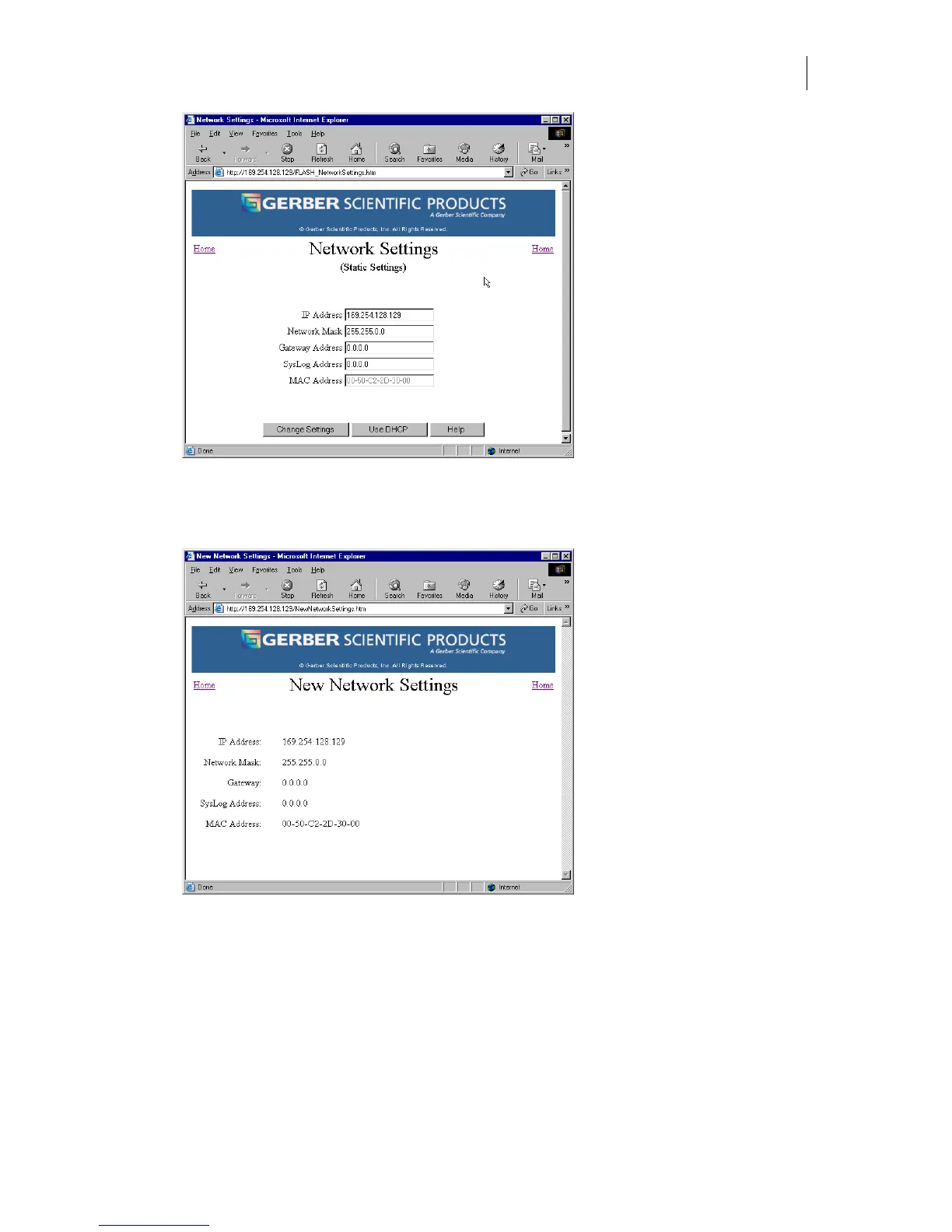
3 Enter the new addresses.
4 Click Change Settings to apply the new values to the GERBER EDGE FX. The New
Network Settings web page displays.
Using DHCP
The Use DHCP button activates the settings provided by a DHCP (dynamic host configuration
protocol) server rather than the static settings. DCHP can also be set at the GERBER EDGE FX
control panel. See “Using DHCP to assign network address” on page 22.
If your network is equipped with a
DHCP server you can have it automatically assign the IP
Addresses to the computer and other devices on the network including the GERBER EDGE FX.
Each time you turn on a device it will automatically load the proper TCP/IP settings provided
by the server. The DHCP server automatically allocates an unused IP Address from the IP



 To Next Page