9
Network connection to a network router equipped with DHCP
Some locations may activate DHCP (dynamic host configuration protocol) on the GERBER
EDGE FX and allowing a network equipped with a DHCP server to automatically assign
addresses. Two typical scenarios are shown in the following illustrations: a new network with
DHCP cable/DSL router or an existing DHCP network. See “Using DHCP to assign network
addresses” on page 22 for more detailed instructions.
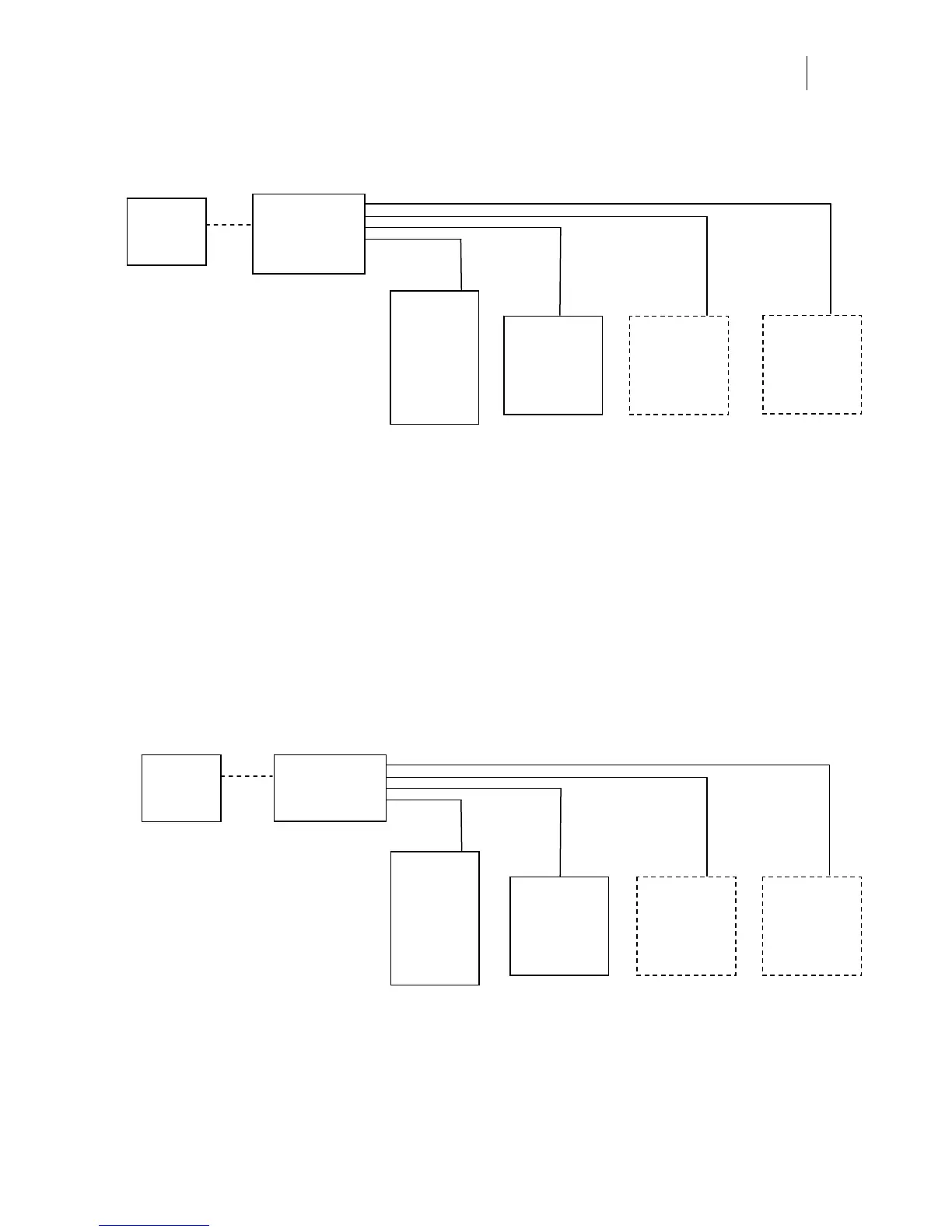
• Connect new computer and GERBER
EDGE FX to network hub/switch with
straight-through Category 5 RJ45 Ethernet
cables (or crossover cables if hub is auto-
sensing).
• GERBER EDGE FX uses default static
network address (no need to change
settings.)
• New computer(s) uses default Automatic
Private IP Addressing (no need to assign
network addresses).
• Install OMEGA 2.1 or higher.
• Install GERBER EDGE FX in OMEGA using
the Browse button in GSPTray.
• TIP: Assign static address to computers if
boot times are excessive.
Possible
internet
connection
GERBER
EDGE FX
Network cables
Other new
computer
New network
hub, switch, or
server without
DHCP
New Network Connection using Static IP Addresses
New
computer
with OMEGA
2.1 or higher
Default static
IP address
Default
automatic IP
Default
automatic IP
Other new
computer
Default
automatic IP
Activate DHCP
DHCP assigns
IP address
GERBER
EDGE FX
Computer
with OMEGA
2.1 or higher
Network cables
Other
computer or
equipment
Other
computer or
equipment
New Network with a DHCP Cable/DSL Router
• Connect GERBER EDGE FX and
computer(s) to cable/DSL router with
straight-through Category 5, RJ45
Ethernet cables (or crossover cables if
router is auto-sensing).
• Activate DHCP on the GERBER EDGE FX
keypad.
• Cable/DSL router with DHCP
automatically assigns IP addresses for all
equipment.
• Install OMEGA 2.1 or higher.
• Install GERBER EDGE FX in OMEGA using
the Browse button in GSPTray.
DHCP assigns
IP address
DHCP assigns
IP address
DHCP assigns
IP address
Cable/DSL
router with
DHCP
Internet
connection



 To Next Page