57
Enabling or disabling sensors
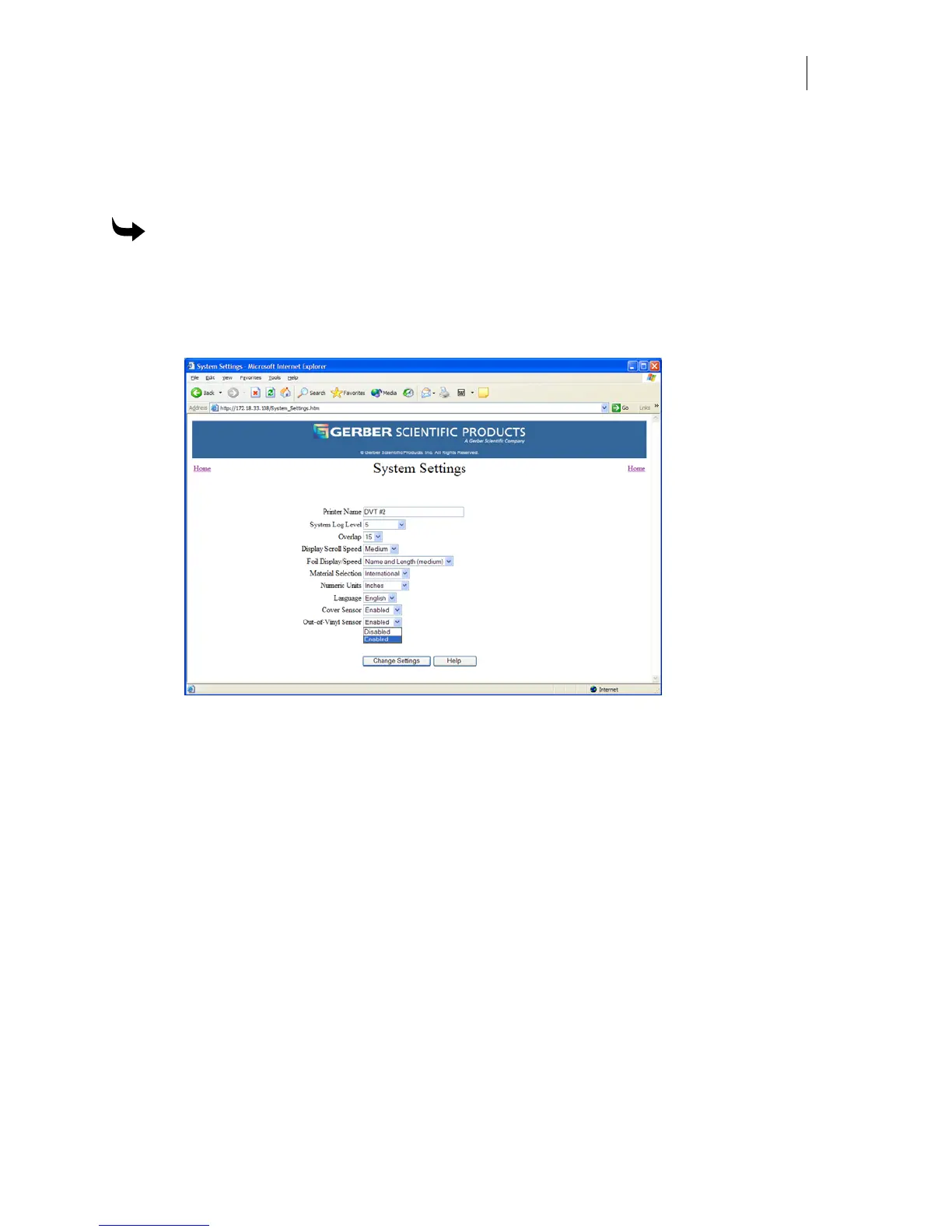
The Out-of-Vinyl and Cover sensors can be enabled or disabled from the System Settings page
of the web interface.
To enable or disable Out-of-Vinyl or Cover Sensors
1 Open the GERBER EDGE FX web interface by entering the printer's IP address in the
Location or Address line of your web browser (for example: http://169.254.128.129).
The Welcome to GERBER EDGE FX screen displays.
2 Click the System Settings link to open the System Settings page.
3 Choose enable or disable from the Cover Sensor or Out-of-Vinyl drop down list.
4 Click Change Settings to apply the new sensors information.



 To Next Page