68
CHAPTER 7
Troubleshooting
Substrate
Prompts??
enabled enabled
disabled
If enabled then GERBER EDGE FX waits for
user to select material before continuing
with printing.
Foil
Prompts??
enabled enabled
disabled
If enabled then GERBER EDGE FX waits for
user to select foil before continuing with
printing.
Diagnosing printer problems
The DIAGNOSTIC MENU of the GERBER EDGE FX provides a small test print to verify that
the printer is capable of printing and a network test to determine the network throughput. From
the DIAGNOSTIC MENU you can also view the firmware version information which you may
need if speaking with Gerber technical representatives.
More diagnostic tools are available in the GERBER EDGE FX web interface. See “Using the
Diagnostic web page” on page 71.
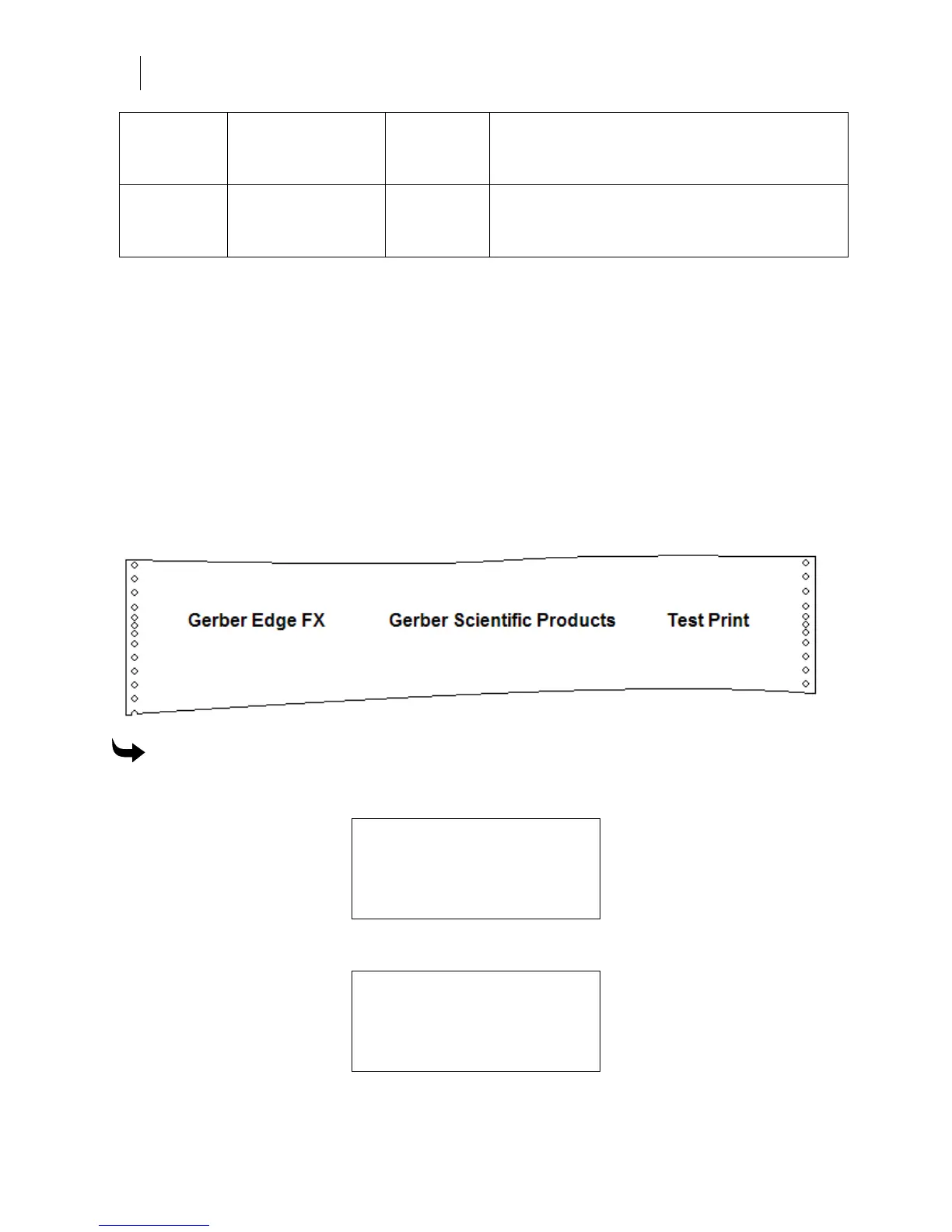
Printing the internal test print
The internal test print is a simple print (shown in the following illustration) which uses Spot
Black foil (GSC-012) on white 3M Scotchcal Series 220 Premium Film.
To print the internal test print
1 From the MAIN MENU press F4, SYSTEM to open the SYSTEM MENU.
SYSTEM MENU
F1 NETWORK CANCEL F3
F2 DIAG MOTION F4
2 Press F2, DIAG to open the DIAGNOSTIC MENU.
DIAGNOSTIC MENU
F1 TEST PRINT CANCEL F3
F2 NETWORK VERSION F4



 To Next Page