54
CHAPTER 6
Configuring the GERBER EDGE FX via the Web Interface
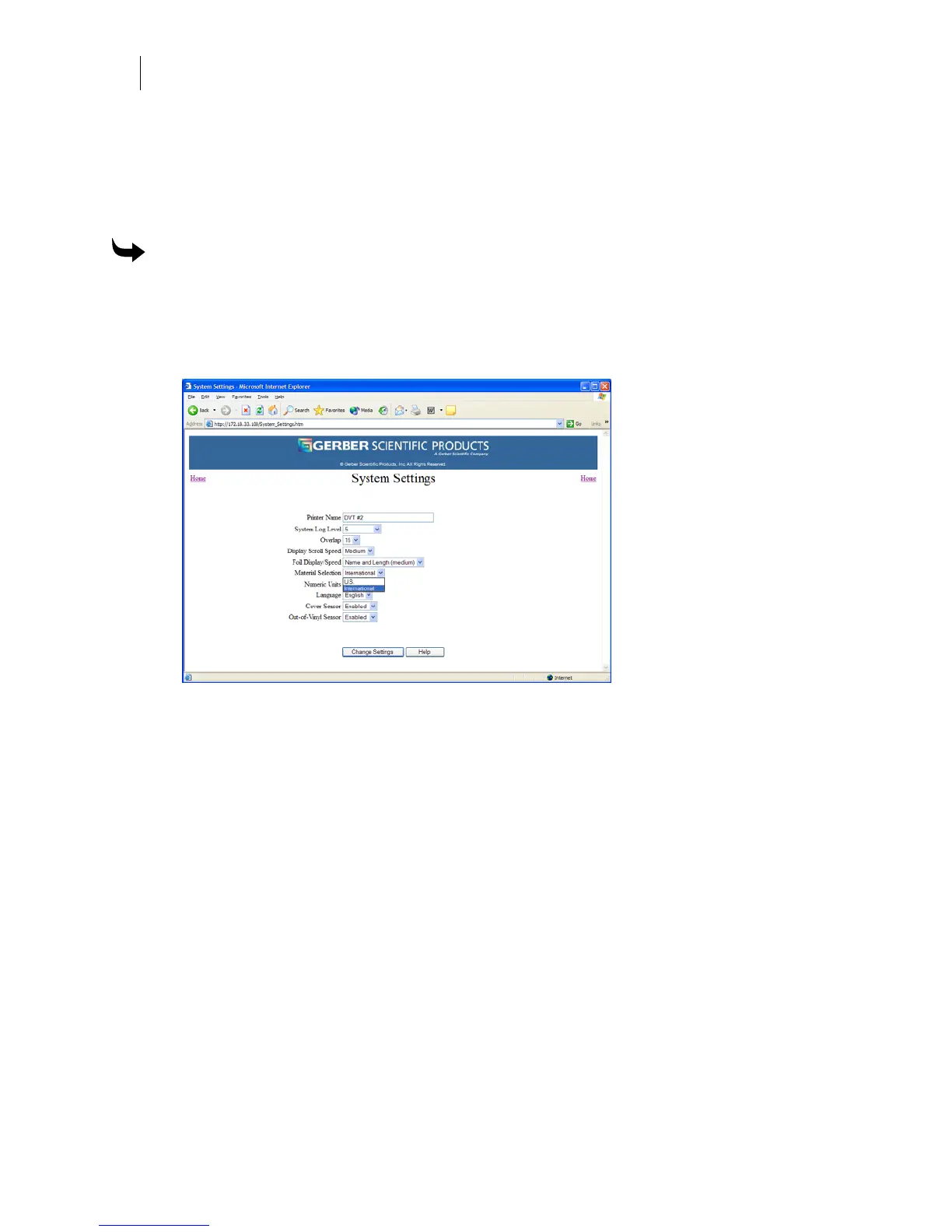
Changing the material selection list
The available material for the GERBER EDGE FX varies for domestic and international markets.
You can select either U.S. or International materials to reduce the number of materials displayed
in the substitution list making it easier to search the list.
To change the material selection list
1 Open the GERBER EDGE FX web interface by entering the printer's IP address in the
Location or Address line of your web browser (for example: http://169.254.128.129).
The Welcome to GERBER EDGE FX screen displays.
2 Click the System Settings link to open the System Settings page.
3 Choose U.S. or International from the Material Selection drop down menu.
4 Click Change Settings to apply the new material selection list.



 To Next Page