43
3 The GERBER EDGE FX reads the RFID tag and compares it to the job requirements. If
the incorrect foil is loaded the GERBER EDGE FX alternates the message between
Need foil requested and length needed and Have foil installed and length remaining on roll.
Note: If you have the Foil Display/Speed setting set to Name only, the foil length required will
not display. For details, see “Changing the Foil Display/Speed” on page 53.
FOIL MENU
F1 OK CANCEL F3
F2 MOTION F4
Need ProcPro Cyan
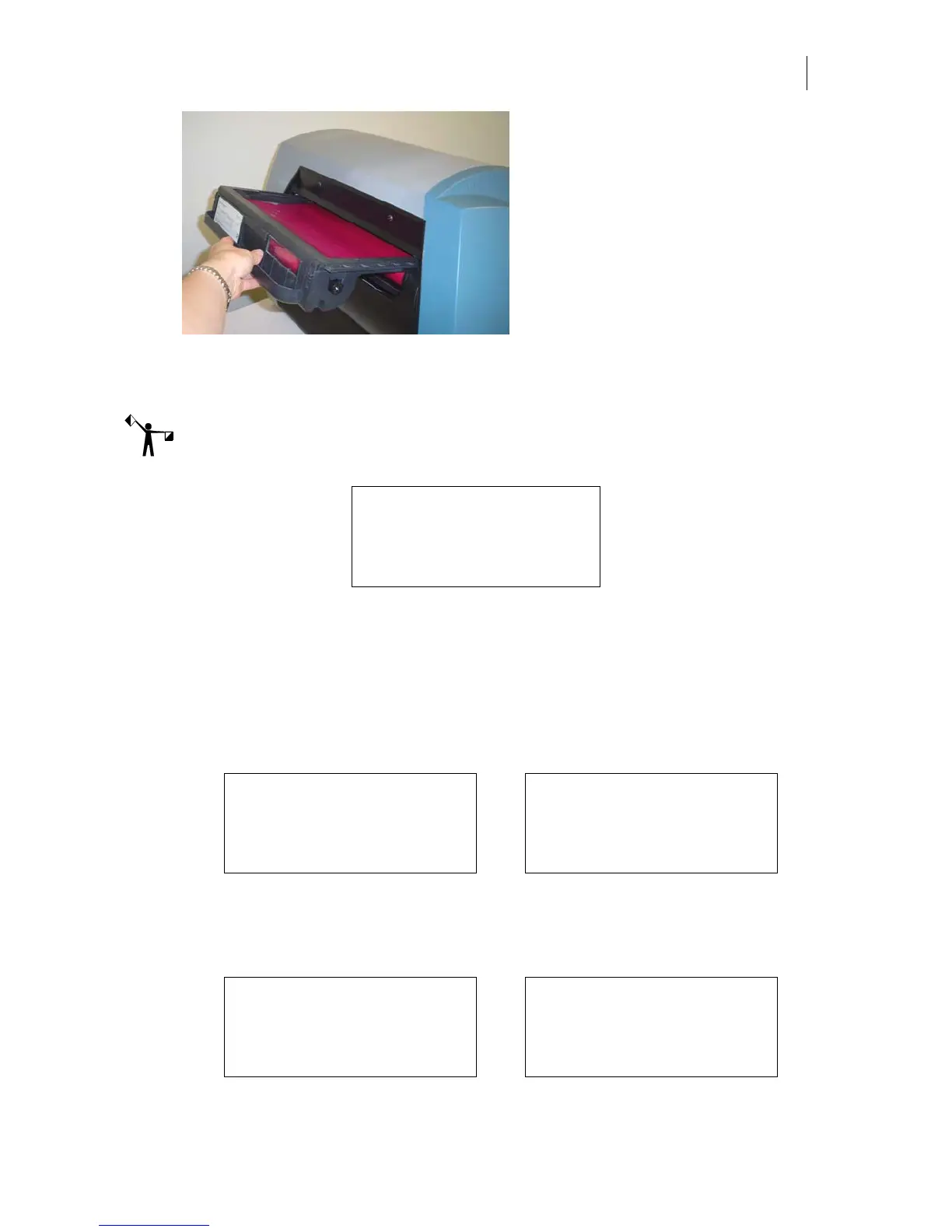
4 Remove the loaded cartridge and load the correct foil. If the printer is in Continuous
mode, it automatically begins printing. If in Single mode, press F1, OK to confirm that
the correct foil is loaded and to start printing. If you wish to substitute a different foil
see “Substituting a different foil” on page 44.
5 If the length of foil remaining on the
roll is inadequate for the job, the GERBER EDGE
FX displays
Need foil requested and length needed and Have foil installed and length remaining
on roll. The foil name and the length alternate on the bottom line of the display.
FOIL MENU FOIL MENU
F1 OK CANCEL F3 OK CANCEL F3
F2 MOTION F4 MOTION F4
Need ProcPro Cyan Need 33 inches
6 Remove the loaded cartridge and load a cartridge with an adequate amount of foil.
7 When a correct foil cartridge with an adequate amount of foil is loaded the GERBER
EDGE FX displays:
FOIL MENU FOIL MENU
F1 OK CANCEL F3 OK CANCEL F3
F2 MOTION F4 MOTION F4
Have ProcPro Cyan Have 45 inches



 To Next Page