1-4
1BGetting Started
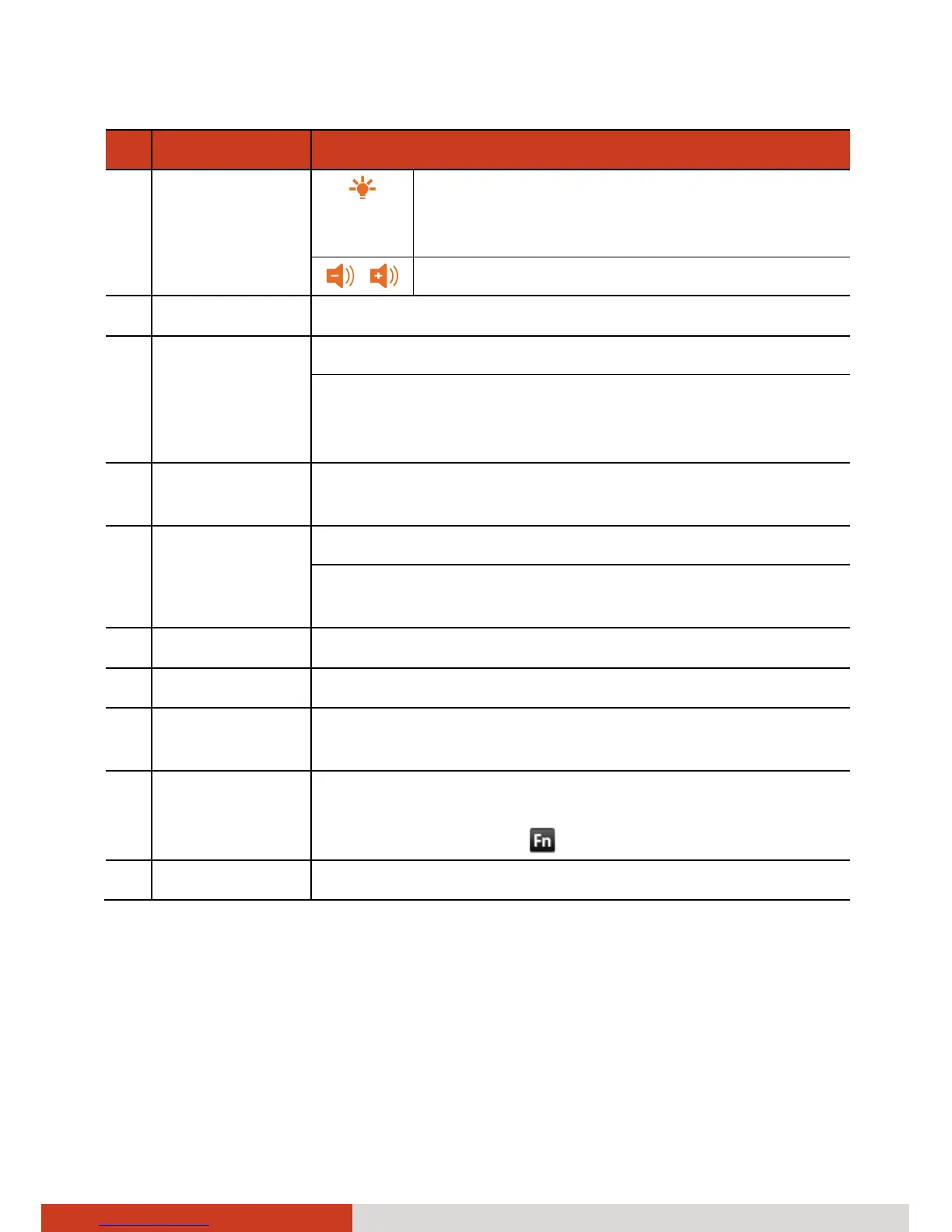
Ref Component Description
Increases the brightness level of the screen.
It cycles to the lowest level after reaching
the highest level.
/ Decreases/increases the sound volume.
o
Send Key Dials or answers a call.
p
Home Key Opens the Home screen.
When pressed longer:
Opens a small window containing icons of recently
used applications.
q
Menu Key Opens a menu containing tools that you can apply to
the current screen or application.
r
Camera Key Starts the Camera program.
Serves as the shutter button if the Camera application
is currently in use.
s
Back Key Returns to the previous screen.
t
End Key Ends or rejects a call.
u
Search Key Opens a search box where you can enter text to search
information.
v
Function Key Switches on or off the “alternative functions” of the
numeric keys. Fn lock is off by default. When it is
switched on, the icon
shows in the Status bar.
w
Enter Key Confirms your selection or input.



 To Next Page