TROUBLESHOOTING
Symptoms Cause of Trouble & Troubleshooting
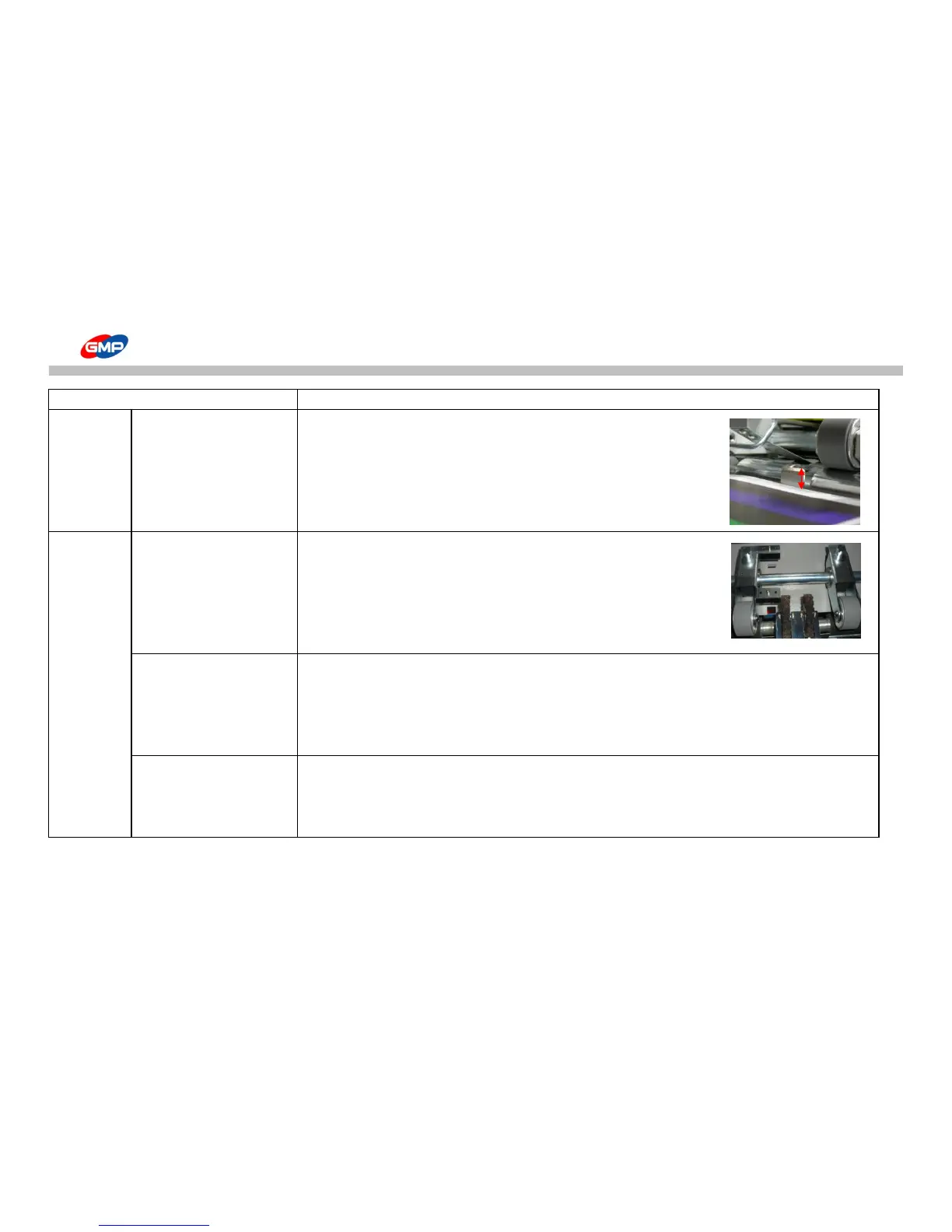
More than 2 sheets are fed 1. Separator is at wrong position.
-> Recommend area of plate of separator to substrate is 5~7mm.
2. Distance between top end of Shutter and substrate top is less than 3mm.
or substrate top is higher than shutter height.
-> Rotate the feeder height adjustment knob to the left to reduce its height.
For this status, move the feeding table downward firstly and move it upward.
Substrates are not fed straight 1. Left/Right pressure of feeding wheel is not same each other.
-> Reduce pressure of feeding wheel that makes wrong direction of sheet.
2. Left/Right pressure on Laminating roller is not same each other.
-> Contact to a supplier.
Feeding sheets distance are not same.
1. Substrate Alignment Cylinder is defective.
-> Replace its cylinder. Contact to a supplier.
-> Solenoid Valve is defective. Check connection status of signal cable.
Replace Solenoid Valve. Contact to a supplier.
2. Main Belt tension is loosen.-> Contact to a supplier.
Operation is stopped. 1. If substrates has gap due to feeding error, system is stopped.
-> Press "FEEDER HOME" button to make feeder at origin point.
2. E-stop S/W is activated.
-> Release it from E-Stop status.



 To Next Page