User Manual
29
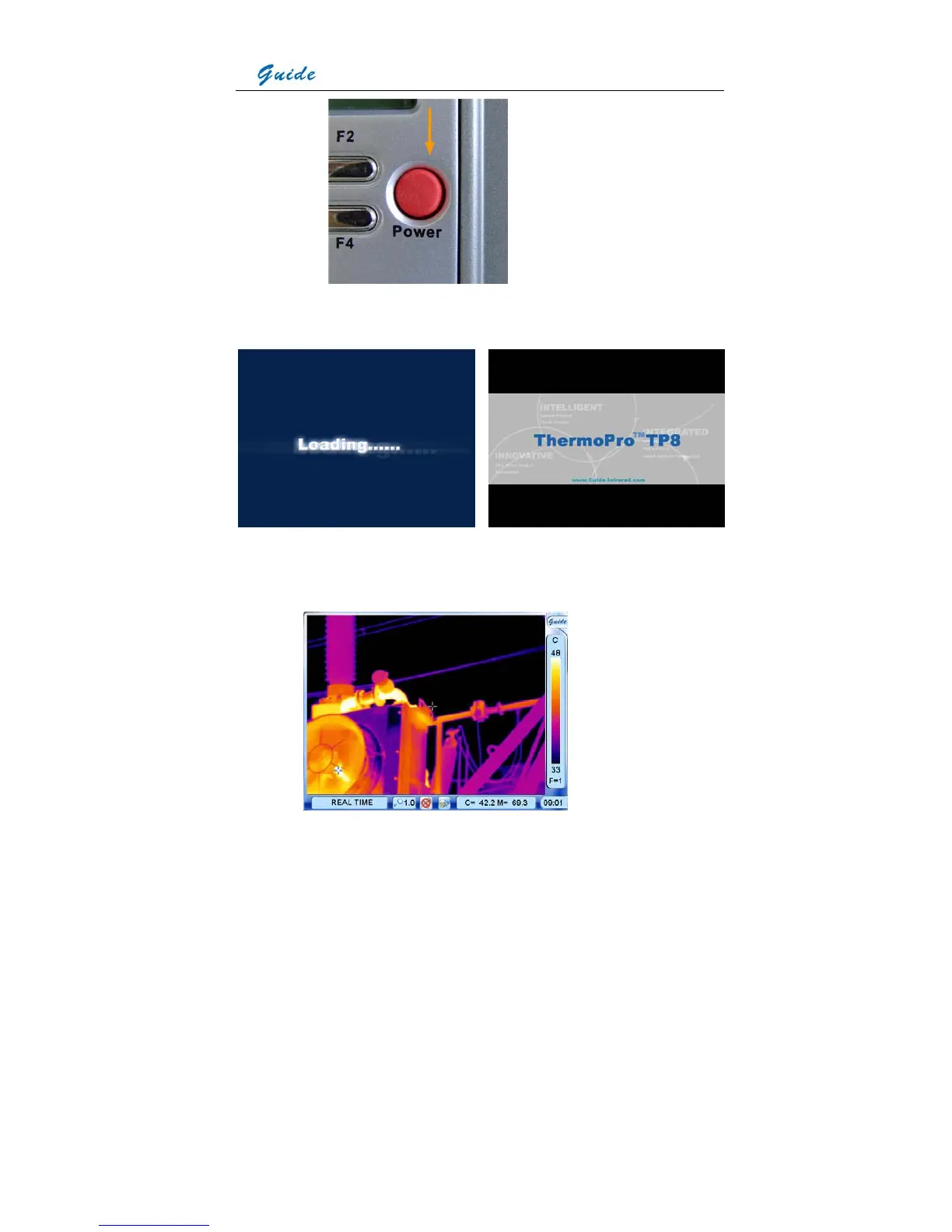
Then the loading image and boot screen flash as shown below appear in the screen
successively with music.
After the boot screen flash disappears, live image as shown below is displayed, with Guide
logo and temperature setup menu lying at the right side, status bar, zoom bar, speech control
bar, memory media bar, temperature display bar and time bar lying at the bottom.



 To Next Page