User Manual
30
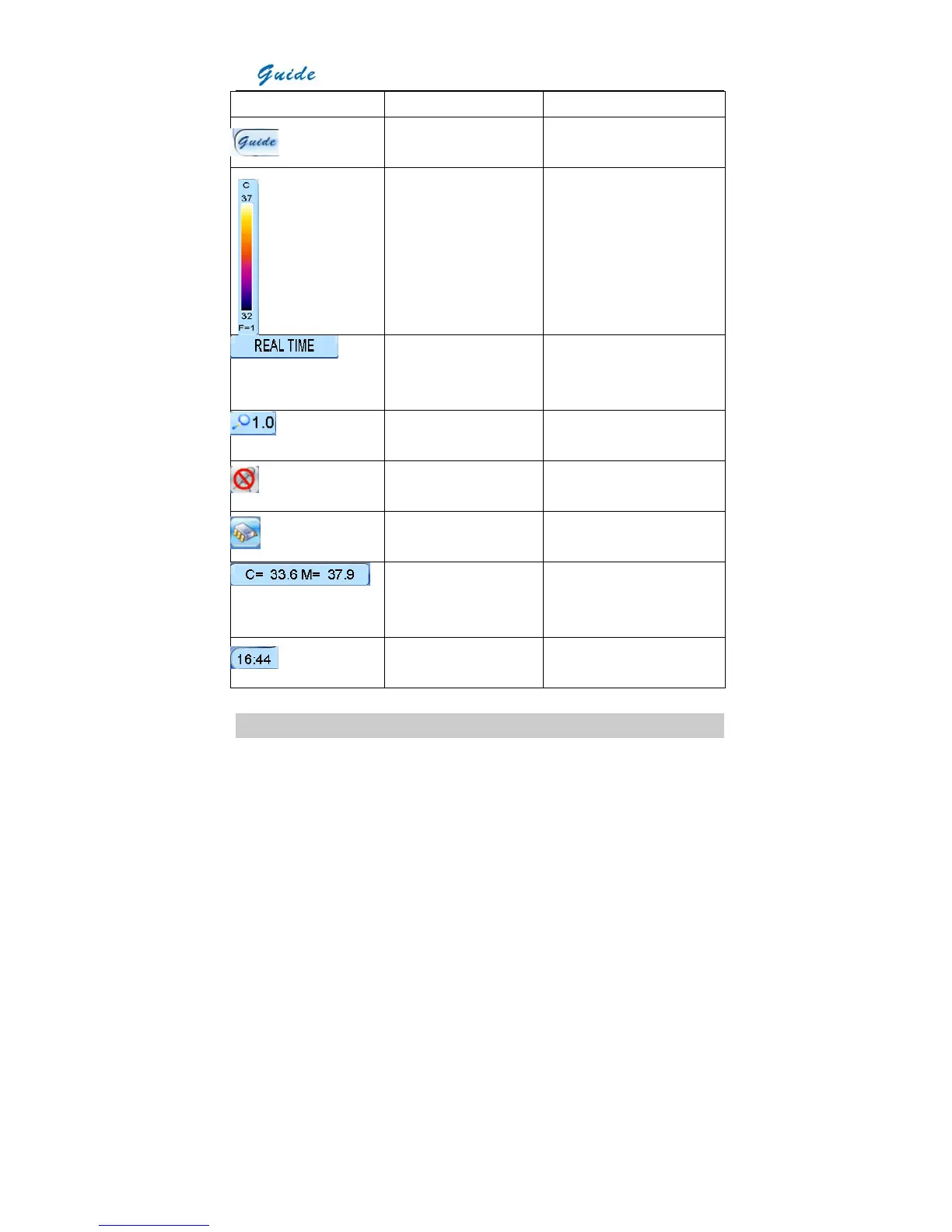
Icon Significance Function
Guide logo Bring up the main menu upon
click of the touch pen
Temperature setup menu Display the temperature unit
and adjust Tmax, palette, Tmin
and fliter range for the current
image
Status bar Show the status of the current
image: live, frozen, saved, auto
mode, manual mode, etc.
Zoom bar Indicate the magnification of the
current image
Speech control bar Indicate on or off status of the
auto speech control function
Memory media bar Indicate the memory media that
the camera currently uses
Temperature display bar Display the center temperature
and the maximum temperature
of the current image
Time bar Show the current time of the
camera
Non Uniformity Calibration (NUC)
• After powering on the camera and the boot screen flash disappears, the camera will



 To Next Page