User Manual
69
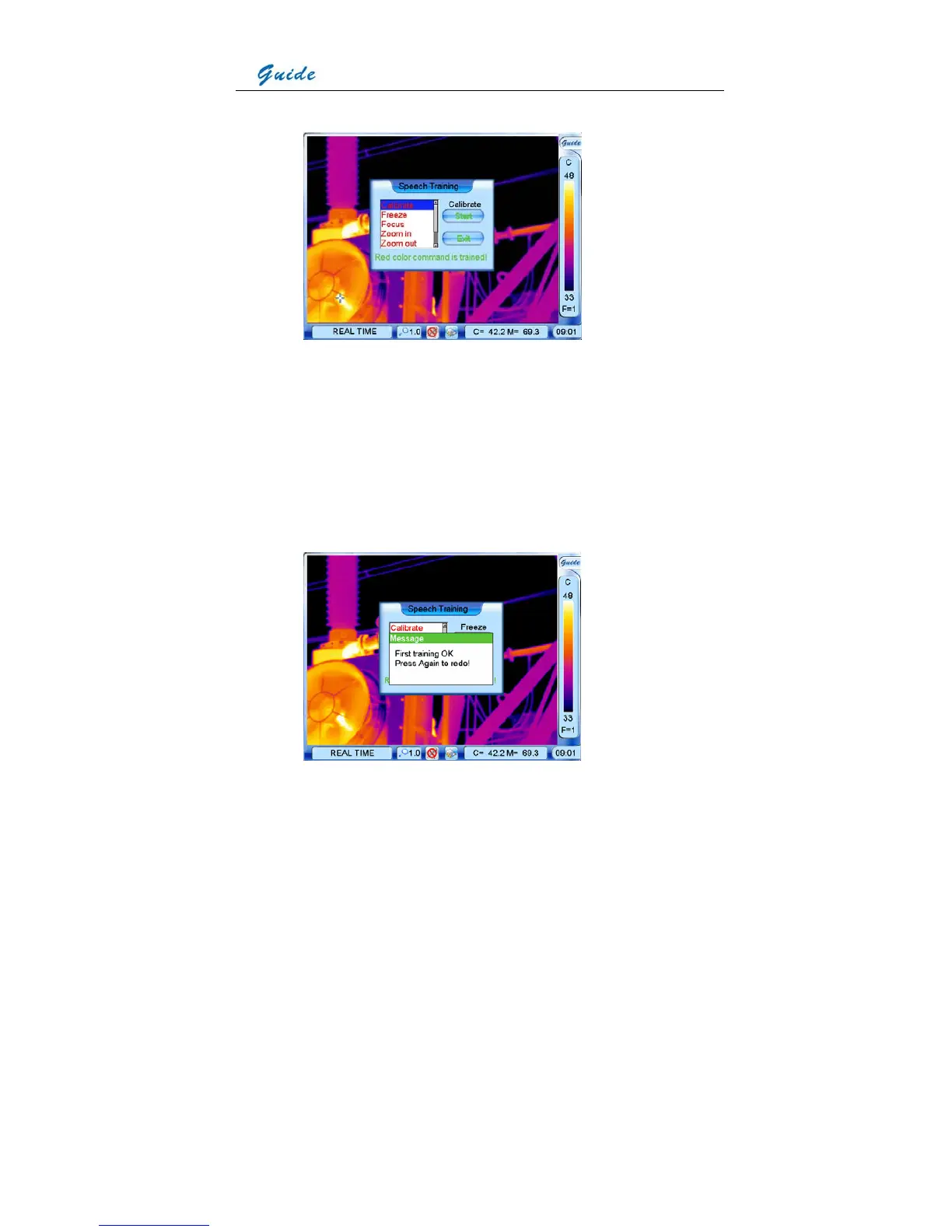
• To select a certain phrase, click it with the touch pen or move the joystick onto it.
• When highlighting a phrase, you can start training its template by clicking button Start with
the touch pen directly or by pressing button S or moving the joystick right firstly and then
pressing the joystick.
• Immediately pronounce the phrase in front of the microphone, then the recorded phrase
will be replayed and a Message dialog box will appear on the screen to show whether the
training succeeds or fails.



 To Next Page