User Manual
70
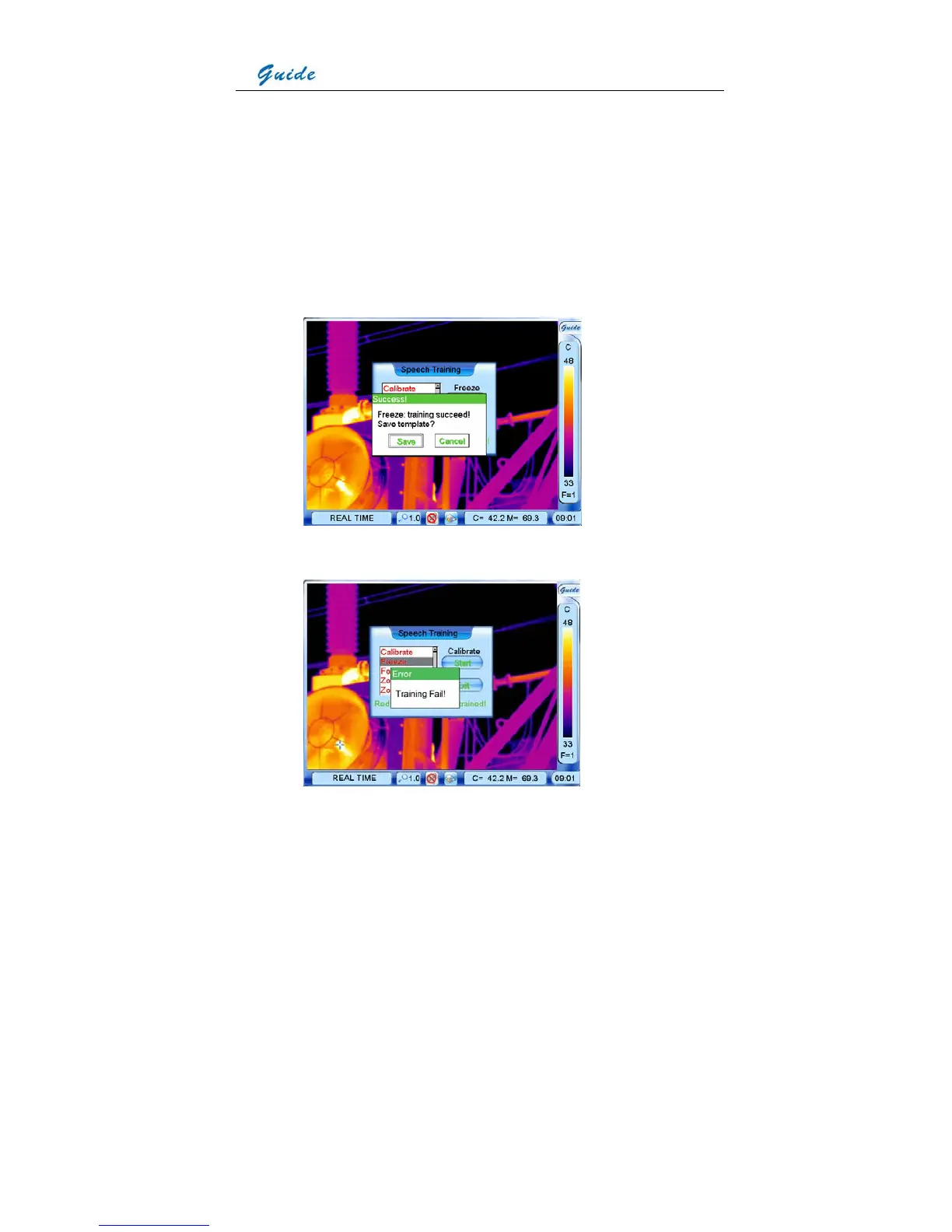
• If the training has failed, press the joystick to close the dialog box and then repeat the
above procedures till training succeeds.
• If the training has succeeded, press the joystick to close the dialog box. Now button Start
will change to be Again and highlighted. Click it with the touch pen or press the joystick to
select it to start the second training. Pronounce the phrase again. If the second
pronunciation is similar to the first one, the camera will regard the second training
succeeds, freeze the pronunciation and bring up a Success dialog box to prompt saving
the template. Press button Save to save the template and Cancel to cancel the training.
• If the second pronunciation differs greatly from the first one, the camera will regard the
second training fails and bring up an Error dialog box to prompt the training has failed.



 To Next Page