General Operation: Sequestration 119
Haemonetics
®
Cell Saver
®
Elite
®
+ User Manual P/N 130859-US, Manual Revision: AA
Completing the
Sequestration
Cycle
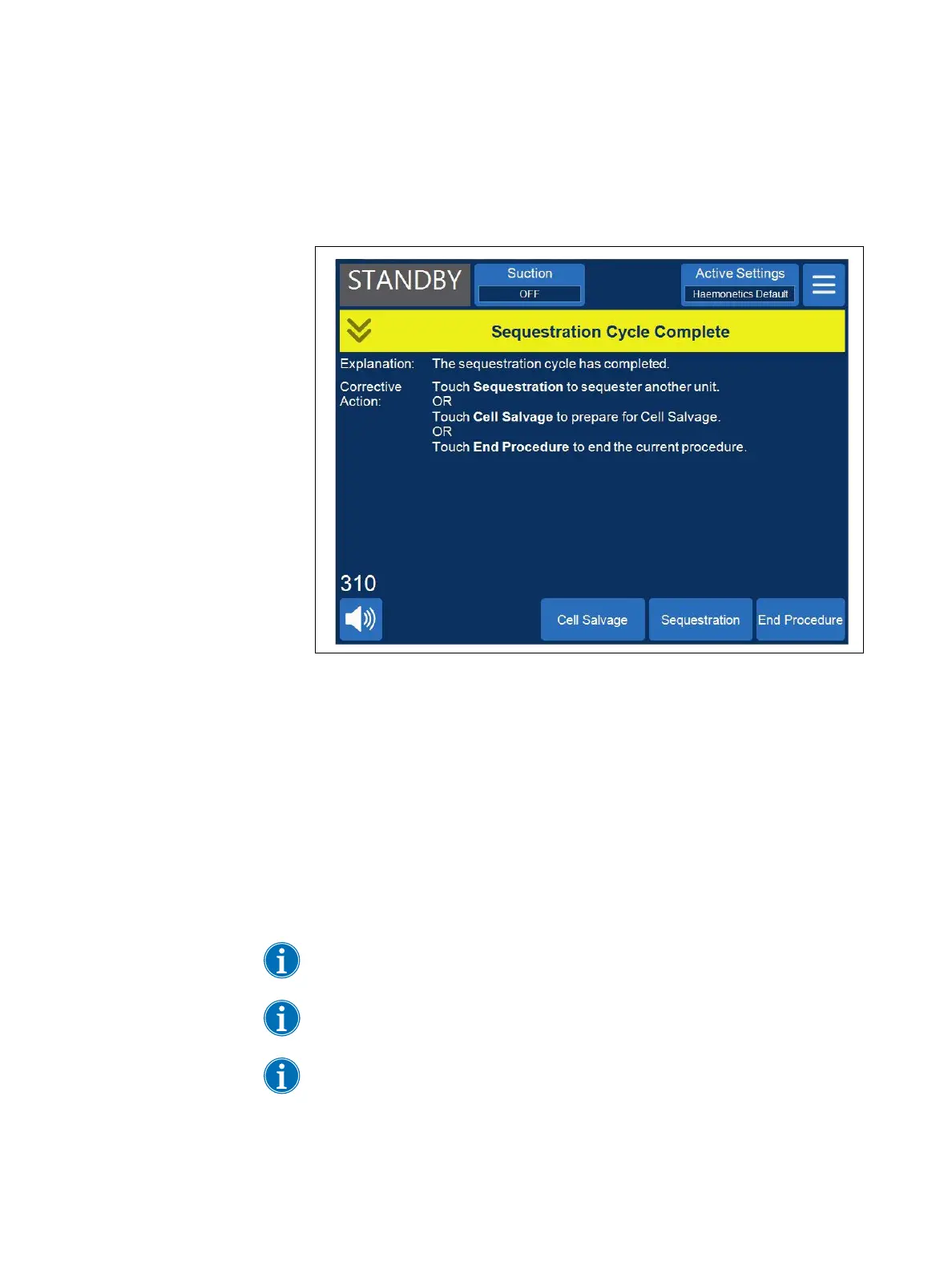
At the end of each Sequestration cycle, the device displays a prompt asking
you whether to sequester another unit from the blood bag, prepare for a Cell
Salvage procedure, or end the procedure.
Figure 63, The Sequestration Cycle Complete message
To end the Sequestration procedure:
1. Touch End Procedure. A “Confirm Procedure Complete” message
appears.
2. Touch End Procedure to confirm.
The Records screen displays the procedure record. If the device detects there
is still fluid in the bowl, it empties the bowl to the blue line. The device then
pumps a small amount of air through the blue line to flush any remaining blood
in the line into the RBC bag. During this Empty phase, a “Purging Blue Line”
message appears in the message area. When the blue line has been fully
purged, a “Procedure Complete” message appears.
Note: Haemonetics does not recommend resuming a Sequestration procedure
after marking it completed.
Note: To begin a new procedure, you must first power down the device and
power it back on.
Note: If you power down the device before fully purging the blue line, power the
device back on, choose to resume the procedure, and touch End Procedure.
This flushes the remaining blood in the blue line into the RBC bag.



 To Next Page