Protocol Settings 127
Haemonetics
®
Cell Saver
®
Elite
®
+ User Manual P/N 130859-US, Manual Revision: AA
7. Touch Done to save the changes and return to the Settings screen.
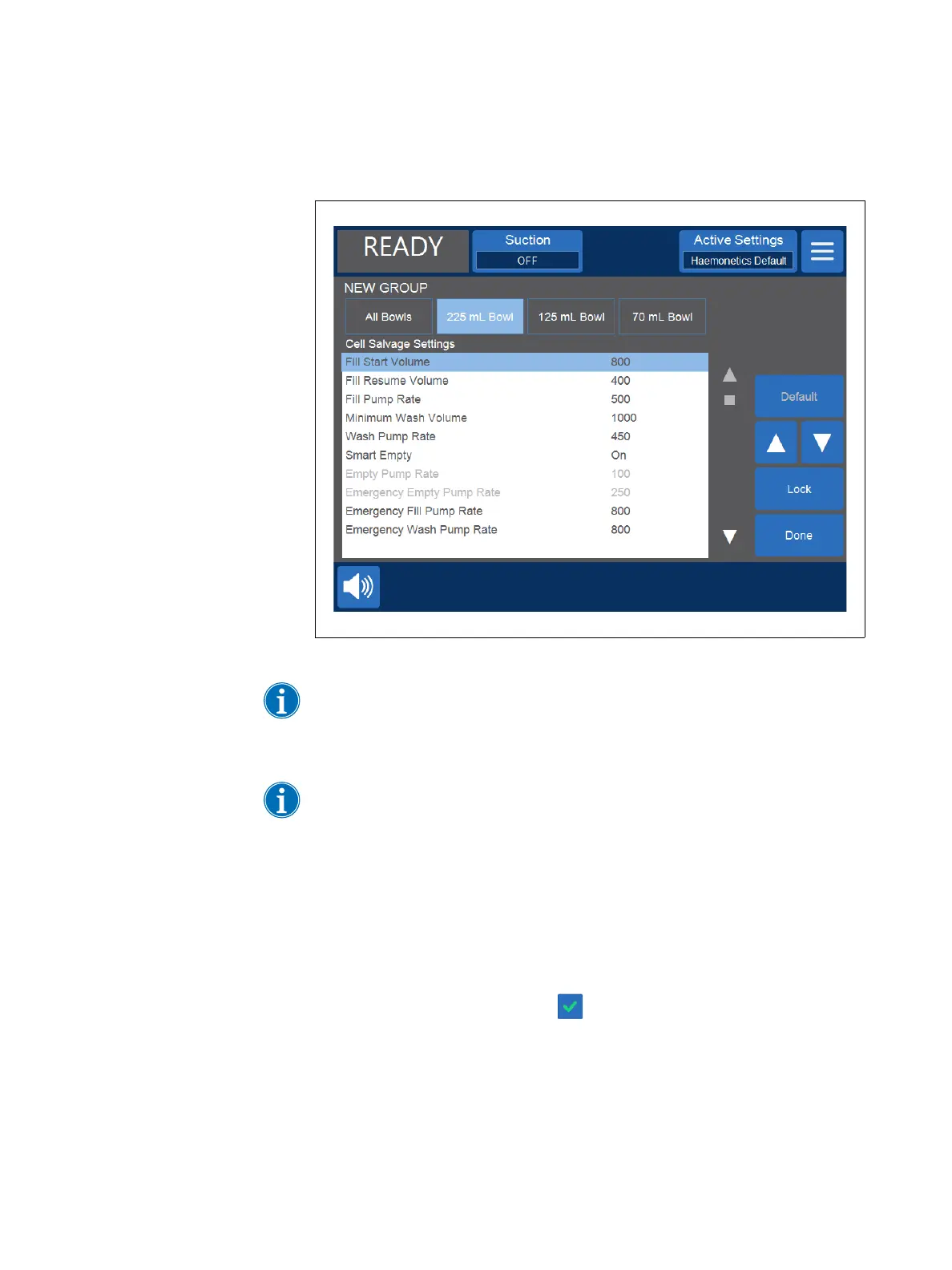
Figure 66, Example of the parameter list
Note: If you navigate to a different screen without touching Done, your changes
will still be saved. All changes will take place immediately, except target volume
settings if the current processed volume is greater than the new target volume.
In that case, the new target volume will not apply until the next cycle.
Note: Changing the current settings group will overwrite any manual
adjustments you may have made.
Locking a
Settings Group
When you create or edit a settings group, you can choose to lock it so it cannot
be edited without the proper password.
To lock a settings group:
1. From the parameter list, touch Lock. A keyboard appears.
2. Enter a password and touch (Accept).
To unlock a settings group:
1. From the Settings screen, select the settings group.
2. Touch View. The parameter list appears.
3. Touch Unlock. A keyboard appears.



 To Next Page